
Apple Mac mini 2024 M4 Pro MACmM438 GEth
Monitors2773
Price from $271.99 up to $345.99
Compare prices5→Compare prices and buy MSI MAG 274QPF X30MV
 |
gaming, 27 ", 2560x1440 (16:9), QD-Mini LED VA, response 0.5 ms, 300 Hz, 8-bit + FRC (1.07B Colors), 1.07B, sRGB 152 %, DCI-P3 97 %, HDMI, v 2.1, DisplayPort, VESA Adaptive-Sync, HDR, TÜV Rheinland
Price from $379.99 up to $549.99
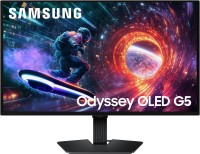
Compare prices7→Compare prices and buy Samsung Odyssey OLED G50SF 27
 |
Expecting restock
 |
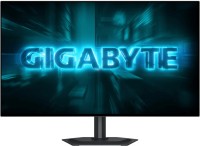
gaming, 27 ", 2560x1440 (16:9), IPS, response 0.3 ms, 165 Hz, 16.7M Colors, sRGB 120 %, DCI-P3 90 %, HDMI, DisplayPort, speakers, AMD FreeSync, NVIDIA G-Sync Compatible, VESA Adaptive-Sync, HDR, TÜV Rheinland
499.99Buy!
$
$
BestBuy.com
Report
 |
gaming, 27 ", 2560x1440 (16:9), OLED (WOLED), response 0.03 ms, 240 Hz, 10-bit (1.07B Colors), 1.07B, DCI-P3 99 %, HDMI, v 2.1, DisplayPort, USB-C (DP Alt Mode), AMD FreeSync Premium, NVIDIA G-Sync Compatible, HDR, TÜV Rheinland
Keyboards23
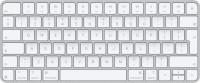
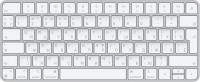
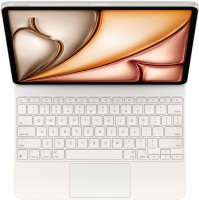
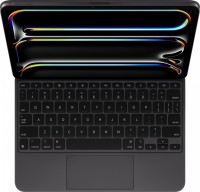
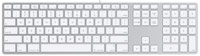
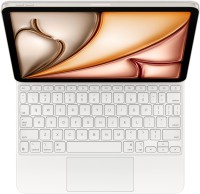
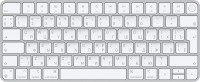

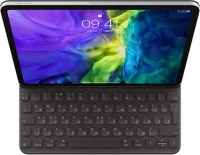
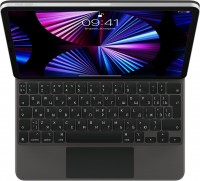
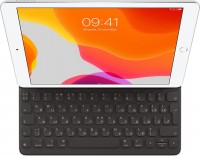
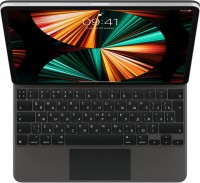
Mice4
Apple Magic Mouse 2 USB C (2024)
from $69.00
Apple Magic Trackpad (1st gen)
from $149.99
Apple Magic Trackpad 2 (2021)
from $169.99
Apple Magic Trackpad 2 USB-C (2024)
from $129.00
Cables (video, audio, USB)62
 |
28.99Buy!
$
$
BestBuy.com
Delivery: in USA
Report
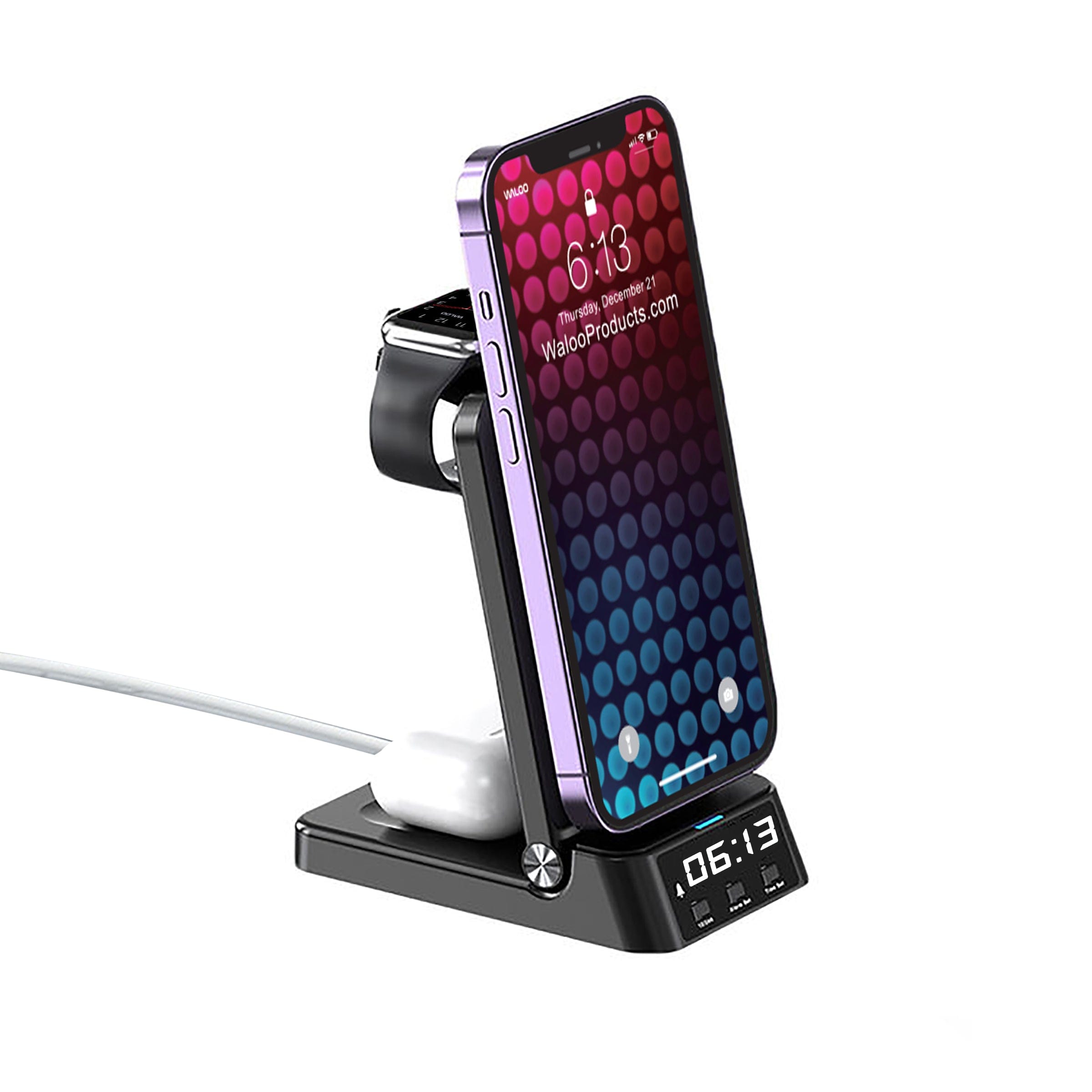
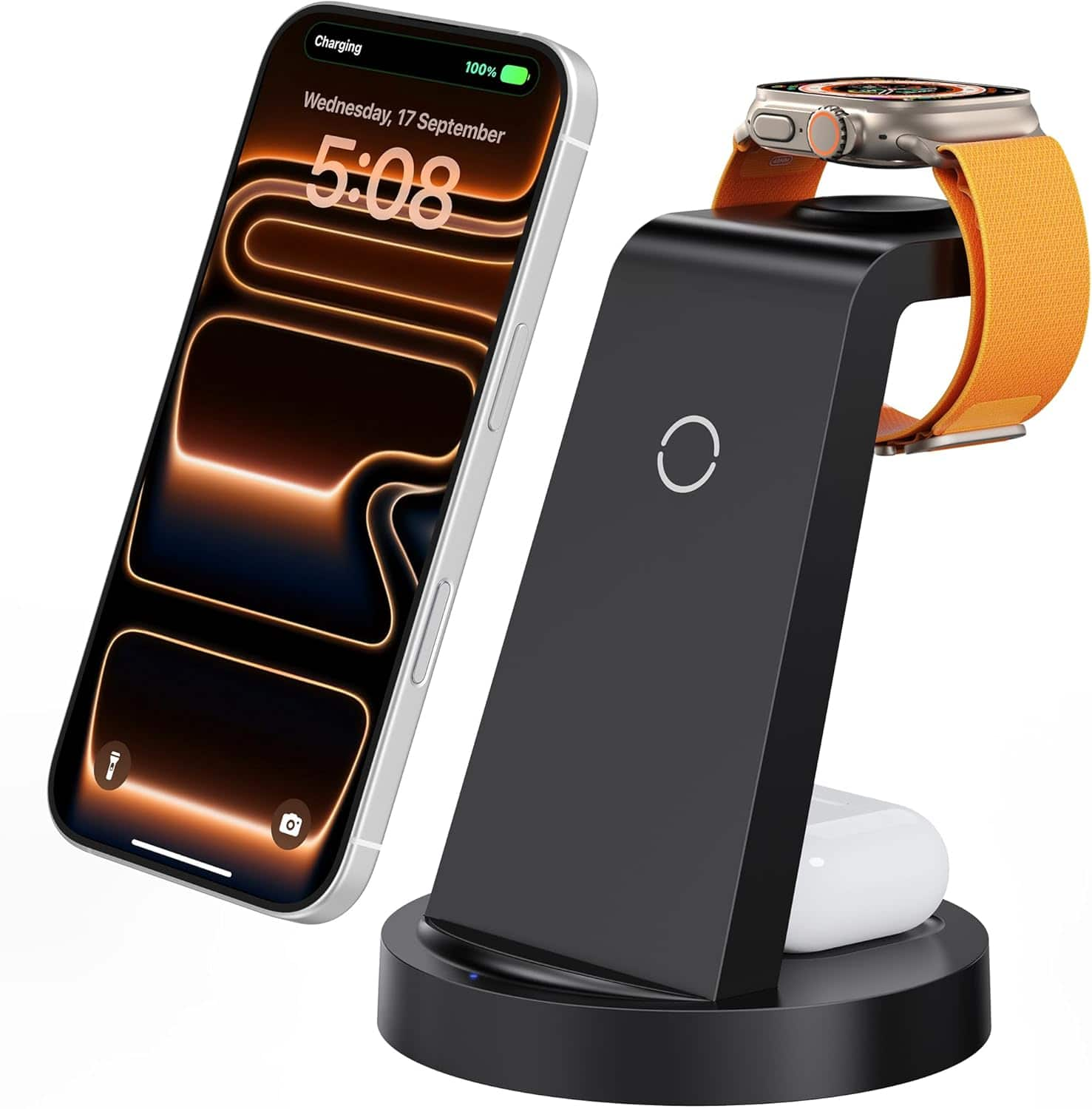
Easilly Charge your iPhone, Apple Watch & AirPods with Waloo 4 in 1 Charging Dock! This Charging Dock works with Wireless Charging. All you have to do is plug one cable (included) into your wall adap more→ter (not included). The built in Clock is perfect for checking the time throughout the night as well as having the option to set an alarm! The Dock features a unique folding design. Making it easy to take it anywhere you go! Works With All QI Enabled Devices.
 |
119.99Buy!
$
$
BestBuy.com
Delivery: in USA
Report
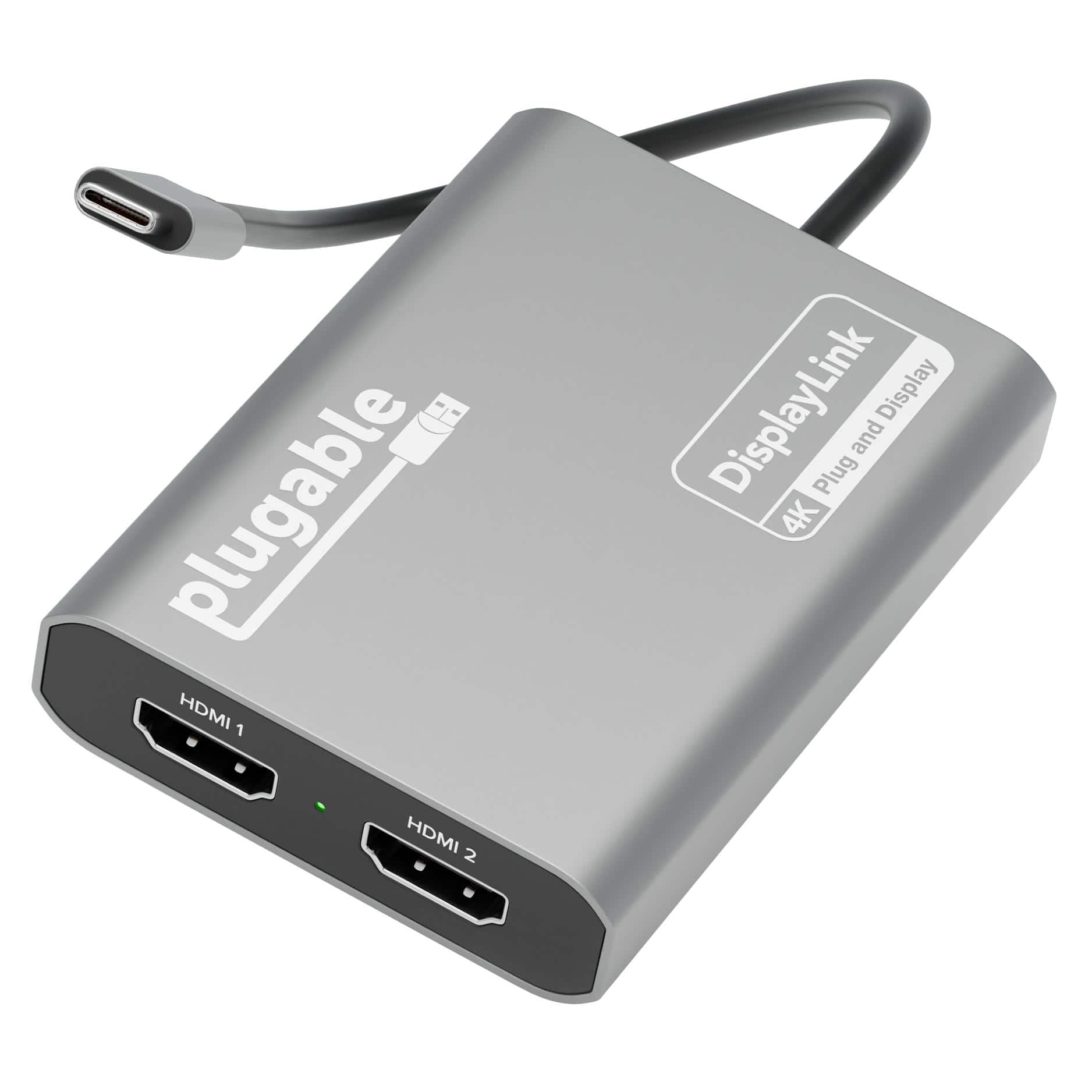
Adding multiple screens to your work setup has been shown to dramatically increase productivity. The Plugable USB-C Dual 4K multi HDMI adapter (USBC-6950M) is designed to give you those productivity g more→ains even if your computer doesn’t natively support multiple displays — like base model M1, M2, and M3 Macs. Of course, the multi monitor adapter works just as well with Windows 10 and newer, and ChromeOS 100+ systems, too. At the heart of this HDMI extender for dual monitors is a DisplayLink DL-6950 chipset. You’ll need to download and install the DisplayLink drivers (manual installation on Mac; generally an automatic process on Windows machines), but once you do, you’ll see the benefits this mul…
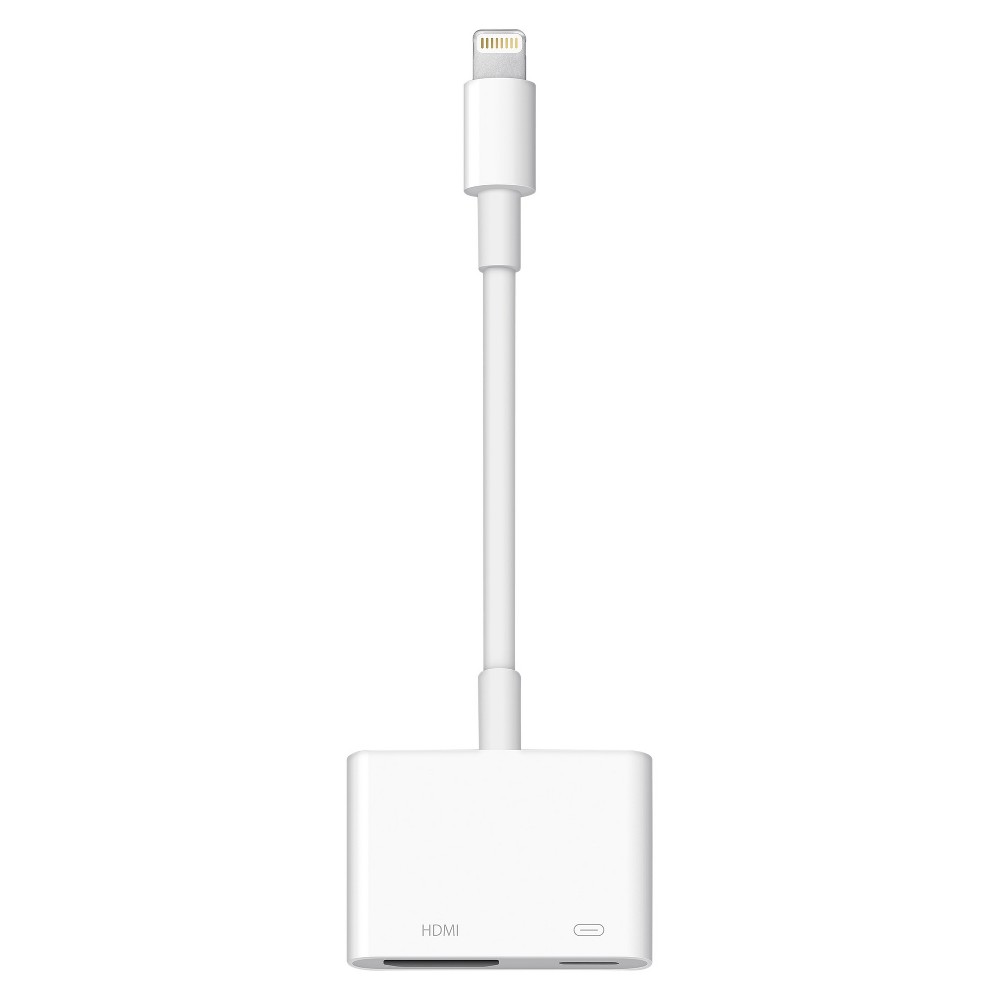 |
Use the Lightning Digital AV Adapter with your iPhone, iPad, or iPod with Lightning connector. The Lightning Digital AV Adapter supports mirroring of what is displayed on your device screen — includin more→g apps, presentations, websites, slideshows, and more — to your HDMI-equipped TV, display, projector, or other compatible display in up to 1080p HD. It also outputs video content — movies, TV shows, captured video — to your big screen in up to 1080p HD. Simply attach the Lightning Digital AV Adapter to the Lightning connector on your device and then to your TV or projector via an HDMI cable (sold separately). What’s in the Box Lightning Digital AV Adapter System Requirements Requires an HDMI cable…
Important!
Compatibility with specific models Desktop PCs should be confirmed with the online store manager directly before purchase.
Compatibility with specific models Desktop PCs should be confirmed with the online store manager directly before purchase.