
Redragon Nemeanlion 2 (70438)
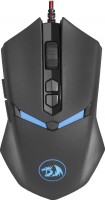 | Outdated Product Product type: mouse; Connection: wired; Sensor: optical; Type: for game; Sensor: PixArt 3212; Sensor Resolution (DPI): 800 – 7200; Max. acceleration (G): 10; Buttons: 6; Side buttons; DPI-button; Switch type: mechanical; Switches: Omron; Optimal grip: palmar, finger; Programmable buttons E-Catalog uses affiliate links compensated by our partners. |


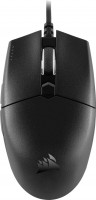
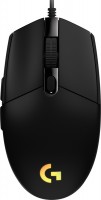
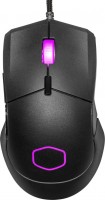
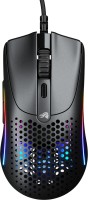
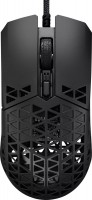
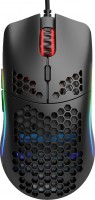
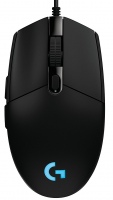

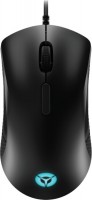
Redragon Nemeanlion 2 | |||||||||||||||||||||||||||||||||||||||||||||||||||||||||||||||||||||||||
|
| ||||||||||||||||||||||||||||||||||||||||||||||||||||||||||||||||||||||||


Always clarify the specifications and configuration of the product with the online store manager before purchasing.
Catalog Redragon 2026 - new arrivals, bestsellers, and the most relevant models Redragon.










0 0 0 4 |
Ergonomic shape (almost unchanged after office use) Playful price for such beauty Comfortable coating (like on the original iPhone monochrome cases) Top sensor at 7200dpi which I haven't triggered even once in 3 months Braided cable Perfect weight Macros programmable on buttons through special software Adjustable and switchable lighting The scroll wheel slightly wobbles, but these are minor issues (possibly an isolated case).  Kostya Klyuev: use Redragon Nemeanlion 2 few months Kostya Klyuev: use Redragon Nemeanlion 2 few months |
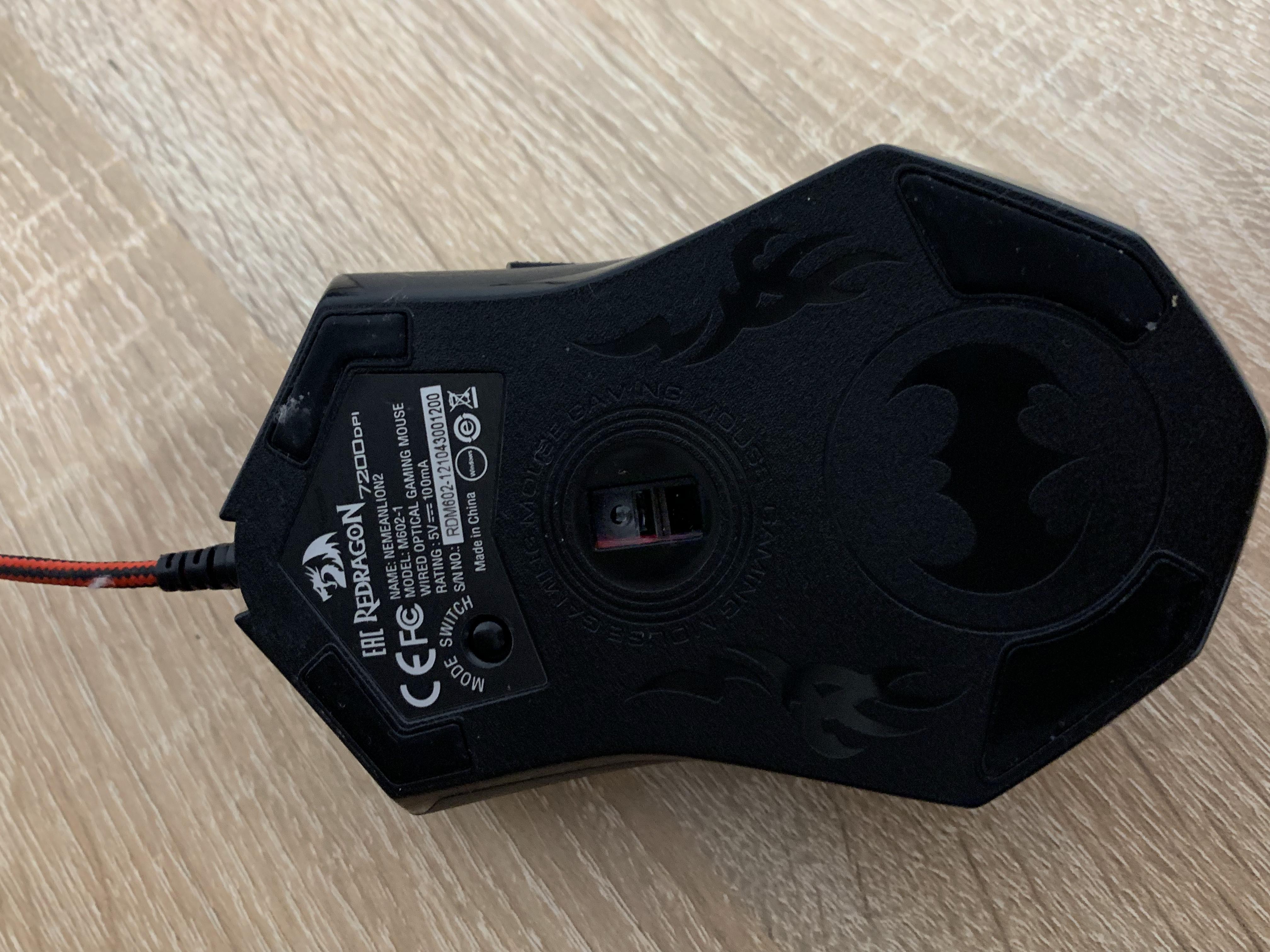
unusual scroll wheel, side buttons, braided cable with filter, backlight any way you want, beautiful little dragon, stylish look, resembling a jacket (don't ask how I saw a jacket here), beautiful bottom of the mouse, easy to clean, seems not fragile. Fits comfortably in the hand of a person ~190cm tall, thumb support it gets noticeably dirty from hands, you need to wash your hands before using the mouse. Just kidding.... Due to the coating on the mouse, it noticeably picks up grease from hands, but it can be easily cleaned with an alcohol wipe. ((NOT A BIG MINUS)) By the way, if you don't clean the mouse regularly, it will become glossy where the 1 and 2 buttons are ;D The USB plug is quite long (an adapter is needed if the computer is right against the wall), at least 6 cm of space is needed for the mouse to work.  Arseny_1987: use Redragon Nemeanlion 2 few months Arseny_1987: use Redragon Nemeanlion 2 few months |
Garna misha in this price category. Friend of this brand - I hate it Cost Appearance 7200 dpi no Mas: use Redragon Nemeanlion 2 few months |
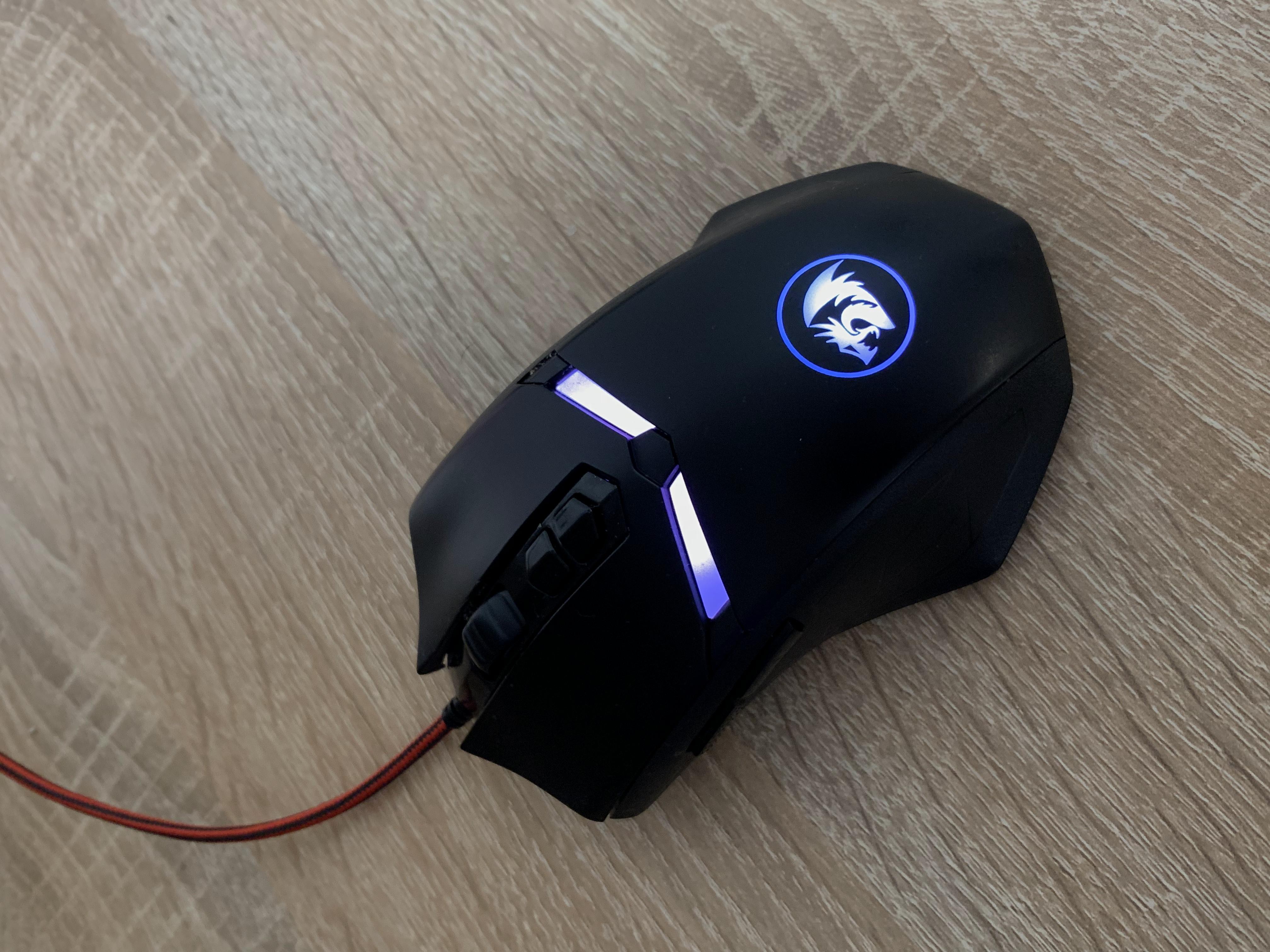
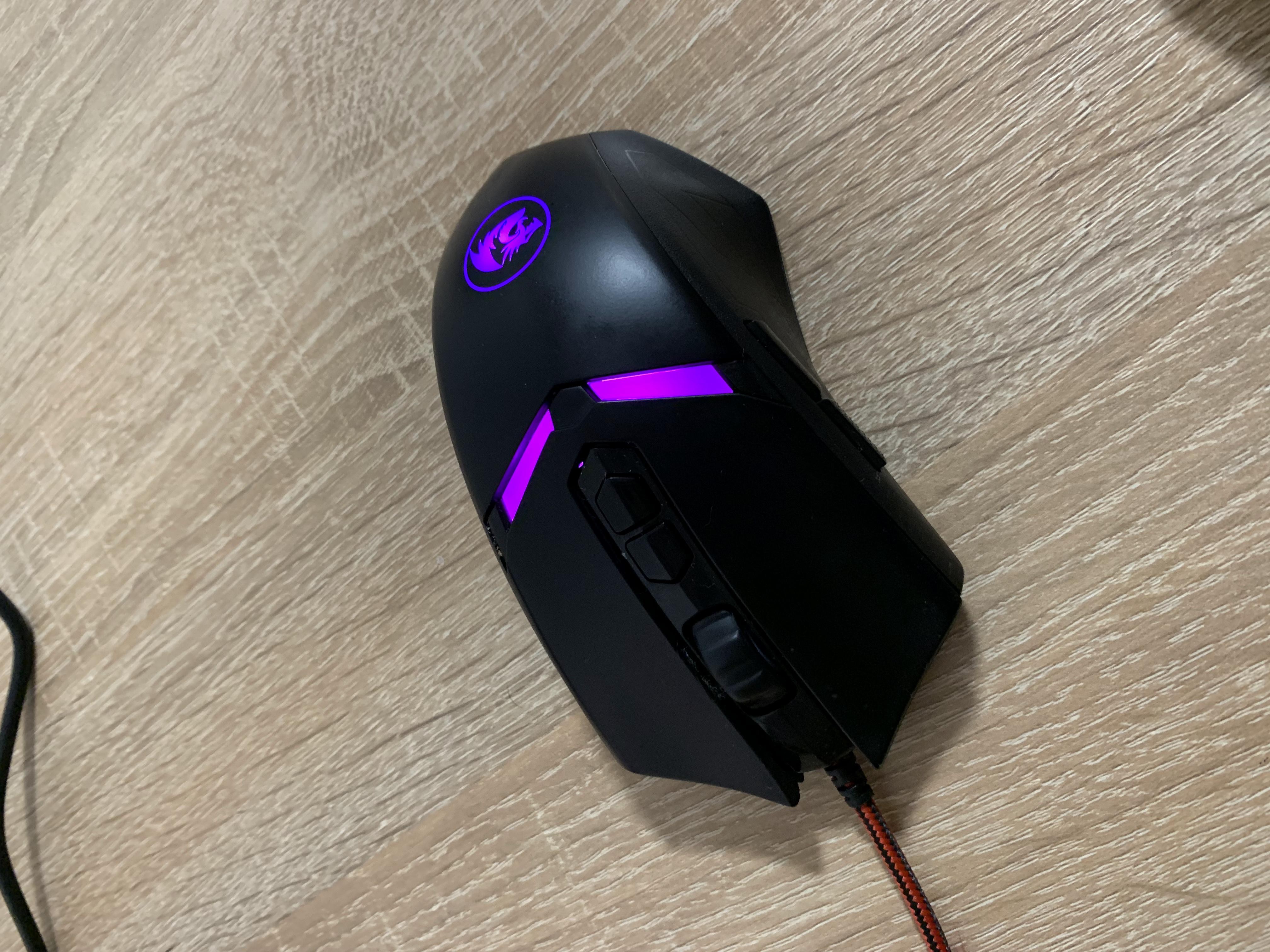


Inexpensive doesn't mean bad
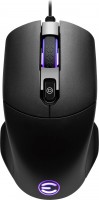
Despite the price of $20, the Redragon Nemeanlion 2 turned out to be a successful gaming mouse with a nice design and thoughtful ergonomics. The body of the mouse is made of matte non-slip plastic, the side projections under the fingers provide comfort when using the mouse for a long time without feeling tired in the hand. The design is symmetrical, suitable for both left and right hand. Plus, the cable braid will allow her to live longer.
4 additional buttons
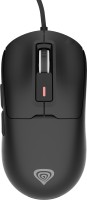
Visually, the case of Redragon Nemeanlion 2 is divided into two parts: on top there are 2 main buttons and a glossy insert with a scroll wheel and a pair of DPI adjustment buttons, on the bottom is the main area on which the palm will lie. The left side is covered with a textured material (again, reduces slip), with a couple of additional buttons that are responsible for the standard back and forth actions by default. The "forward" key is slightly stiffer and covered with an additional layer of rubber to protect against "blind" pressing. It turned out not very convenient, you have to literally press on it with force. In general, this is the only complaint, otherwise Redragon performs perfectly and does not cause any complaints.
RGB lighting for 16 million colours
Both halves of the body are visually separated by a small partition with RGB backlight, the colour of which changes depending on the sensitivity level of the sensor. The backlight has ten different modes of operation that can be switched in a proprietary application. By the way, the application itself is quite standard for game controllers and allows you to carry out basic mouse settings, configure additional keys, calibrate sensitivity (from 500 to 7200 DPI), create macros and save all this within three game profiles.
Driver website https://redragon.ru/drivers/?cat=158&pr=97092
With the drivers, you can turn the mouse into an ideal personalized device, I've set it up for myself and I'm enjoying it. Drivers are not mandatory, you can use it without them, but I highly recommend installing them!
The center of mass is shifted from the buttons, slightly.
The mouse arrived on 06/10/2021, today is 10/31/2021 (4+ months) I bought it for 800 rubles on SberMegaMarket, it was worth it, now as I'm writing this, it's 32 rubles cheaper, lol.