
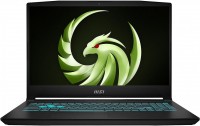
MSI Bravo 15 C7VF
 |




| This model is out of stock |
The line of 15-inch laptops from the MSI brand combines mid-budget gaming solutions from the branded Bravo series. These are balanced portable gaming PCs that can interest budget buyers and/or undemanding fans of computer games. All laptops received an IPS screen with a diagonal of 15.6 inches, 1920x1080 pixel detail and a refresh rate of 144 Hz. And all this with basic parameters of brightness and color gamut.
The MSI Bravo 15 C7VF laptops are powered by a discrete NVIDIA GeForce RTX 4060 accelerator with 8 GB of GDDR6 memory, ray tracing support for realistic image output, and the Advanced Optimus intelligent optimization system. This adapter can provide stable fps in current AAA games at high and even ultra settings (at FullHD resolution). Other hardware of the family is represented by an 8-core 16-thread Rizen 7 Rembrandt R (Zen 3+) processor with a clock frequency of 3.2 GHz, at least 8 GB of DDR5-4800 MHz RAM (in older versions 16 or even 32 GB), and also a solid-state drive SSD M.2 up to 1 TB.
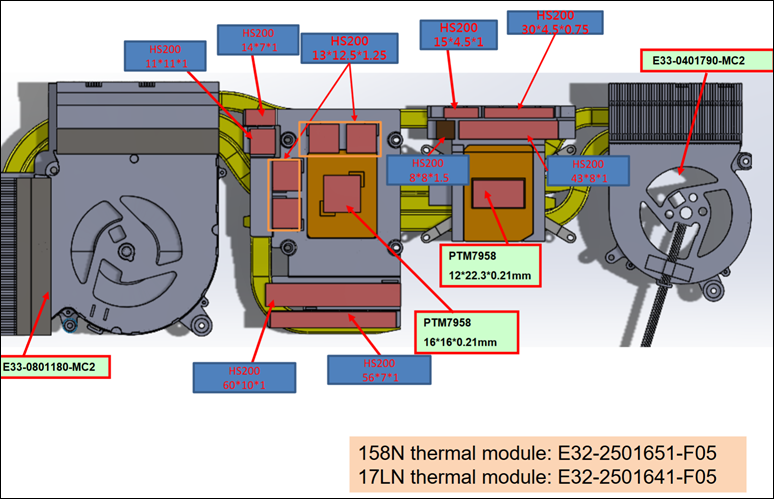
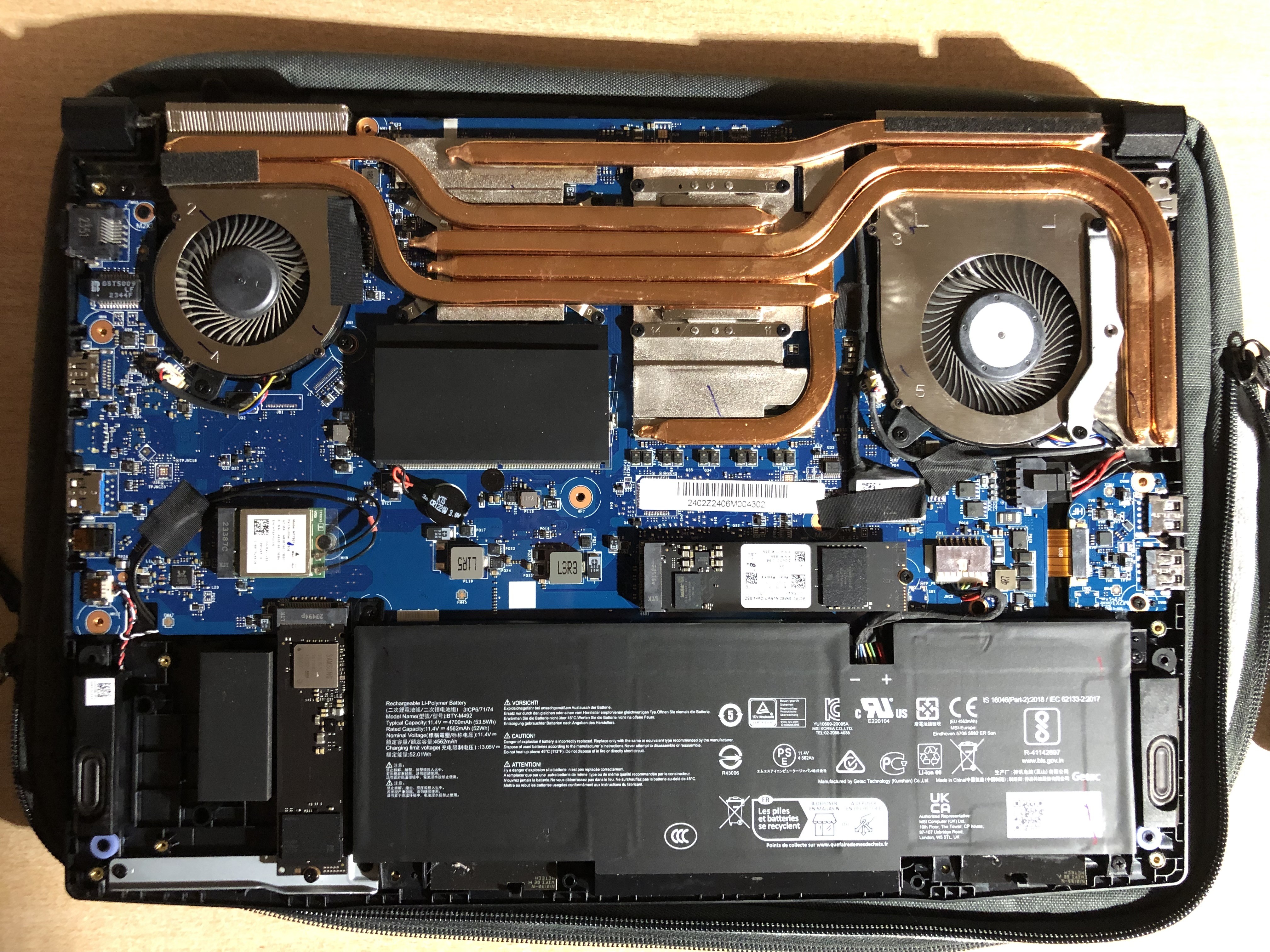
Cooling is provided by the proprietary Cooler Boost 5 system with two fans and six tubes for removing excess heat. Other features of the models include blue backlighting and 1.7 mm travel of the keyboard keys, the presence of a gigabit LAN port for a wired Internet connection (as well as a Wi-Fi 6E (802.11ax) module for over-the-air connections) and a completely standard set of interfaces, including USB-C 3.2 gen1 and HDMI v 2.1.







Possibility to customize, advanced UEFI, MUX, keyboard backlighting, cooling system, possibility to add a drive, RAM. Some advanced UEFI settings do not work, lack of mounting for a second M.2 drive, the case collects fingerprints, keyboard (for some reason, mine is warped), brightness, number of ports, sometimes WiFi disconnects (Complete power off helps - disconnect the PSU, press and hold the power button until it starts blinking, once it stops - release it, reconnect the PSU and turn it on).  -: use MSI Bravo 15 C7VF more than year -: use MSI Bravo 15 C7VF more than year |
Windows 11 works fine if you have a drive with drivers for wifi, LAN, and Bluetooth, as the system does not automatically install them, making network connection impossible.
Windows 10 cannot install drivers for some devices; manual installation does not help, and Bluetooth does not work.
Linux Fedora works well except for the brightness adjustment with Fn keys. FPS is 10-15% higher than on Windows. Downsides include no ability to switch graphics, inability to set fan curves, and similar temperatures as on Windows. With RTX, GNOME works strangely with glitches.
In advanced UEFI settings, you can choose a preset for the processor, set its maximum temperature, and some limits. You can also adjust the fan speeds, but they do not work. Switching graphics is only possible through MSI Center on Windows. After all settings, restrictions, undervolting, and overvolting the graphics card, I achieved stable frequencies and temperatures: CPU - 35-45 degrees during regular tasks on Linux (NO RTX).
In games (Windows): CPU = 75-80, GPU - 60-75.
Battery life (Linux), brightness -75%, YouTube ~ 6 hours on integrated graphics.