
MSI Bravo 15 C7VF [C7VF-009US]
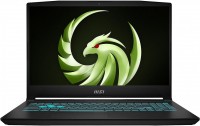 | Outdated Product Display:15.6 ", 1920x1080 (16:9) CPU:Ryzen 7, 7735HS, 3.2 GHz Graphics card:RTX 4060 RAM:8 GB Storage:SSD M.2 NVMe Laptop weight:2.25 kg E-Catalog uses affiliate links compensated by our partners. |


We recommend products in stockLaptops MSI →
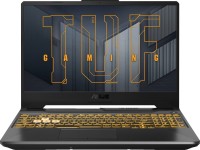
game, 15.6 ", matte, 1920x1080 (16:9), IPS, 144 Hz, Ryzen 7, 7435HS, 3.1 GHz, RAM 16 GB, DDR5, RTX 2050, SSD M.2 NVMe, 512 GB, Win 11 Home, USB-A 5Gbps, USB-C 10Gbps, Wi-Fi 6, fast charge, 2.3 kg
Configurations MSI Bravo 15 C7VF 1
Specifications
MSI Bravo 15 C7VF [C7VF-009US] | |||||||||||||||||||||||||||||||||||||||||||||||||||||||||||||||||||||||||||||||||||||||||||||||||||||||||||||||||||||||||||||||||||||||||||||||||||||||||||||||||||||||||||||||||||||||||||||||||
|
| ||||||||||||||||||||||||||||||||||||||||||||||||||||||||||||||||||||||||||||||||||||||||||||||||||||||||||||||||||||||||||||||||||||||||||||||||||||||||||||||||||||||||||||||||||||||||||||||||


The information in the model description is for reference purposes.
Always clarify the specifications and configuration of the product with the online store manager before purchasing.
Catalog MSI 2026 - new arrivals, bestsellers, and the most relevant models MSI.
Always clarify the specifications and configuration of the product with the online store manager before purchasing.
Catalog MSI 2026 - new arrivals, bestsellers, and the most relevant models MSI.
Prices MSI Bravo 15 C7VF [C7VF-009US]
This model is currently not available for sale.
Follow us for updates.
Follow us for updates.
AccessoriesAll accessories for MSI C7VF-009US →






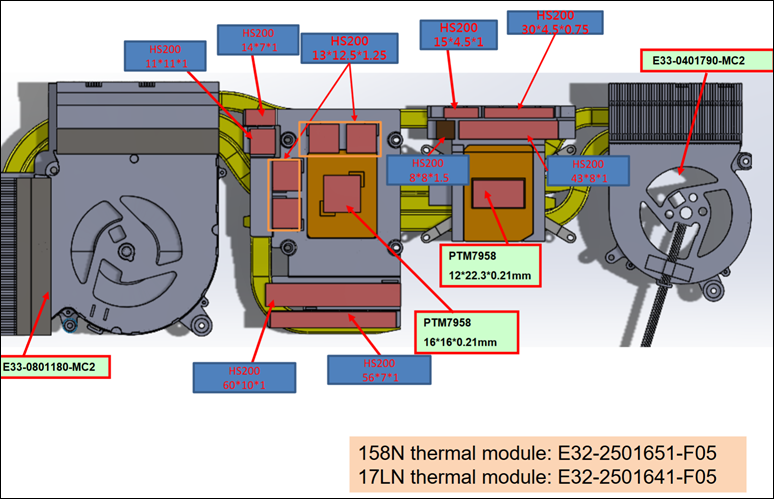
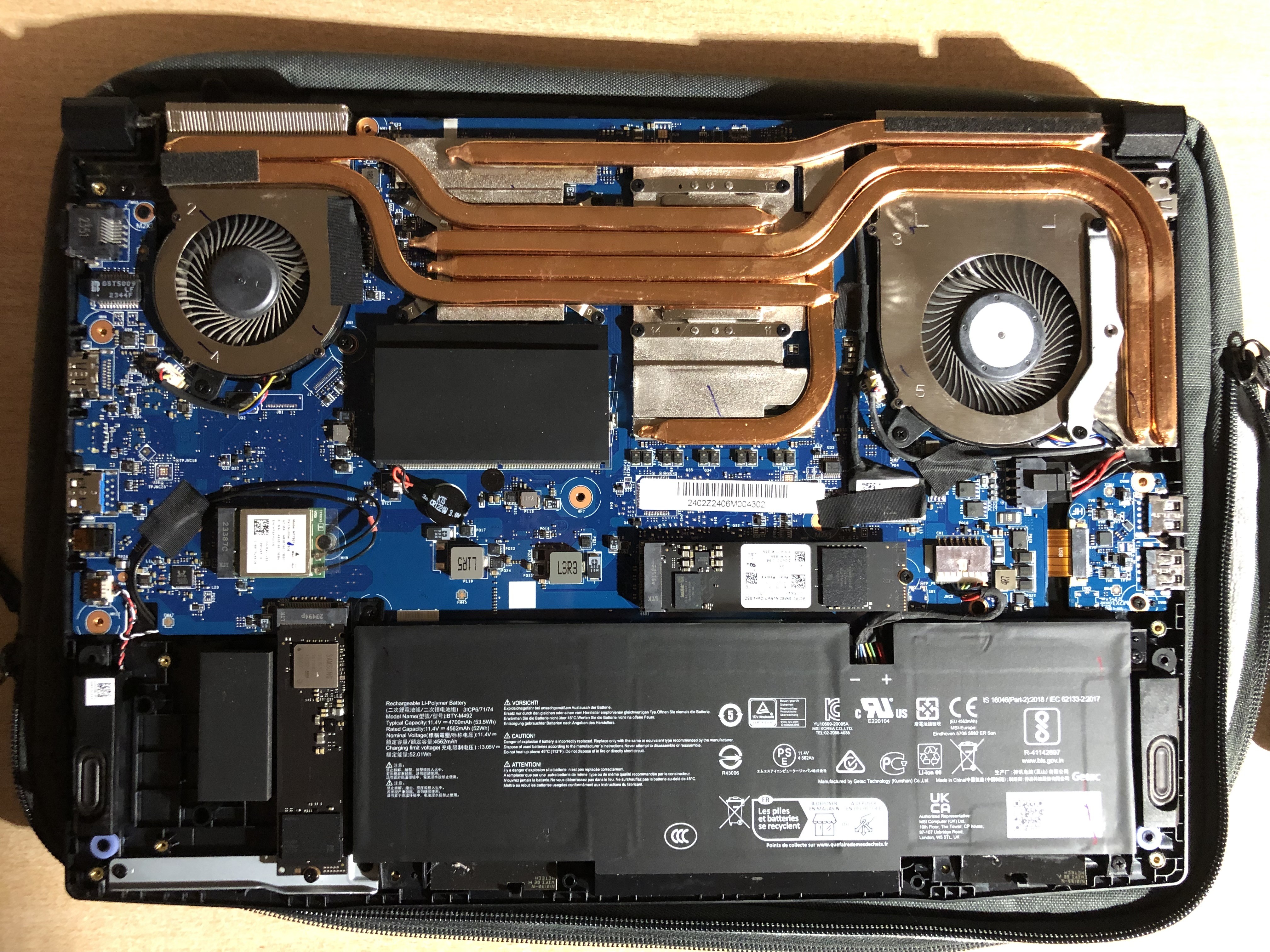
Possibility to customize, advanced UEFI, MUX, keyboard backlighting, cooling system, possibility to add a drive, RAM. Some advanced UEFI settings do not work, lack of mounting for a second M.2 drive, the case collects fingerprints, keyboard (for some reason, mine is warped), brightness, number of ports, sometimes WiFi disconnects (Complete power off helps - disconnect the PSU, press and hold the power button until it starts blinking, once it stops - release it, reconnect the PSU and turn it on).  -: use MSI Bravo 15 C7VF more than year -: use MSI Bravo 15 C7VF more than year |
Add Review
Windows 11 works fine if you have a drive with drivers for wifi, LAN, and Bluetooth, as the system does not automatically install them, making network connection impossible.
Windows 10 cannot install drivers for some devices; manual installation does not help, and Bluetooth does not work.
Linux Fedora works well except for the brightness adjustment with Fn keys. FPS is 10-15% higher than on Windows. Downsides include no ability to switch graphics, inability to set fan curves, and similar temperatures as on Windows. With RTX, GNOME works strangely with glitches.
In advanced UEFI settings, you can choose a preset for the processor, set its maximum temperature, and some limits. You can also adjust the fan speeds, but they do not work. Switching graphics is only possible through MSI Center on Windows. After all settings, restrictions, undervolting, and overvolting the graphics card, I achieved stable frequencies and temperatures: CPU - 35-45 degrees during regular tasks on Linux (NO RTX).
In games (Windows): CPU = 75-80, GPU - 60-75.
Battery life (Linux), brightness -75%, YouTube ~ 6 hours on integrated graphics.