
HyperX Pulsefire Raid (HX-MC005B)
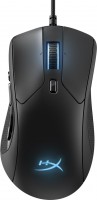 | Outdated Product Optical gaming mouse with durable Omron-style switches rated for 20 million clicks and PixArt 3389-class precision sensor for precise positioning and movement speeds up to 11.43 m/s. Depending on the genre of the game and the user's personal preferences, the speed of the marker can be slowed down by adjusting the resolution in the range of 800-16000 dpi. This is done with a special button quickly and without interrupting the game session. The Kingston HyperX Pulsefire Raid mouse is a wired model that connects to a computer with a 1.8 m cable via a classic USB interface. The wire is protected from bending and other mechanical influences by a fabric braid, so you don’t have to worry about the safety of the gadget when carrying it or during hot battles. The mouse has 8 buttons, 5 of which are...located on the side under the thumb, as well as a multifunctional 4D wheel that scrolls vertically and horizontally, and also acts as an additional key. The buttons can be programmed and the commands stored in the internal memory so that when using the mouse on another computer, you do not have to reconfigure it. E-Catalog uses affiliate links compensated by our partners. |


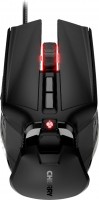
HyperX Pulsefire Raid | |||||||||||||||||||||||||||||||||||||||||||||||||||||||||||||||||||||||||||||||
|
| ||||||||||||||||||||||||||||||||||||||||||||||||||||||||||||||||||||||||||||||


Optical gaming mouse with durable Omron-style switches rated for 20 million clicks and PixArt 3389-class precision sensor for precise positioning and movement speeds up to 11.43 m/s. Depending on the genre of the game and the user's personal preferences, the speed of the marker can be slowed down by adjusting the resolution in the range of 800-16000 dpi. This is done with a special button quickly and without interrupting the game session.
The Kingston HyperX Pulsefire Raid mouse is a wired model that connects to a computer with a 1.8 m cable via a classic USB interface. The wire is protected from bending and other mechanical influences by a fabric braid, so you don’t have to worry about the safety of the gadget when carrying it or during hot battles. The mouse has 8 buttons, 5 of which are located on the side under the thumb, as well as a multifunctional 4D wheel that scrolls vertically and horizontally, and also acts as an additional key. The buttons can be programmed and the commands stored in the internal memory so that when using the mouse on another computer, you do not have to reconfigure it.
Always clarify the specifications and configuration of the product with the online store manager before purchasing.
Catalog HyperX 2026 - new arrivals, bestsellers, and the most relevant models HyperX.
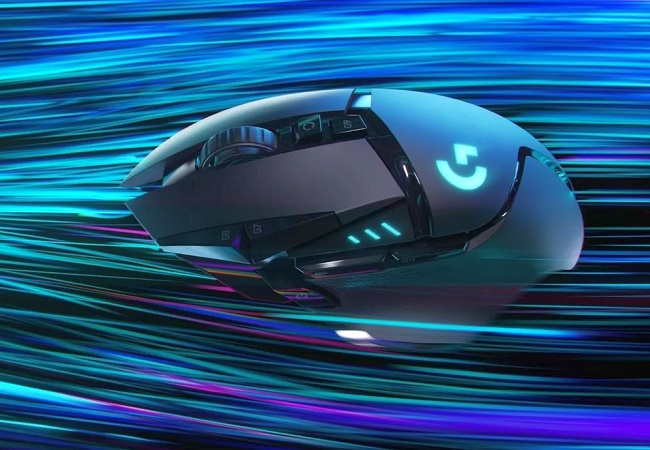










1 1 2 4 |
Convenient shape. High-quality materials. Many buttons. Good sensor. The weight is quite large, in my opinion Not too flexible wire  Reverse_rain: use HyperX Pulsefire Raid less than month Reverse_rain: use HyperX Pulsefire Raid less than month |
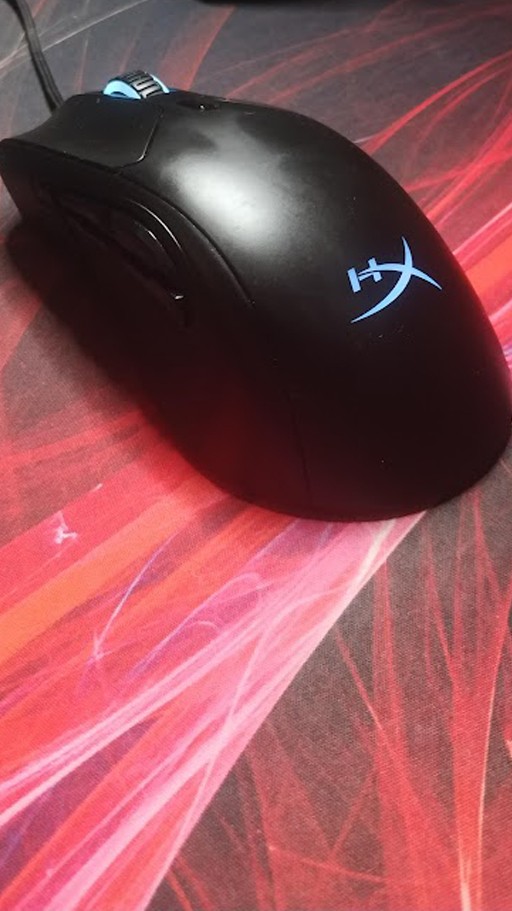
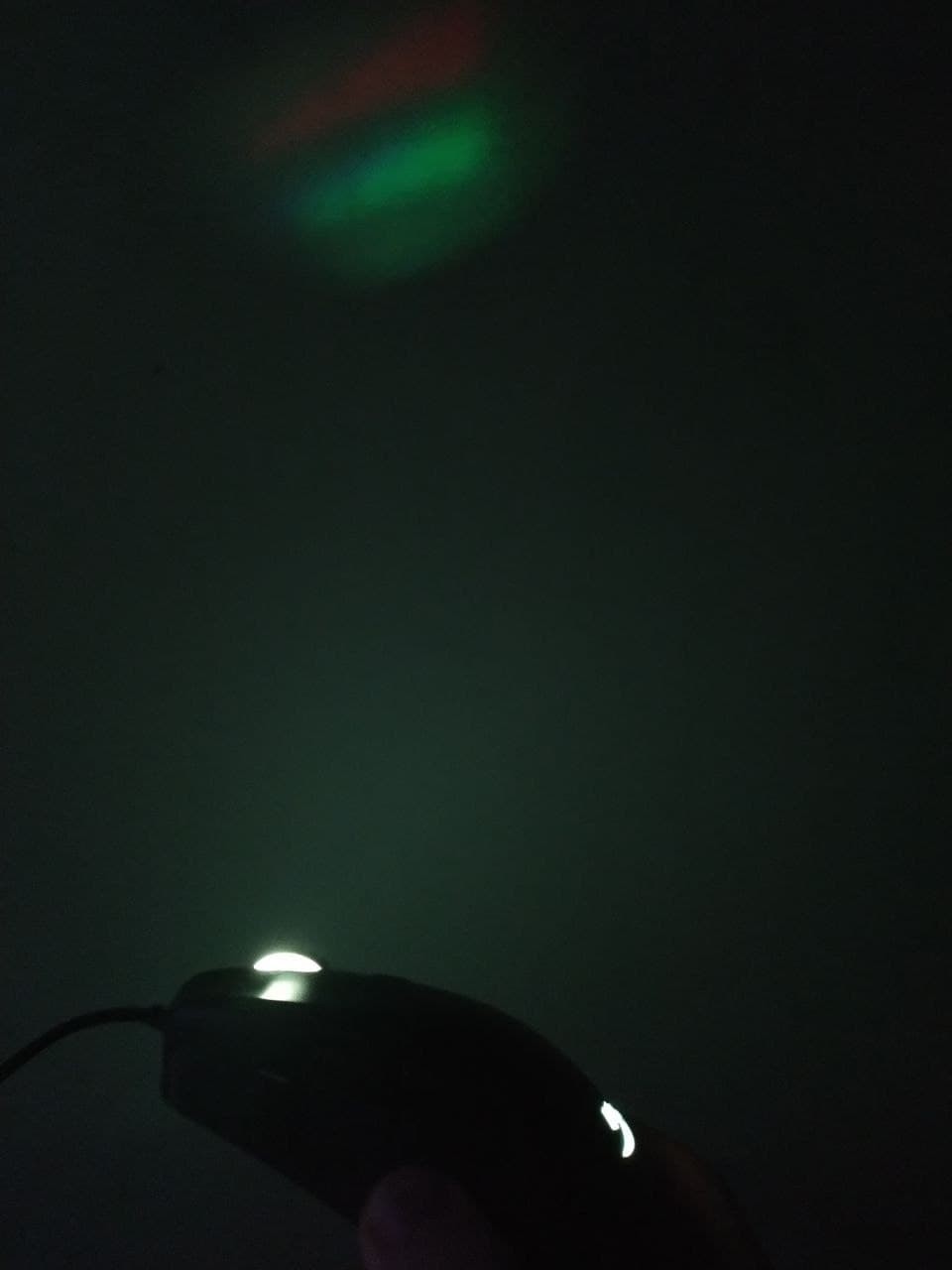
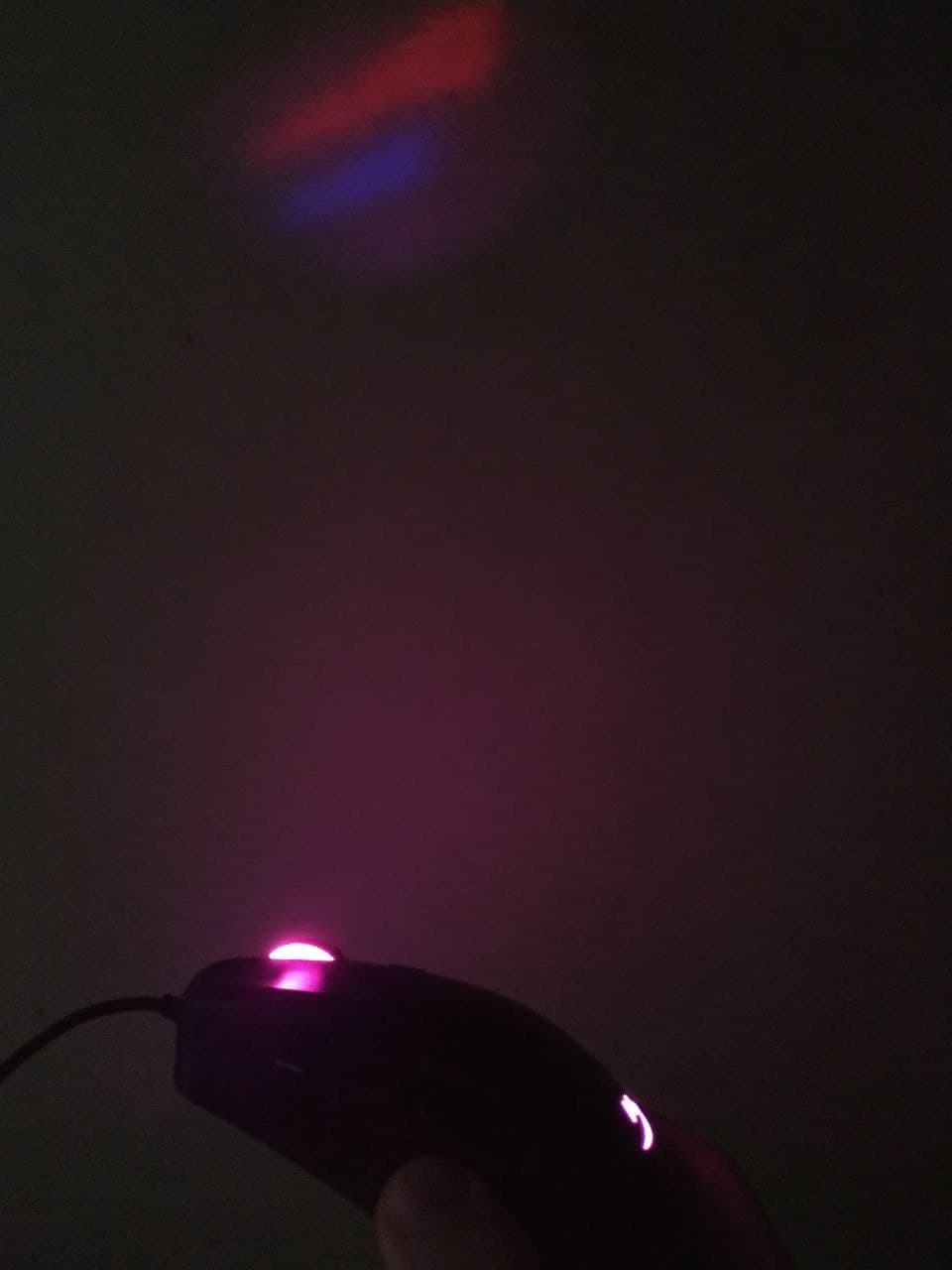
I've been using the mouse for over two months. Overall, I'm satisfied, but there are a few points I'll describe below. I'll say right away, I don't have bouts of aggression, and I don't have the habit of banging the mouse on the table like I've seen in computer clubs, but the mouse has fallen from a meter's height a couple of times and is completely functional. As I ran out of space in the negatives, I'll add: 8. After not using the mouse for a week, a strange crunch appeared when scrolling the wheel up, but it disappeared after a few hours of use. 9. The wheel's lighting shines on the wall. Maybe it's not a bug but a feature, but it's not mentioned in the specifications (in the photo, it's the maximum brightness of the mouse, and in real life, it's a bit brighter). 10. In the lighting settings, it's very difficult to set just a plain white color. 1. Comfortable ergonomics. The mouse was comfortable for my hand from the first days, but sometimes my pinky and ring fingers go numb because they are usually twisted. 2. A huge number of keys, I've utilized all the buttons, and now when I grab another mouse, I simply miss the 4D wheel and side buttons. I found an extremely convenient option for myself, which is: front side button (the largest one) - delete key; tilt the wheel to the right - window switching (alt + tab). I made a macro for this because what’s in the software doesn’t always work properly; tilt the wheel to the left - switch tabs in the browser (ctrl + tab). Macro as well. It’s only convenient to switch between the last and the penultimate window, but that’s enough. 3. Build. Nothing creaks, I carry it in my backpack all the time, and it only got a small scratch. Rubber pads are intact, and the Teflon feet too. No creaking. I tugged on the cable a bit, and it’s still fully functional. 4. The wheel detent is now less noticeable. Maybe I've just gotten used to it, or the mechanism itself has loosened a bit. 5. Working profiles. You can set up automatic launch for each profile when an application is activated. I use this all the time (there’s one but, which I’ll describe below). 6. When you connect the mouse to another device, the last working profile operates. On one hand, it’s convenient, on the other, it’s not. It would be nice to choose in the settings whether it should be the last working profile or the default one. 7. I can assign different lighting and different lighting colors to the profiles. 1. Two brightness control sliders. One in the profile, one on a separate tab. It's cool in a way, but on the other hand, to turn off the backlight, you have to adjust both. It would be convenient if the function worked like a volume mixer in Windows. However, it feels like it works 50/50, with no priority from the tab. 2. If I assigned a profile to automatically launch with a certain program, I can't change it. I either have to disable the function or close the program, resulting in some programs not having this function enabled. Even though there's a main profile I use 90% of the time, this change with deletion and so on is quite annoying. 3. It's purely wired, and the lack of a wireless counterpart (purely a subjective downside). 4. Some keys do not work as standalone keys. I don't know how to explain this, but for example, when I launch a game, I want the game to understand that I have 11 damn keys, not 6. The other 5 are either macros or simulations of other keys. 5. I want to be able to change profiles with the DPI button, not just the DPI! For instance, there's a program, and I use two profiles for it. With a simple press of a small, inconspicuous button, the mouse changes it. It shouldn't force me to dive into the software and change everything manually. 6. Sometimes when I connect it to my laptop, the laptop sees the mouse, but for some reason, it doesn't work. I need to reconnect it. I haven't tested it on other devices, as I work solely on my laptop, so maybe it's an issue just with my device. For stationary PCs, I think this won't be a problem. 7. The software is a bit buggy regarding the backlight.  Oles Shem: use HyperX Pulsefire Raid few months Oles Shem: use HyperX Pulsefire Raid few months |
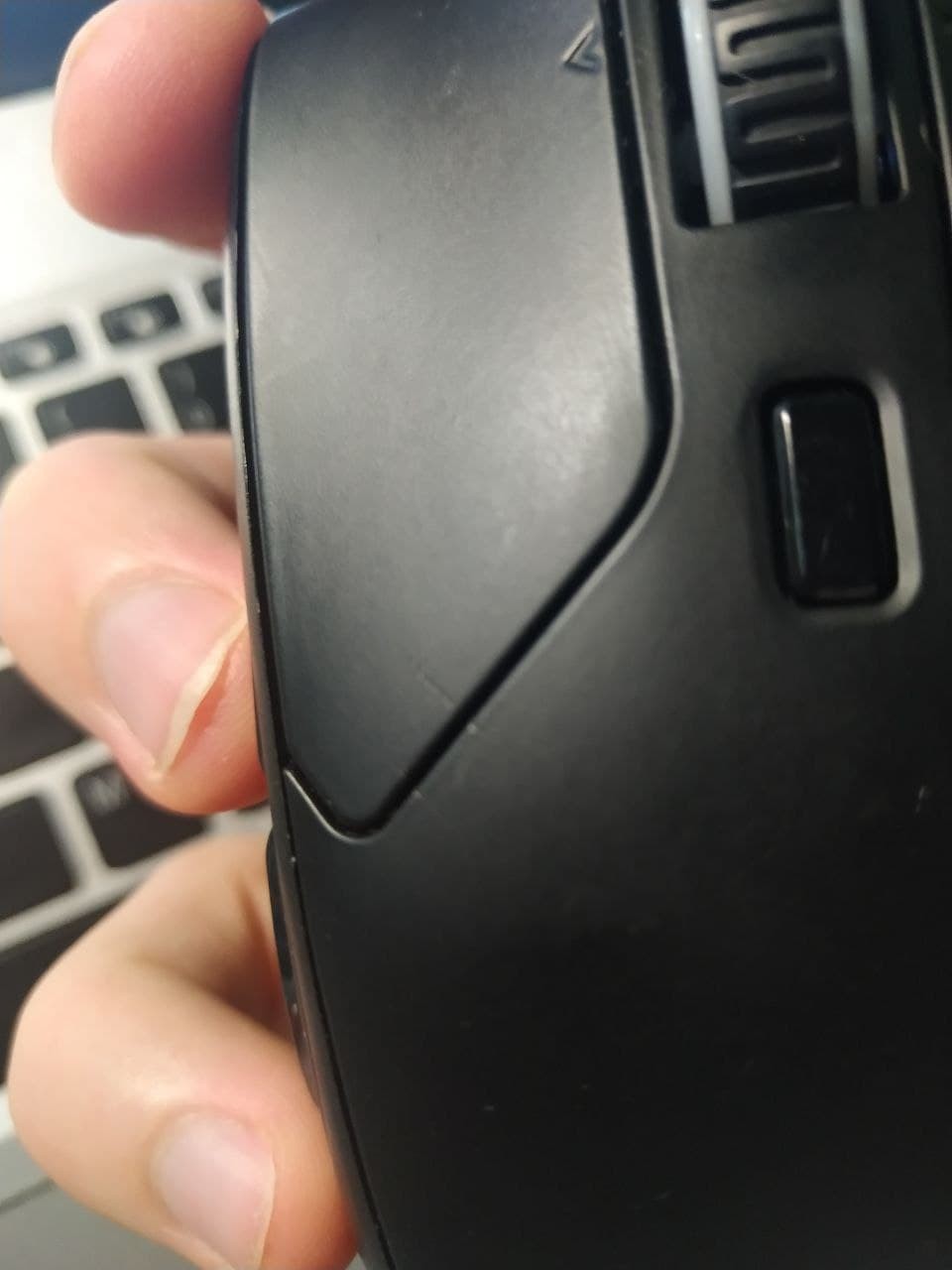
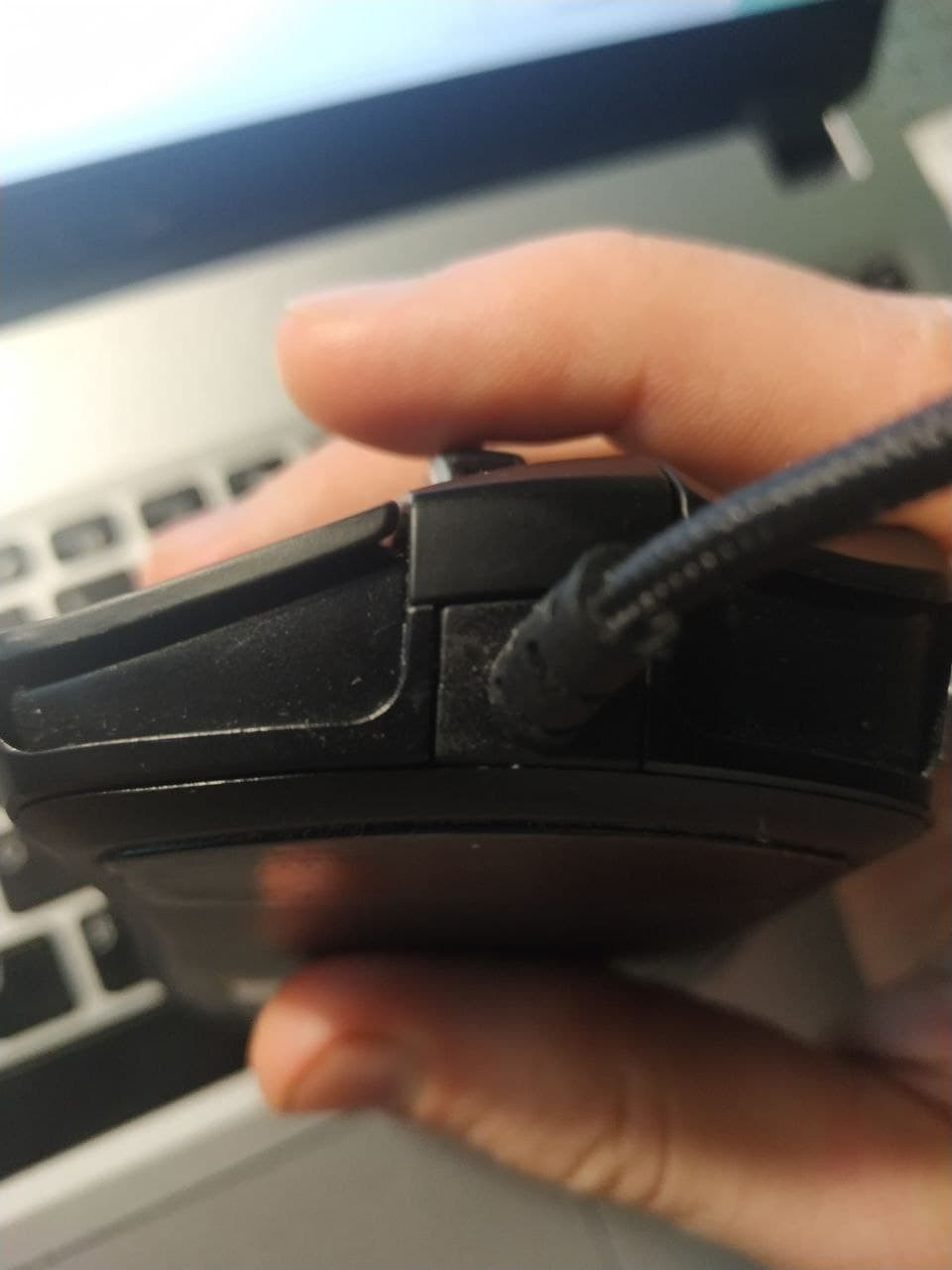
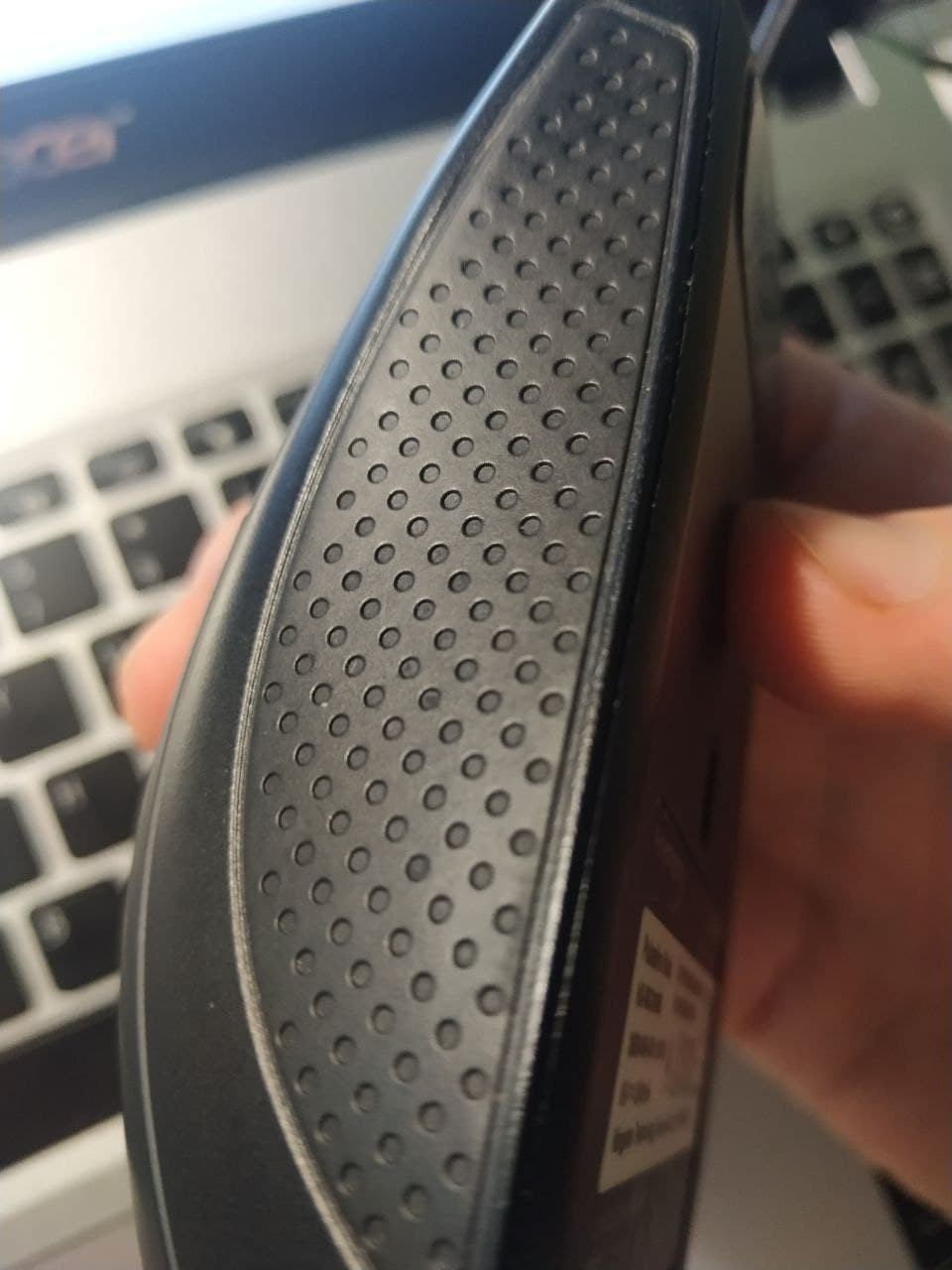
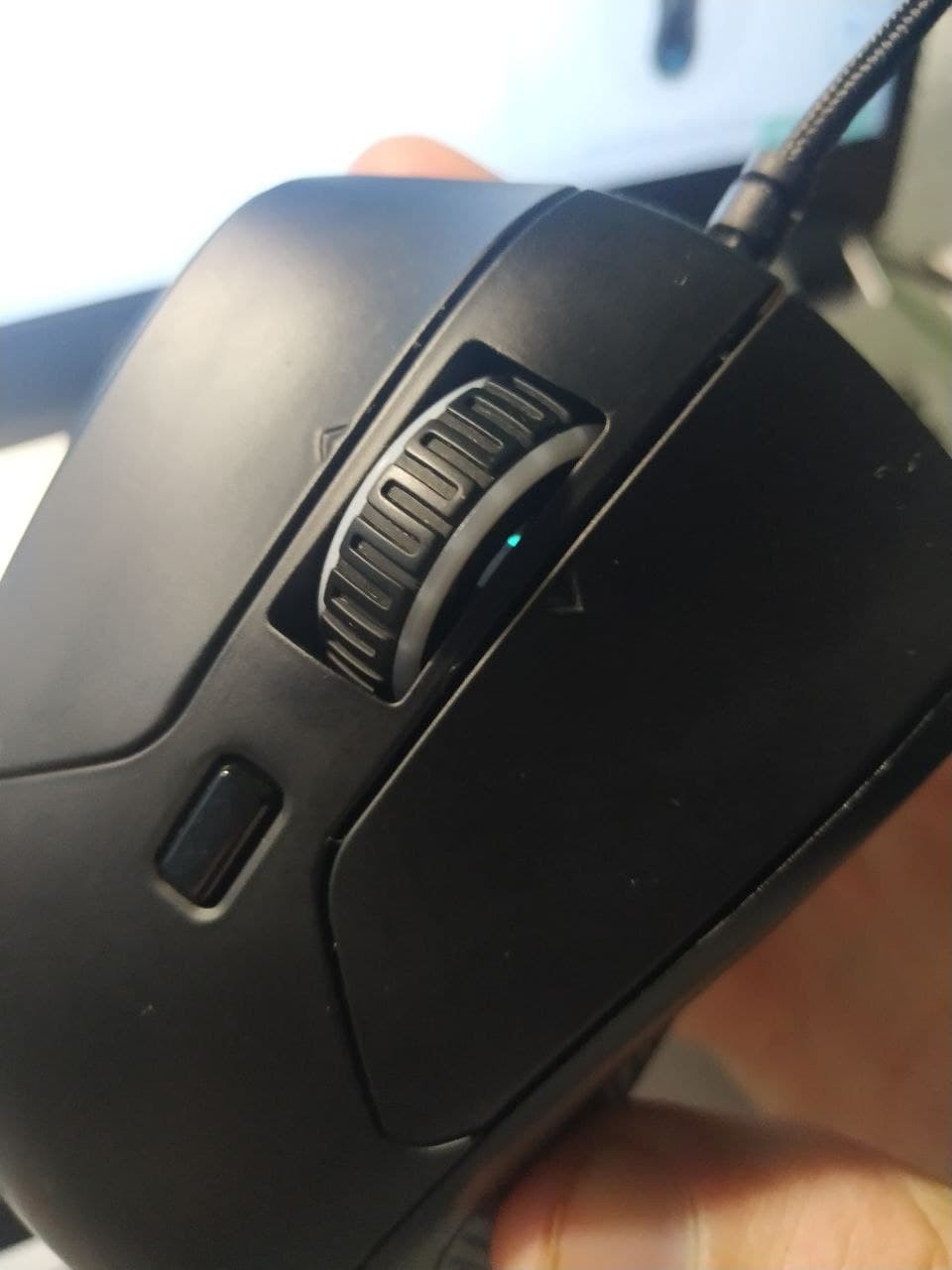
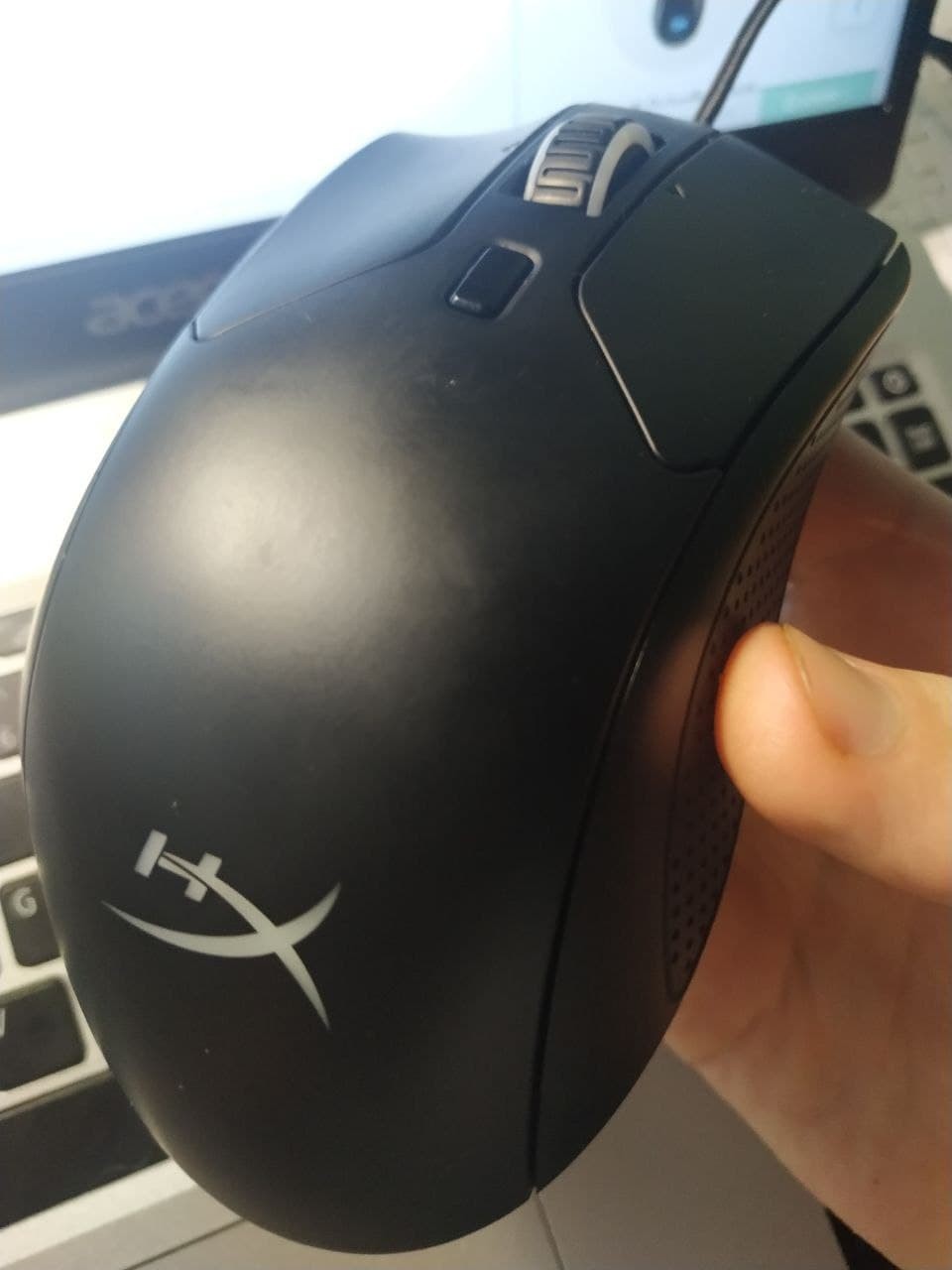
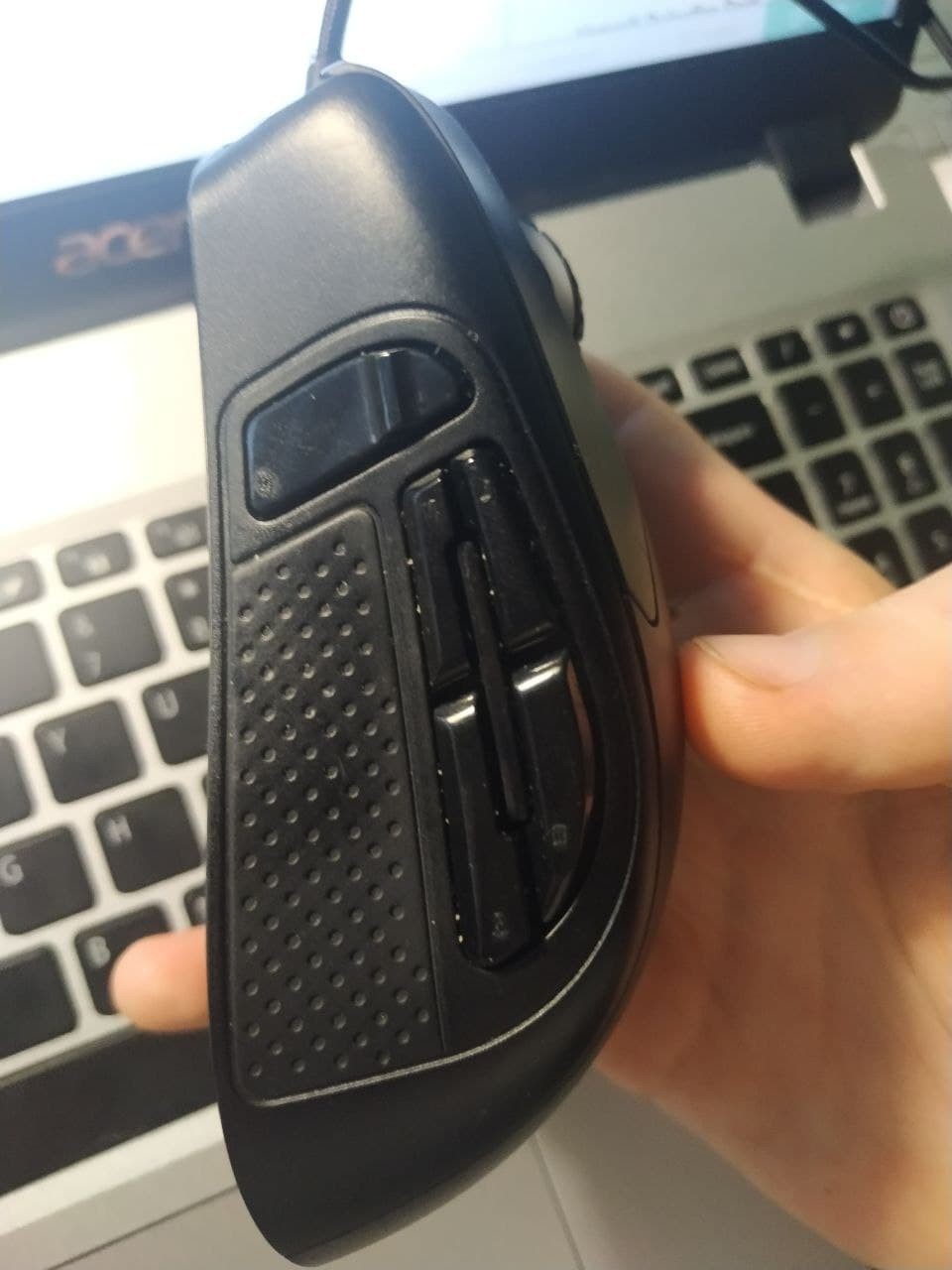
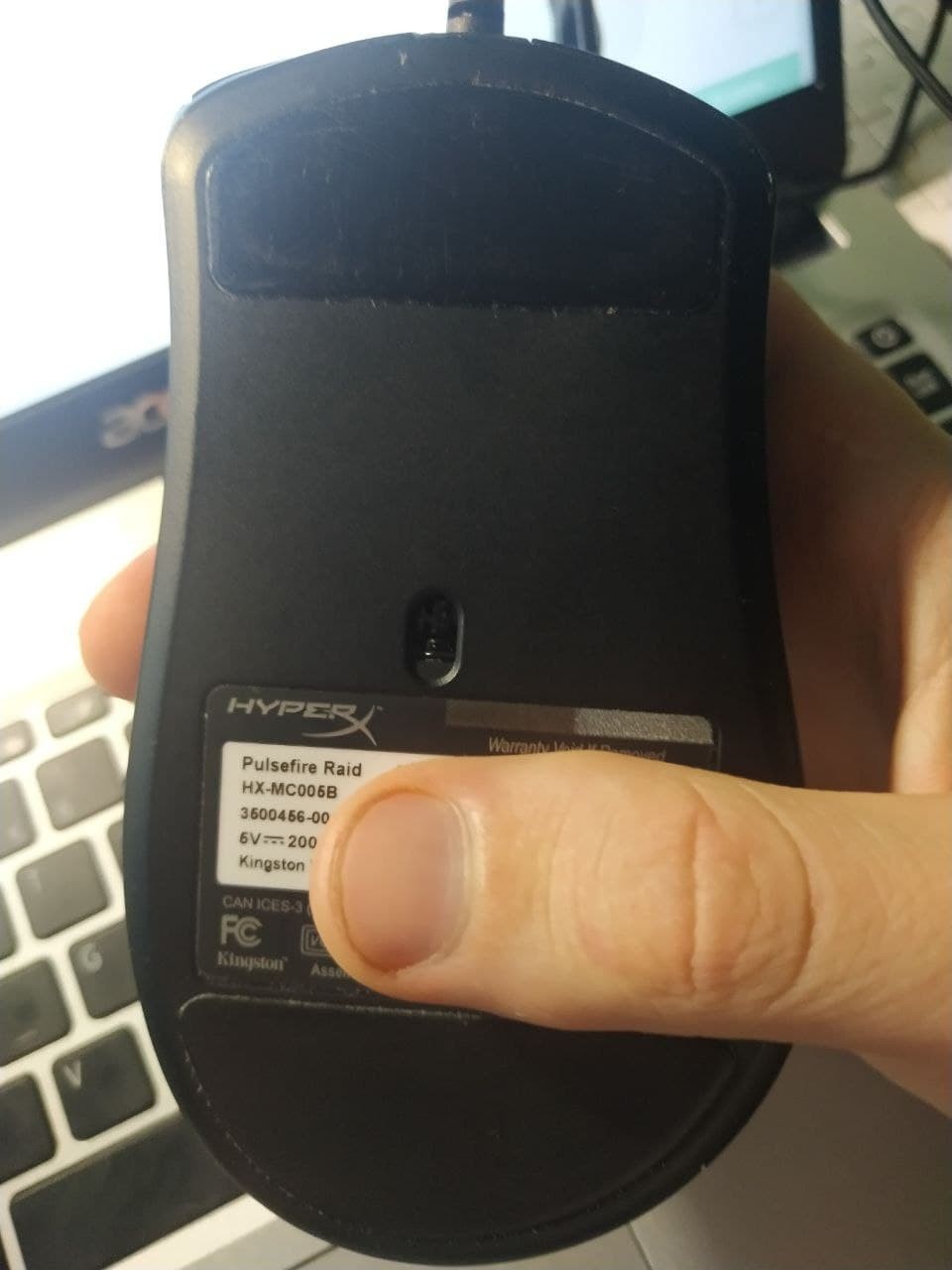
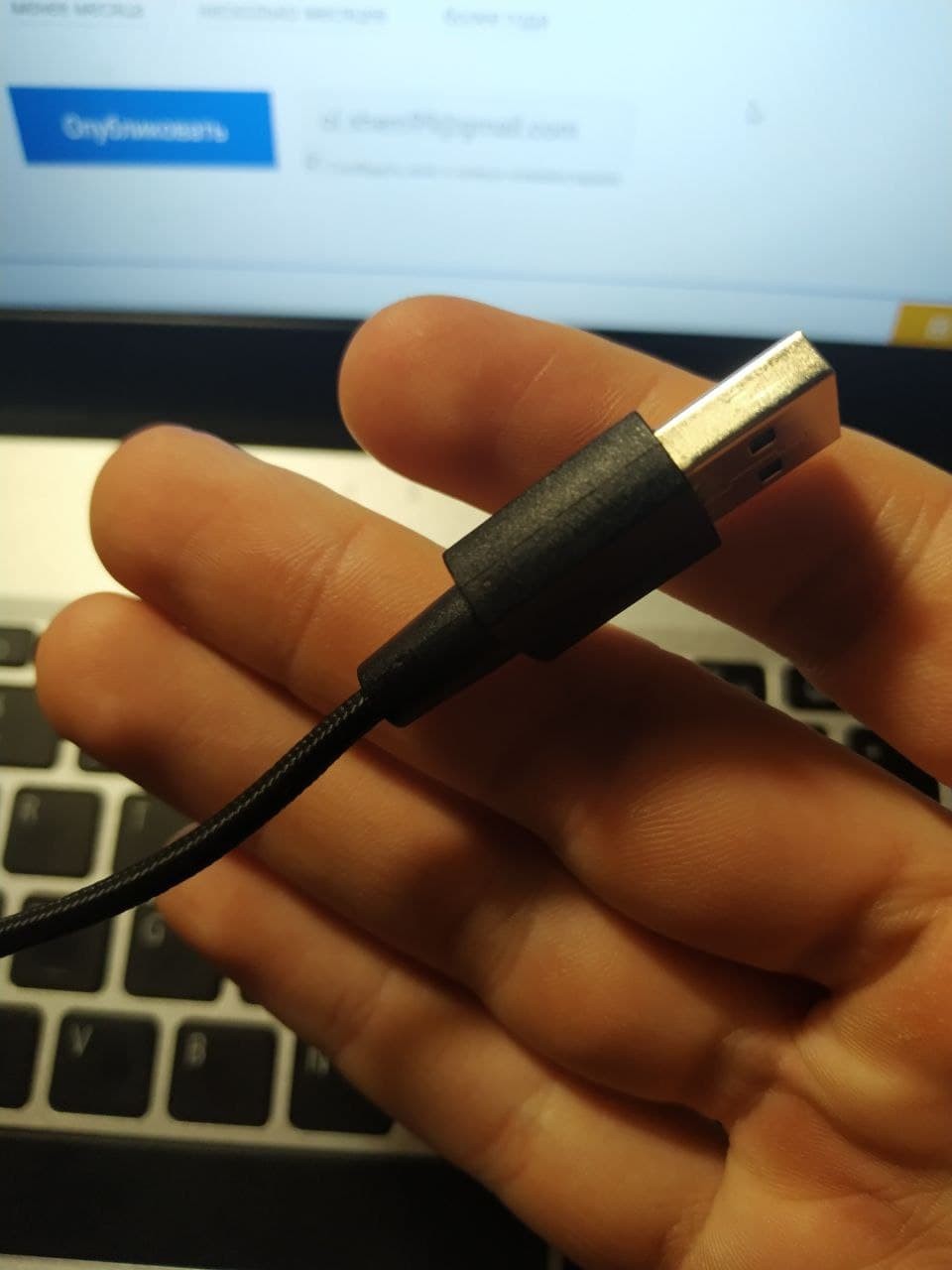
DM5, Trust Evo RX, and this one. The DM5 didn't appeal to me because, according to reviews, the build quality wasn't great, stickers were misaligned (everything else, materials, etc., were top-notch), it had two fewer buttons, and the software was more or less the same (just a different design). My friend bought the Trust and is completely satisfied with it. Its pros and cons: it's wireless with the ability to connect to multiple devices, comfortable for his hand (at first glance, it was also comfortable for me, but after an hour of work, it felt somewhat heavy, and my actions weren't as precise), high-quality materials and assembly, the side wheel didn't appeal much as it differs from the main one (sensitivity needs additional adjustment), it doesn't have software, and it can't store macros. This one: it has a convenient shape for my hand (practically palm grip), remembers macros, and has the largest number of buttons (I used them all), software is available. 1. Software - minimalist, I haven't encountered bugs. But as I understand, they are mainly related to the lighting 2. Ergonomics - practically ideal for my hand, though something is missing, but for my hand, this is the most comfortable mouse 3. No looseness - maybe I didn't shake it too hard, but the wheel wobbles a bit, only by microns 4. Bright lighting (doesn't really matter since I turned down the brightness to almost the max as in cheap Chinese ones, but still a plus), it's also possible to separately set the color for the front and rear wheel 5. Remembers assigned buttons, the mouse profile automatically changes when the software is launched 6. A large number of buttons - [censored] with the wheel there are 11, 10 are convenient for use (the DPI change button is indeed a DPI change button). Specifically, the middle two on the side panels are the most convenient, about 10-15% less comfortable for the rear and front buttons 7. Rubber inserts, I can't say that something noticeably changed if it had been soft touch plastic, but it's pleasantly more comfortable by about 13% than without them 8. Wire similar to Bloody, but thinner 9. Suitable for shooters, as it is light enough and slides to relieve the left hand quite smoothly there are a few reviews about problems with it, so I was afraid to buy used (who knows how they've been tinkering) and purchased from a trusted store. To ensure there's no issue with warranty coverage Oles Shem: use HyperX Pulsefire Raid less than month |






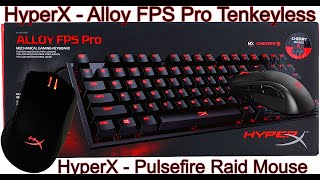

Kingston on a roll
If by some miracle you were lucky to sit for ten years with one tenacious mouse and you were not interested in what was happening in the peripheral market, then we have good news for you. The first is that high-quality eSports mice and game controllers in general have become much cheaper. The second is that Kingston has turned the HyperX line into a separate brand dedicated to gaming peripherals. And they are on a roll now.
Specialized mouse for WOW, Dota 2 and League of Legends
So, HyperX Pulsefire Raid is the sixth model in this series. Like the rest of the series, it is tailored for a specific game genre. In this case, we are talking about MMO / MOBA toys like WOW, Dota 2 and League of Legends. It manifests itself in five additional buttons on the left side, instead of the usual two. an unusually large set of programmable buttons for macros. In the HyperX NGENUITY application, all this can traditionally be scattered over several game profiles that can be written to the mouse's own memory. The only thing I didn't like is that there are a lot of buttons on the side and it's hard to get the thumb to the extreme fifth.
Ergonomic shape
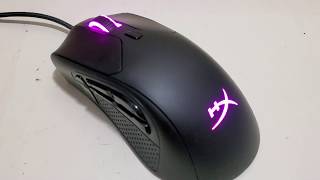
The shape of the Pulsefire Raid is quite similar to other ergonomic HyperX mice, with a wide back and a strong roll to the right, so that the palm rests naturally on the mouse. Speech, exclusively about the right hand, in the left hand all convenience is lost. The quality is also in order: the assembly is monolithic, the plastic does not creak or play, and the grippy sidewalls and smooth coating fit nicely in the hand and are easily wiped from dirt. As for the sensor, everything is predictable in a good way: the same PixArt PMW3389 is used as in other mice in the series. The sensor is expectedly good, it tracks movements clearly, without any lags or breakdowns.
I already had several HyperX devices before and was completely satisfied with them. I liked the quality of materials and attention to detail.
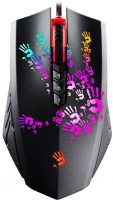
It has a very good sensor, controlling the cursor is simple, which I pay attention to because I once tested an A4tech bloody and had a hard time because even drawing a straight line was difficult. The maximum DPI value here is 16000, which seems more than enough for any configurations or preferences.
The mouse is not too light, still 95 grams. And to me, that's a downside; I've used mice that are lighter than 70 grams, and it really makes a difference. Anyone who says 20-30 grams doesn't matter has never used lightweight mice.
One of the advantages is 11 programmable buttons, and to me, that's too much. I'm not used to it; I don't even always use the forward/back buttons, and here there are five of them just on the side. Maybe it's convenient, but I'll have to get used to it.
The software used is HyperX NGENUITY, which is quite convenient and flexible for setting up all the mouse parameters. From key programming, lighting, and macros, of course.