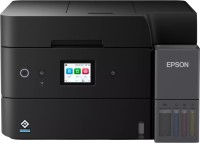
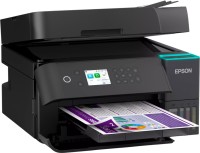
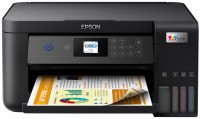
Epson EcoTank L3280
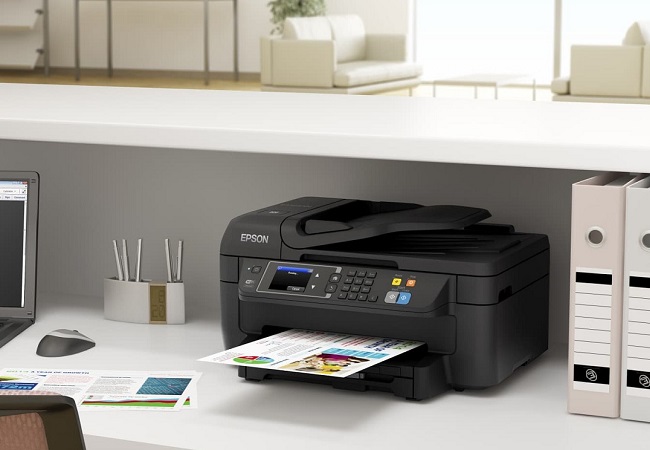
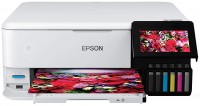
 | Outdated Product A compact inkjet multifunction device in a 3-in-1 format with a built-in Continuous Ink Supply System (CISS), wireless interfaces, and the ability for high-quality photo printing. It is positioned as a mid-level solution for home use and small offices, where cost-effective printing of documents and photos is required with moderate workloads. The key advantage of this model is the branded EcoTank CISS system with increased ink tanks that are refilled from containers instead of replacing cartridges, which radically reduces the cost per print — a single refill of black ink lasts for 8,100 pages, and color for 6,500 pages. Inkjet printing technology provides decent work speed — up to 33 pages per minute for monochrome documents and 15 pages for color..., with a maximum resolution of 5760x1440 dpi delivering crisp texts and vibrant images. The Epson EcoTank L3280 MFP is equipped with a built-in Wi-Fi 4 module, supports Wi-Fi Direct technology for direct connection of mobile devices and AirPrint for printing from Apple devices, and is also compatible with Epson's proprietary cloud services, iPrint and Email Print. A flatbed scanner with a resolution of 1200x2400 dpi creates high-quality digital copies of documents and photos, and the presence of a 1.44-inch color display simplifies device management without connecting to a computer. E-Catalog uses affiliate links compensated by our partners. |


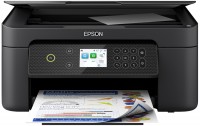
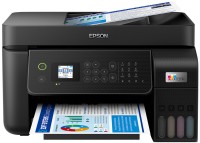
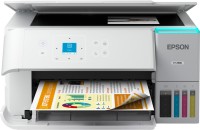
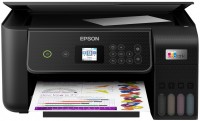
A compact inkjet multifunction device in a 3-in-1 format with a built-in Continuous Ink Supply System (CISS), wireless interfaces, and the ability for high-quality photo printing. It is positioned as a mid-level solution for home use and small offices, where cost-effective printing of documents and photos is required with moderate workloads. The key advantage of this model is the branded EcoTank CISS system with increased ink tanks that are refilled from containers instead of replacing cartridges, which radically reduces the cost per print — a single refill of black ink lasts for 8,100 pages, and color for 6,500 pages.
Inkjet printing technology provides decent work speed — up to 33 pages per minute for monochrome documents and 15 pages for color, with a maximum resolution of 5760x1440 dpi delivering crisp texts and vibrant images. The Epson EcoTank L3280 MFP is equipped with a built-in Wi-Fi 4 module, supports Wi-Fi Direct technology for direct connection of mobile devices and AirPrint for printing from Apple devices, and is also compatible with Epson's proprietary cloud services, iPrint and Email Print. A flatbed scanner with a resolution of 1200x2400 dpi creates high-quality digital copies of documents and photos, and the presence of a 1.44-inch color display simplifies device management without connecting to a computer.
|
| |||||||||||||||||||||||||||||||||||||||||||||||||||||||||||||||||||||||||||||||


Always clarify the specifications and configuration of the product with the online store manager before purchasing.
Catalog Epson 2026 - new arrivals, bestsellers, and the most relevant models Epson.