
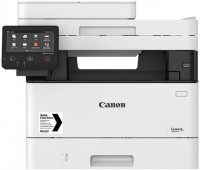
Canon i-SENSYS MF724CDW
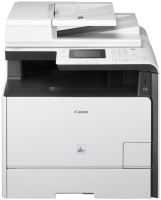 | Outdated Product Paper size: A4; Print Type: laser; Output Type: colour; B/W printing (ppm): 20; Colour printing (ppm): 20; Double-side printing; Autofeed (sheets): 50; Black Ink Page Yield (pages): 3400; Colour Ink Page Yield (pages): 2900; PC connection (USB); network connection (LAN); Wi-Fi: Wi-Fi 4 (802.11n) E-Catalog uses affiliate links compensated by our partners. |


We recommend products in stockAll-in-One Printers Canon →

colour, laser, A4, printing 1200х1200 dpi, 2-side print, scanning 600х600 dpi, 2-side scanning, autoscan, LAN, Wi-Fi Direct, AirPrint, fax machine, hDD, 1 GB
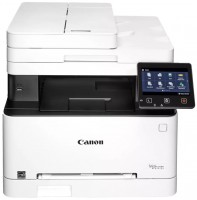
colour, flowers 4, laser, A4, printing 600х600 dpi, 2-side print, scanning 600х600 dpi, 2-side scanning, RAM 1024 MB, LAN, Wi-Fi Direct, AirPrint, fax machine
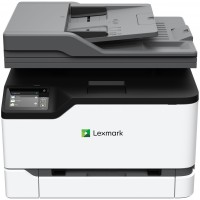
colour, flowers 4, laser, A4, printing 600х600 dpi, 2-side print, scanning 600х600 dpi, RAM 512 MB, fast CPU, LAN, Wi-Fi Direct, AirPrint
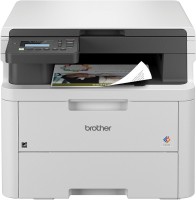
colour, laser, A4, printing 2400х600 dpi, 2-side print, scanning 1200х1200 dpi, RAM 512 MB, LAN, Wi-Fi Direct, AirPrint
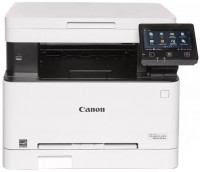
colour, flowers 4, laser, A4, printing 1200х1200 dpi, 2-side print, scanning 600х600 dpi, RAM 1024 MB, LAN, Wi-Fi Direct, AirPrint
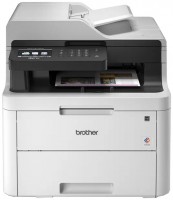
colour, flowers 4, laser, A4, printing 2400х600 dpi, 2-side print, scanning 1200х2400 dpi, autoscan, RAM 512 MB, Wi-Fi Direct, AirPrint, fax machine, low noise
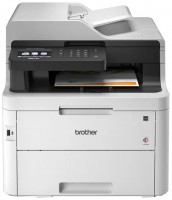
colour, flowers 4, laser, A4, printing 2400х600 dpi, 2-side print, scanning 1200х2400 dpi, autoscan, RAM 512 MB, Wi-Fi Direct, AirPrint, fax machine
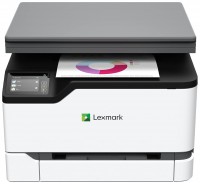
colour, flowers 4, laser, A4, printing 600х600 dpi, 2-side print, scanning 600х600 dpi, RAM 512 MB, fast CPU, LAN, Wi-Fi Direct, AirPrint, fax machine

colour, flowers 4, laser, A4, printing 600х600 dpi, 2-side print, scanning 1200х1200 dpi, autoscan, RAM 512 MB, fast CPU, LAN, Wi-Fi Direct, AirPrint, hDD, 1 GB
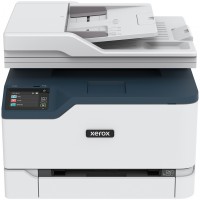
colour, flowers 4, laser, A4, printing 600х600 dpi, 2-side print, scanning 600х600 dpi, autoscan, RAM 512 MB, fast CPU, LAN, Wi-Fi Direct, AirPrint, fax machine
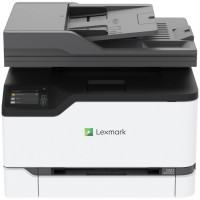
colour, flowers 4, laser, A4, printing 600х600 dpi, 2-side print, scanning 600х600 dpi, autoscan, RAM 1024 MB, fast CPU, LAN, Wi-Fi Direct, AirPrint, fax machine
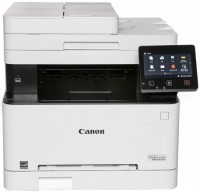
colour, flowers 4, laser, A4, printing 1200х1200 dpi, 2-side print, scanning 600х600 dpi, autoscan, RAM 1024 MB, LAN, Wi-Fi Direct, AirPrint, fax machine
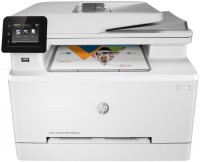
colour, flowers 4, laser, A4, printing 600х600 dpi, 2-side print, scanning 1200х1200 dpi, autoscan, RAM 256 MB, LAN, Wi-Fi Direct, AirPrint, fax machine
colour, flowers 4, laser, A4, printing 9600x600 dpi, 2-side print, scanning 1200х1200 dpi, autoscan, RAM 256 MB, Wi-Fi Direct, AirPrint, fax machine
colour, flowers 4, laser, A4, printing 2400х600 dpi, 2-side print, scanning 600х600 dpi, 2-side scanning, autoscan, RAM 1024 MB, fast CPU, LAN, AirPrint, fax machine
Canon i-SENSYS MF724CDW
Type:colour, laser
Format:A4
Connection:USB B, LAN, Wi-Fi 4 (802.11n)
Print Resolution:1200х1200 dpi
Scanning:600х600 dpi
B/W printing:20 ppm
Colour print:20 ppm
Number of cartridges:4 pcs
All specifications
Specifications i-SENSYS MF724CDW
|
| |||||||||||||||||||||||||||||||||||||||||||||||||||||||||||||||||||||||||||||||||||||||||||||


The information in the model description is for reference purposes.
Always clarify the specifications and configuration of the product with the online store manager before purchasing.
Catalog Canon 2026 - new arrivals, bestsellers, and the most relevant models Canon.
Always clarify the specifications and configuration of the product with the online store manager before purchasing.
Catalog Canon 2026 - new arrivals, bestsellers, and the most relevant models Canon.
Series Canon i-SENSYS (laser,)Compare using chart →
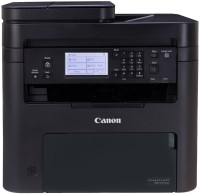
monochrome, laser, A4, printing 2400х600 dpi, 2-side print, scanning 600х600 dpi, autoscan, RAM 256 MB, LAN, Wi-Fi Direct, AirPrint, fax machine
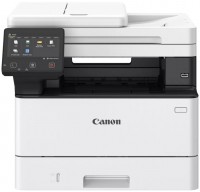
monochrome, laser, A4, printing 1200х1200 dpi, 2-side print, scanning 600х600 dpi, 2-side scanning, autoscan, RAM 1024 MB, fast CPU, LAN, Wi-Fi Direct, AirPrint, fax machine, hDD, 4 GB

monochrome, laser, A4, printing 1200х1200 dpi, 2-side print, scanning 9600х9600 dpi, 2-side scanning, autoscan, RAM 1024 MB, fast CPU, LAN, AirPrint, fax machine, hDD, 4 GB
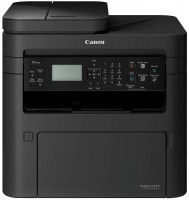
monochrome, laser, A4, printing 1200х1200 dpi, 2-side print, scanning 600х600 dpi, autoscan, RAM 256 MB, fast CPU, LAN, Wi-Fi Direct, AirPrint
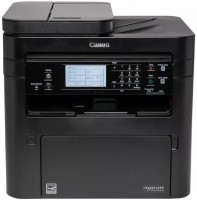
monochrome, laser, A4, printing 1200х1200 dpi, 2-side print, scanning 600х600 dpi, autoscan, RAM 256 MB, fast CPU, LAN, Wi-Fi Direct, AirPrint, fax machine
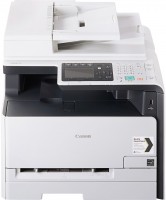
colour, flowers 4, laser, A4, printing 600х600 dpi, 2-side print, scanning 600х600 dpi, autoscan, RAM 256 MB, LAN, AirPrint, fax machine
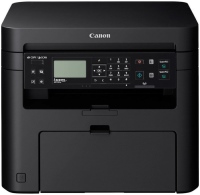
monochrome, laser, A4, printing 1200х1200 dpi, scanning 600х600 dpi, RAM 256 MB, LAN, Wi-Fi Direct, AirPrint
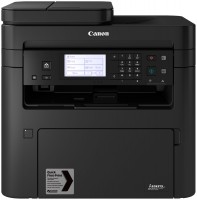
monochrome, laser, A4, printing 1200х1200 dpi, 2-side print, scanning 600х600 dpi, autoscan, RAM 256 MB, LAN, Wi-Fi Direct, AirPrint, fax machine
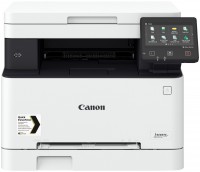
colour, flowers 4, laser, A4, printing 1200х1200 dpi, scanning 600х600 dpi, RAM 1024 MB, LAN, Wi-Fi Direct, AirPrint
monochrome, laser, A4, printing 1200х1200 dpi, 2-side print, scanning 600х600 dpi, 2-side scanning, autoscan, RAM 1024 MB, LAN, Wi-Fi Direct, AirPrint, fax machine
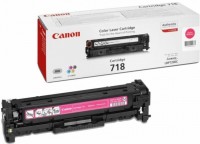
We have a partner who runs a small business generating content for online resources and social media. Mainly, we work with clients remotely. But recently, we managed to land a big fish, and now, if we do everything right, we will have profitable work secured for the next couple of years. For this client, specifically for printing presentation materials, we bought this color MFP. Yes, it was an expensive purchase, but we're in a delicate situation where we need to appear bigger and better than we are. So, high-quality printed materials are one of the essential parts of a plan that cannot fail. Excellent quality black-and-white and color printing. On high-quality (90 g/m2) office or glossy paper, it looks really great. And all this beauty is printed quite quickly. Black-and-white documents are produced in the tray at a speed of up to 20 pages per minute, while color ones come out twice as slowly. It connects via USB, and drivers are available for all current OS, including Windows 10, which I have on my laptop. It performs the functions of a digital copier. It works so well that black-and-white sheets look indistinguishable, and the color output is also very impressive. Expensive consumables. There's not much you can do about it, affordable color laser printing simply isn't a thing. But to reduce costs, we purchased a high-capacity black cartridge (3400 pages). It makes quite a lot of noise when printing, personally, it distracts me from work, although my partner says it doesn't bother him. |
Add Review