
AOC Q27V5C 27 " black
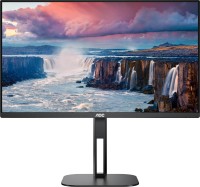 | Outdated Product Product type: monitor; Size ("): 27; Panel type: IPS; Treatment: anti-glare; Resolution: 2560x1440 (16:9); Response time GtG (ms): 4; MPRT response time (ms): 1; Viewing angle vert.: 178; Horizontal viewing angle: 178; Brightness (cd/m²): 300; Static contrast: 1 000:1; Dynamic Contrast: 20 000 000:1 E-Catalog uses affiliate links compensated by our partners. |


We recommend products in stockMonitors AOC →
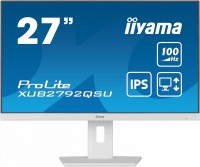
27 ", 2560x1440 (16:9), IPS, MPRT 0.4 ms, 100 Hz, 16.7M Colors, 16.7M, sRGB 99 %, HDMI, DisplayPort, ХАБ: USB-A 4x5Gbps, speakers, AMD FreeSync, TÜV Rheinland
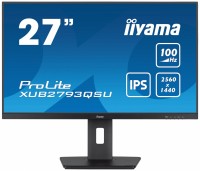
27 ", 2560x1440 (16:9), IPS, MPRT 1 ms, 100 Hz, 16.7M Colors, 16.7M, sRGB 96 %, HDMI, DisplayPort, ХАБ: USB-A 2x5Gbps, speakers, VESA Adaptive-Sync, TÜV Rheinland
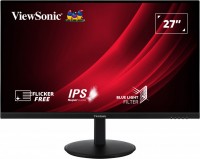
27 ", 2560x1440 (16:9), IPS, response 5 ms, 75 Hz, 8-bit (16.7M Colors), 16.7M, sRGB 104 %, HDMI, DisplayPort, speakers, HDR
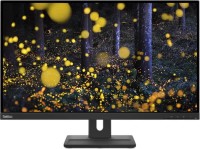
27 ", 2560x1440 (16:9), IPS, response 4 ms, 75 Hz, sRGB 99 %, HDMI, DisplayPort, speakers, TÜV Rheinland
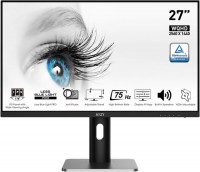
27 ", 2560x1440 (16:9), IPS, response 5 ms, MPRT 1 ms, 75 Hz, 8-bit (16.7M Colors), 16.7M, sRGB 102 %, HDMI, DisplayPort, speakers, AMD FreeSync, TÜV Rheinland
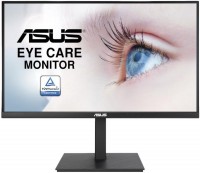
27 ", 2560x1440 (16:9), IPS, response 4 ms, 75 Hz, HDMI, DisplayPort, ХАБ: USB-A 2x2.0, speakers, AMD FreeSync, NVIDIA G-Sync Compatible
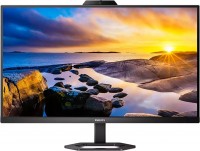
27 ", 2560x1440 (16:9), IPS, response 4 ms, MPRT 1 ms, 75 Hz, 8-bit (16.7M Colors), 16.7M, sRGB 114 %, HDMI, DisplayPort, USB-C (DP Alt Mode), Power Delivery, ХАБ: USB-A 4x5Gbps, speakers, webcam, VESA Adaptive-Sync
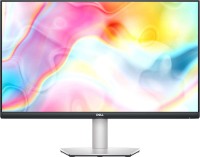
27 ", 2560x1440 (16:9), IPS, response 4 ms, 75 Hz, sRGB 99 %, HDMI, USB-C (DP Alt Mode), Power Delivery, ХАБ: USB-A 2x5Gbps, speakers, AMD FreeSync
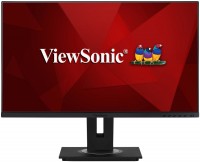
27 ", 2560x1440 (16:9), IPS, response 5 ms, 60 Hz, 8-bit (16.7M Colors), 16.7M, sRGB 100 %, HDMI, DisplayPort, USB-C (DP Alt Mode), ХАБ: USB-A 3x5Gbps, speakers
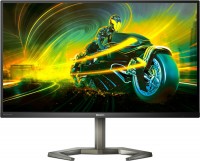
27 ", 2560x1440 (16:9), IPS, response 1 ms, 170 Hz, sRGB 133 %, HDMI, DisplayPort, ХАБ: USB-A 4x5Gbps, speakers, HDR
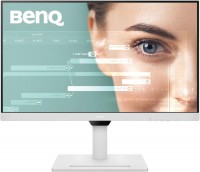
27 ", 2560x1440 (16:9), IPS, response 5 ms, 75 Hz, sRGB 99 %, HDMI, DisplayPort, USB-C (DP Alt Mode), Power Delivery, ХАБ: USB-A 3x5Gbps, speakers, TÜV Rheinland
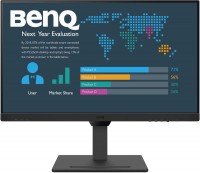
27 ", 2560x1440 (16:9), IPS, response 5 ms, 75 Hz, sRGB 99 %, HDMI, DisplayPort, USB-C (DP Alt Mode), Power Delivery, ХАБ: USB-A 3x5Gbps, speakers, TÜV Rheinland
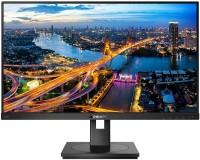
27 ", 2560x1440 (16:9), IPS, response 4 ms, 75 Hz, 6-bit + FRC (16.7M Colors), 16.7M, sRGB 116 %, DVI-D, HDMI, DisplayPort, ХАБ: USB-A 4x5Gbps, speakers, AMD FreeSync
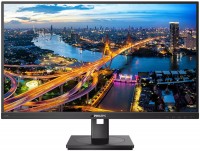
27 ", 2560x1440 (16:9), IPS, response 4 ms, 75 Hz, 8-bit (16.7M Colors), 16.7M, sRGB 123 %, HDMI, DisplayPort, USB-C (DP Alt Mode), Power Delivery, LAN, ХАБ: USB-A 2x5Gbps, speakers
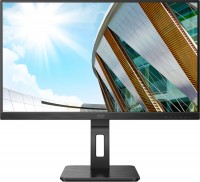
27 ", 2560x1440 (16:9), IPS, response 4 ms, 75 Hz, HDMI, DisplayPort, USB-C (DP Alt Mode), Power Delivery, ХАБ: USB-A 4x5Gbps, speakers, AMD FreeSync
AOC Q27V5C 27 " black
Screen size:27 "
Resolution:2560x1440 (16:9)
Panel:IPS, response 4 ms, MPRT 1 ms
Frequency:75 Hz
Contrast:1 000:1
Brightness:300 cd/m²
Functions:AMD FreeSync, Flicker-Free
Connectors:USB-C (DP Alt Mode) • DisplayPort v1.4 • HDMI v2.0
All specifications
Specifications Q27V5C
|
| ||||||||||||||||||||||||||||||||||||||||||||||||||||||||||||||||||||||||||||||||||||||||||||||


The information in the model description is for reference purposes.
Always clarify the specifications and configuration of the product with the online store manager before purchasing.
Catalog AOC 2026 - new arrivals, bestsellers, and the most relevant models AOC.
Always clarify the specifications and configuration of the product with the online store manager before purchasing.
Catalog AOC 2026 - new arrivals, bestsellers, and the most relevant models AOC.
How to Choose a Gaming MonitorWe understand matrix types, suitable resolution, FreeSync and other important aspects when choosing a gaming monitor
Monitor matrices types: TN+film, IPS, VA, OLED, QLED and QD-OLEDCurrent types of monitor matrices, their pros and cons, as well as recommendations for selection
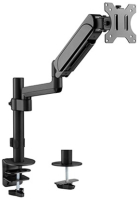
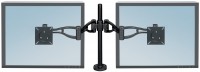
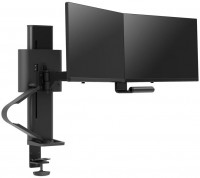
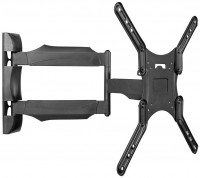
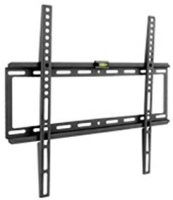
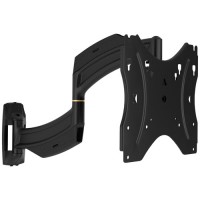
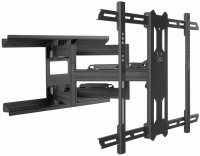
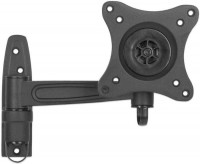
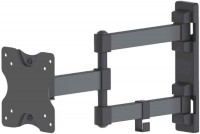
AccessoriesAll accessories for AOC Q27V5C →
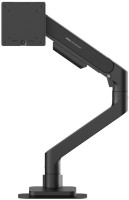
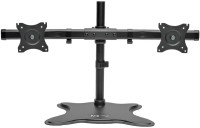
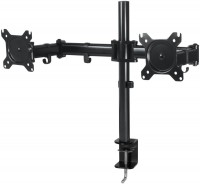
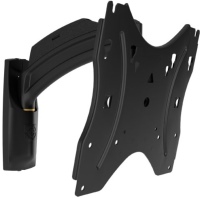
Great monitor. I got it for a MacBook with M1, but also tested it with Windows and Linux laptops. I like that it has Type-C and regular USB ports. You can use a single cable (included) to output the display, charge the Mac, and use the monitor as a USB hub by connecting peripherals to it. Mounting, hdmi and type c in the kit, charge rate, ability to charge the monitor at once as a charging station, and usb hub So far I haven't mentioned anything use AOC Q27V5C less than month |
Add Review
Video reviews