
Rock Space C304
Cables (video, audio, USB)83198
 |
23.95Buy!
$
$
Lenovo.com
Delivery: in USA
Report
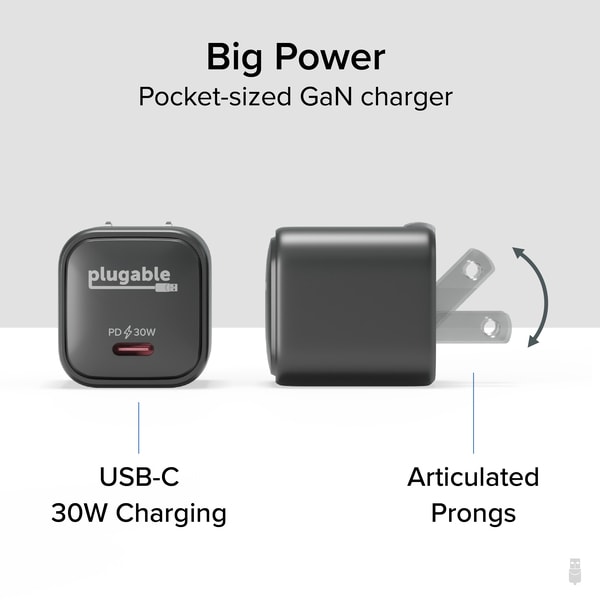
Carry it with you in your pocket or pack for easy charging at home, hotel, or airport. Delivering an impressive 30W, this isn't just a cell phone charger. It's also perfectly capable of charging your more→tablet at the fastest possible rate and, in a pinch, it can even charge compatible Apple Silicon-based MacBooks, Chromebooks, and Windows Ultrabooks. But, depending on the laptop model, it might take a little longer than usual. GaN you believe how fast this charges? Built on GaN technology, this USB C fast charger, will communicate with your device to deliver the perfect portion of power.
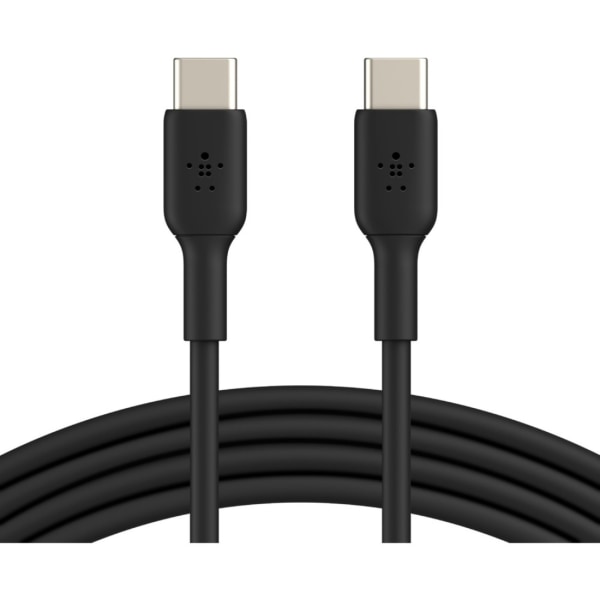 |
Transfer photos and videos from your phone to your laptop using the Belkin BOOST UP CHARGE USB-C To USB-C Cable. It's tested to withstand over 8,000 bends for long-lasting use. Designed to charge you more→r device and sync music, photos or data. Supports fast charging. Tested to withstand 8,000+ bends. USB-IF certified. Backed by the manufacturer's 2-year limited warranty.
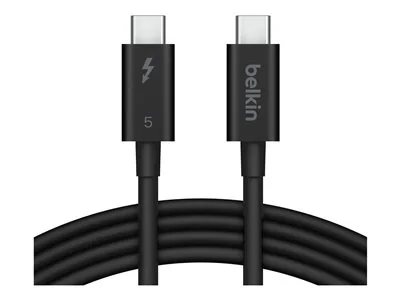 |
The Belkin Thunderbolt cable is designed to meet high-performanc
Additionally
Additionally
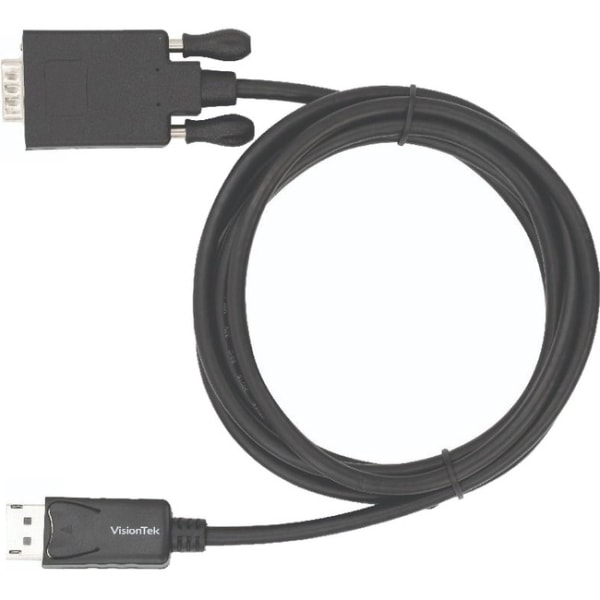 |
DisplayPort and VGA ports for instant connectivity Active feature for your convenience and ease of usage Fully compatible with TVs This video cable provides splendid performance and clear connectivity
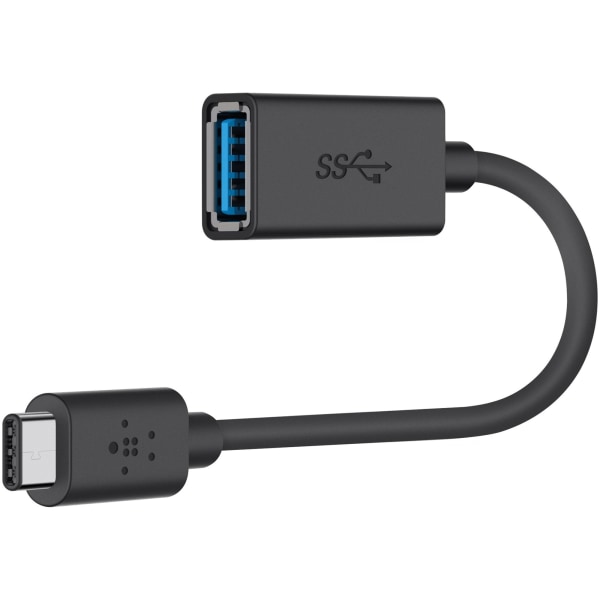 |
Reversible USB-C connector 1.5A charging output Up to 5 Gbps data transfer speed Connect USB-C enabled devices (new Macbook, Chromebook Pixel) to USB-A devices and peripherals (flash drives, keyboards, mice)
 |
137.99Buy!
$
$
Lenovo.com
Delivery: in USA
Report
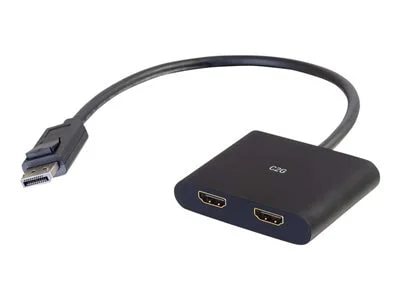
C2G 4K DisplayPort to Dual HDMI MST Hub - DP 1.2 Male to HDMI Female Splitter - M/F.
.
.
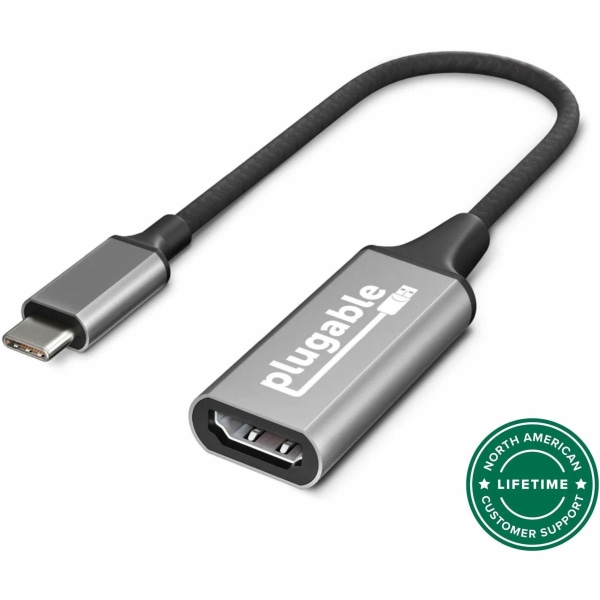 |
2 YEAR WARRANTY-We love our Plugable products, and hope you will too. All of our products are backed with a 2-year limited parts and labor warranty as well as Seattle-based email support OPERATING SY more→STEMS-Supported on Windows, macOS, Chrome OS, and Linux, as long as the computer has a USB-C port which supports video. Plug and Play; no software installation required IMPORTANT NOTE-Requires USB-C port which supports DisplayPort Alternate Mode or Thunderbolt 3 port. Please note that an HDMI 2.0 capable system, cable, and display are required for 4K 60Hz. Some displays require additional settings to allow 4K 60Hz COMPATIBILITY-W
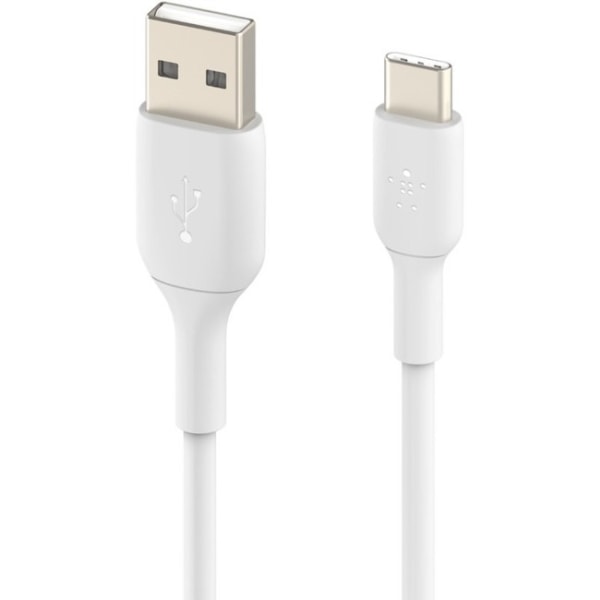 |
Features USB/USB-C cable type for your convenience and desired usability Charging feature for better reliability and ensure maximum productivity Allows easy connection between devices and helps tran more→sfer data quickly with accuracy
Power banks154
Price from $87.99 up to $228.78
Compare prices12→Compare prices and buy ANKER 737 Power Bank
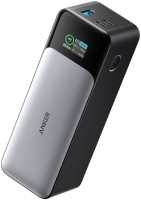 |
for laptops (PD charging), 24000 mAh, 89 W*h, USB-A 1 pcs, maximum 18 W, USB-C 2 pcs, maximum 140 W, fast charge, Power Delivery, body plastic, 630 g
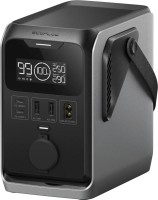 |
for laptops (PD charging), 90000 mAh, 288 W*h, USB-A 2 pcs, maximum 12 W, USB-C 2 pcs, maximum 140 W, fast charge, Power Delivery, waterproof, body plastic, 2580 g
69.99Buy!
$
$
BestBuy.com
Report
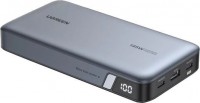 |
for laptops (PD charging), 25000 mAh, 90 W*h, USB-A 1 pcs, maximum 22.5 W, USB-C 2 pcs, maximum 140 W, fast charge, pass-through charging, Power Delivery, body plastic, 513 g
Price from $59.99
Compare prices2→Compare prices and buy ANKER Nano Power Bank 45W 10000 USB-C Cable
 |
10000 mAh, 37 W*h, USB-A 1 pcs, maximum 22.5 W, USB-C 2 pcs, maximum 45 W, fast charge, pass-through charging, Power Delivery, body plastic, 232 g
Important!
Compatibility with specific models Chargers should be confirmed with the online store manager directly before purchase.
Compatibility with specific models Chargers should be confirmed with the online store manager directly before purchase.