
Canyon CNE-CHA250-11
Cables (video, audio, USB)72812
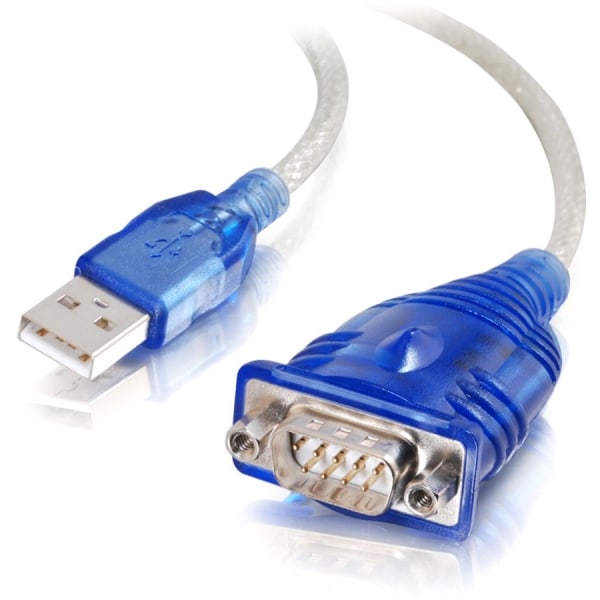 |
Fully compatible with PDAs This data transfer cable provides splendid performance and clear connectivity
 |
6.99Buy!
$
$
Lenovo.com
Delivery: to Redlands
Report
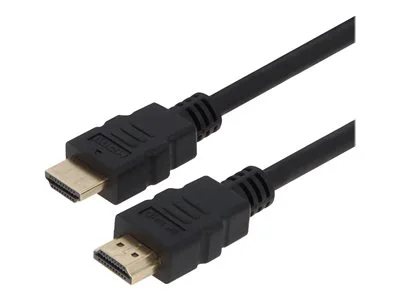
The VisionTek Ultra-High-Spee
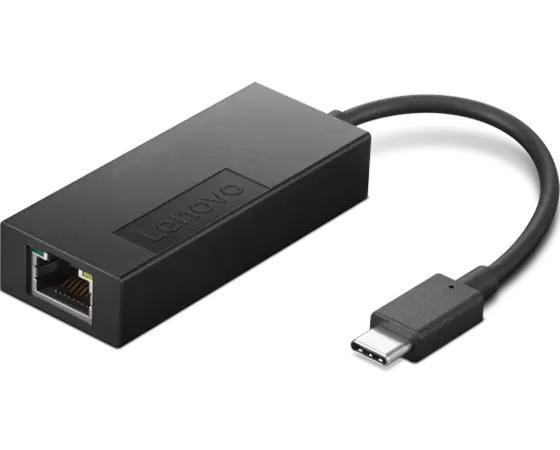 |
Color: Black. With 2.5Gbps-capable switches/router
USB 3.1 Type C to Type C 1 Meter with Power Delivery (M/M) -Up to 100W
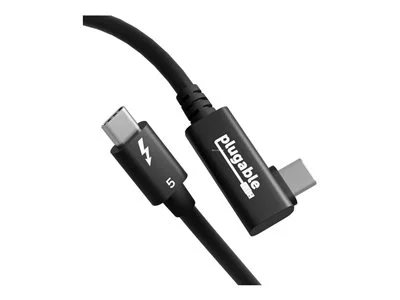 |
Experience the next generation of connectivity with the Plugable TBT5-240W80R, an Intel-Certified Thunderbolt 5 cable designed for professionals who refuse to compromise. This isn't just a cable; it’s more→a high-bandwidth component that delivers up to 80Gbps of bi-directional data transfer (double the speed of Thunderbolt 4). For intensive video workflows, it supports Bandwidth Boost up to 120Gbps, enabling flawless dual 8K 60Hz or high-refresh triple 4K 144Hz display setups without the need for extra adapters.
Power your most demanding devices with confidence. The TBT5-240W80R supports 240W Extended Power Range (EPR) charging, ensuring your high-performanc
Power your most demanding devices with confidence. The TBT5-240W80R supports 240W Extended Power Range (EPR) charging, ensuring your high-performanc
 |
56.99Buy!
$
$
Lenovo.com
Delivery: to Redlands
Report
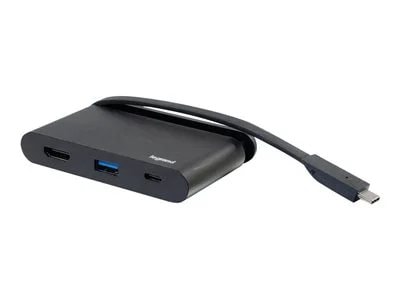
C2G USB C Portable Laptop Dock with HDMI, USB-C, USB-A - 4K 30Hz.
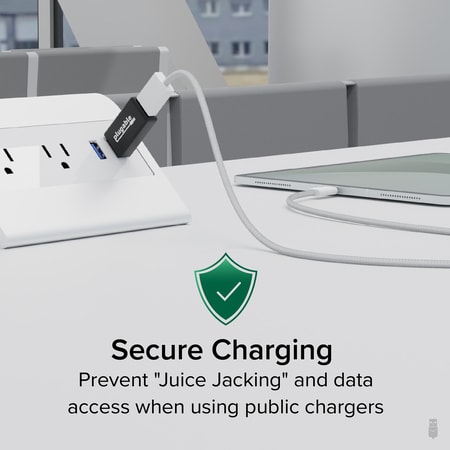 |
USB Charging Information Most devices can't/won't charge from normal powered USB hubs if the computer is turned off/not connected. That includes most Android, Apple iOS, and Windows devices. The phone more→/tablet must negotiate how much power to pull, to do so by the original USB specification, devices are supposed to only draw 100mA at first and then they can then negotiate up to 500mA. This negotiation requires a PC that's attached and on. Unfortunately even at 500mA, charging most devices will take a very long time to charge.
For example, the iPhone and most other non-tablets will charge on a standard port this way but they can also charge faster (up to 1A) if the USB port sends a special, non-standard …
For example, the iPhone and most other non-tablets will charge on a standard port this way but they can also charge faster (up to 1A) if the USB port sends a special, non-standard …
DisplayPort to VGA adapter AC for USB3# 2 port Card 900598. Enables the connection of your DisplayPort supported computer to a VGA (HD-15) supported monitor or other VGA display. It supports VGA anal more→og resolutions of up to 1920x1200 (WUXGA), 60Hz and is simple to setup and easy to use. Connect the DisplayPort (male) end of the connector to your computer and plug your existing VGA cable from the monitor into the VGA (female) adapter. Setup is complete, no software required. The active circuitry built into the DisplayPort to VGA cable adapter seamlessly converts the DisplayPort's video signal into a crystal clear VGA video signal. The latching DisplayPort connector keeps the adapter securely …
Power banks148
39.99Buy!
$
$
Amazon.com
Report
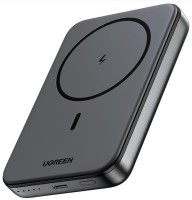 |
10000 mAh, 37 W*h, USB-C 1 pcs, maximum 20 W, fast charge, wireless charger, pass-through charging, Qi2.0, Power Delivery, body plastic, 220 g
52.99Buy!
$
$
Baseus.com
Report
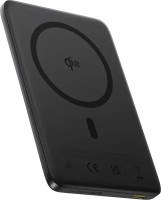 |
10000 mAh, 36 W*h, USB-C 1 pcs, maximum 27 W, fast charge, wireless charger, Qi2.0, Power Delivery, body aluminium, 168 g
94.49Buy!
$
$
Banggood.com
Report
 |
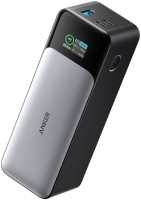
for laptops (PD charging), 25000 mAh, 93 W*h, USB-A 1 pcs, maximum 22.5 W, USB-C 3 pcs, maximum 140 W, fast charge, Power Delivery, body plastic, 550 g
Price from $109.99 up to $257.38
Compare prices11→Compare prices and buy ANKER 737 Power Bank
 |
for laptops (PD charging), 24000 mAh, 89 W*h, USB-A 1 pcs, maximum 18 W, USB-C 2 pcs, maximum 140 W, fast charge, Power Delivery, body plastic, 630 g
Important!
Compatibility with specific models Chargers should be confirmed with the online store manager directly before purchase.
Compatibility with specific models Chargers should be confirmed with the online store manager directly before purchase.