
Apple Mac mini 2018 MRTR2
Monitors1480
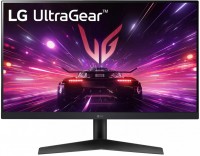 |
gaming, 23.8 ", 1920x1080 (16:9), IPS, response 1 ms, 180 Hz, 8-bit (16.7M Colors), sRGB 99 %, HDMI, DisplayPort, AMD FreeSync, NVIDIA G-Sync Compatible, HDR, TÜV Rheinland
 |

Keyboards2
Mice3
Apple Magic Mouse 2 USB C (2024)
from $69.00
Apple Magic Trackpad 2 USB-C (2024)
from $119.99
Apple Magic Trackpad (1st gen)
from $149.99
Cables (video, audio, USB)53

 |
19.00Buy!
$
$
Abt.com
Delivery: USA
Report
Extends The Reach Of Your Apple Power Adapter/ Compatible With Various Apple MacBooks/ Durable Construction/ Ideal For Use At Home, In The Office, Or While Traveling/ Easy To Use/ White Finish
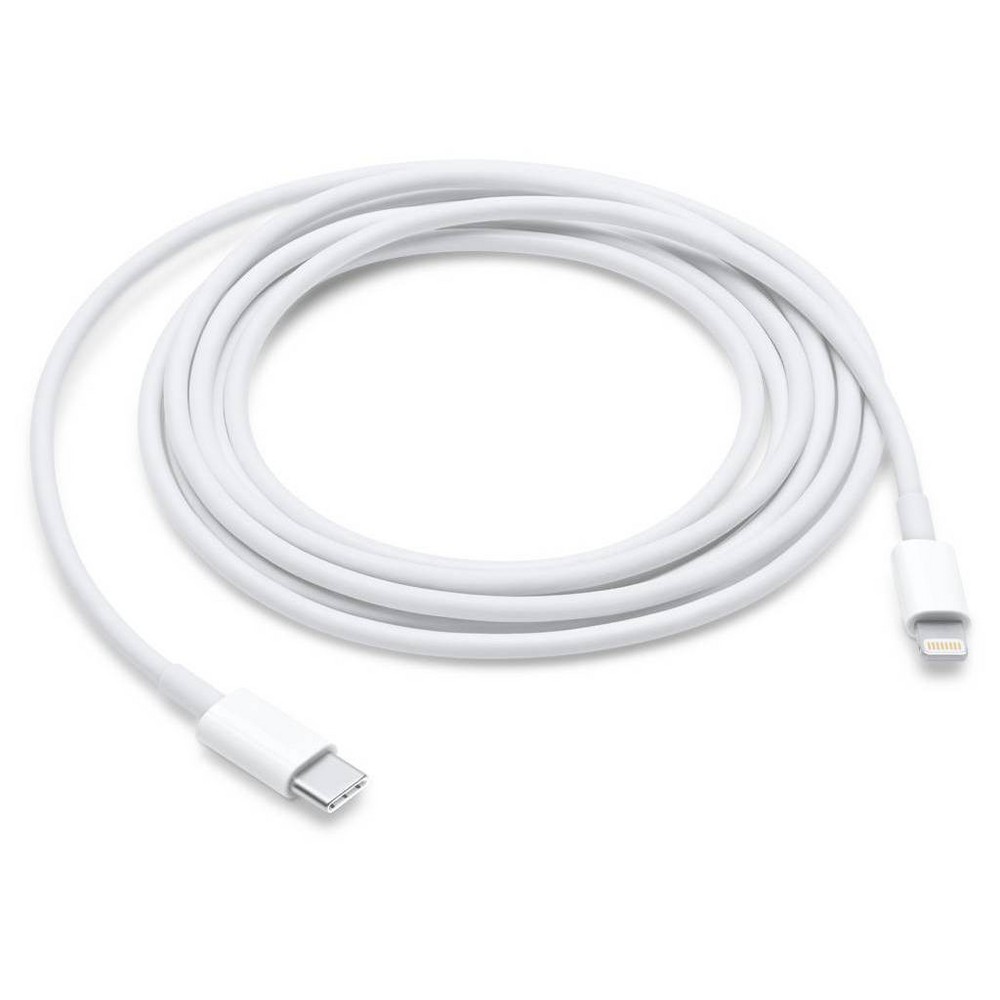 |
Connect your device with Lightning connector to your USB-C or Thunderbolt 3 (USB-C)–enabled device for syncing and charging, or to your USB-C–enabled iPad for charging. You can also use this cable wit more→h your Apple 18W, 20W, 29W, 30W, 61W, 87W, or 96W USB-C Power Adapter to charge your iOS device and even take advantage of the fast-charging feature on select iPhone and iPad models. Technical Specifications Connections • Lightning • USB-C Compatibility iPhone Models • iPhone 14 • iPhone 14 Plus • iPhone 14 Pro • iPhone 14 Pro Max • iPhone 13 mini • iPhone 13 • iPhone 13 Pro • iPhone 13 Pro Max • iPhone 12 Pro Max • iPhone 12 Pro • iPhone 12 • iPhone 12 mini • iPhone 11 Pro • iPhone 11 Pro Max • iPhon…
 |
129.99Buy!
$
$
BestBuy.com
Delivery: in USA
Report
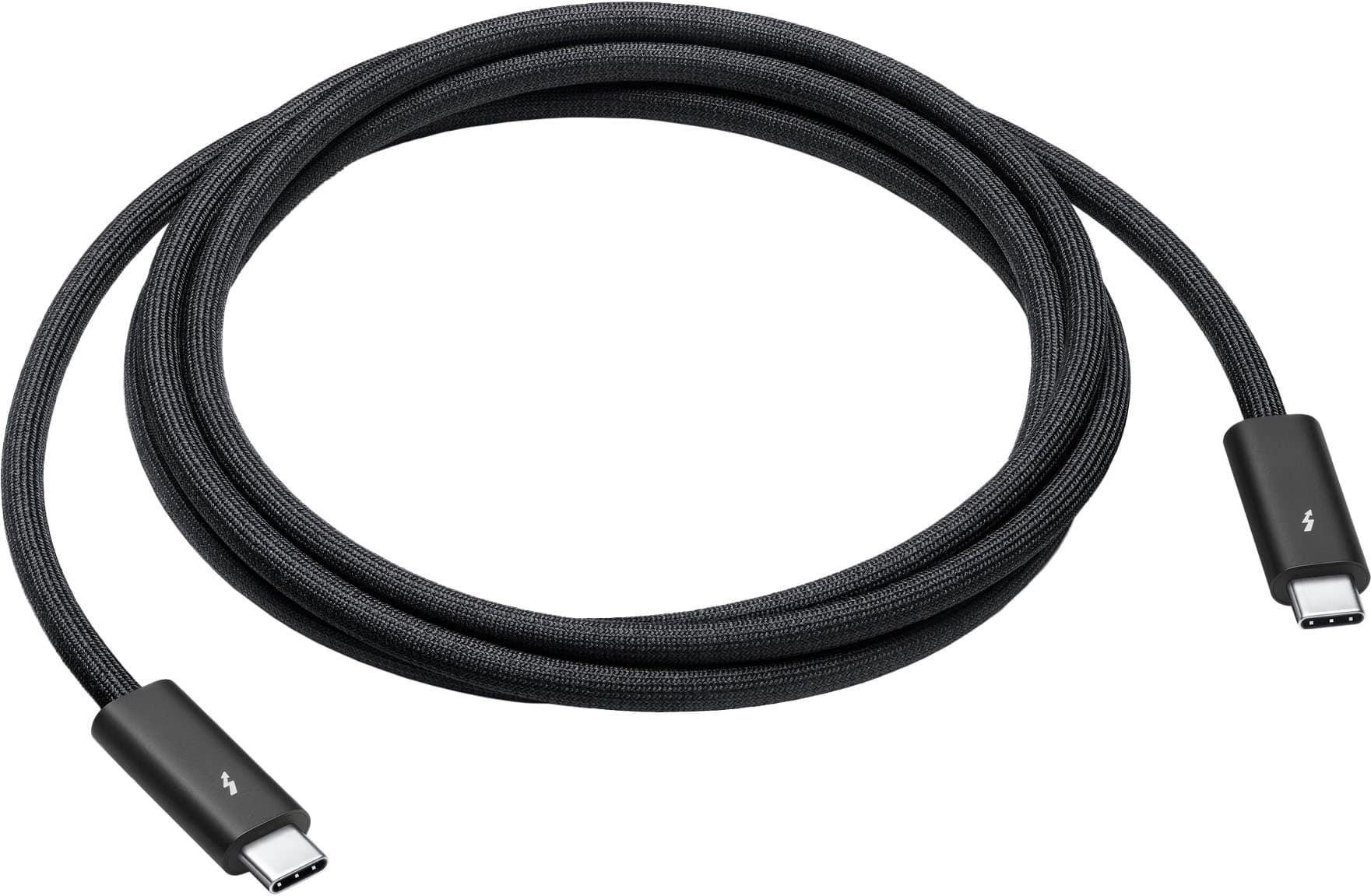
Featuring a black braided design that coils without tangling, this 1.8-meter cable supports Thunderbolt 3, Thunderbolt 4, and USB 4 data transfer up to 40Gb/s, USB 3 data transfer up to 10Gb/s, Displa more→yPort video output (HBR3), and charging up to 100W. Use this cable to connect a Mac with Thunderbolt 3 or 4 (USB-C) ports to Thunderbolt (USB-C) and USB displays and devices such as Studio Display, Pro Display XDR, docks, and hard drives. You can also use this cable to connect iPhone 15 Pro to Mac.
Important!
Compatibility with specific models Desktop PCs should be confirmed with the online store manager directly before purchase.
Compatibility with specific models Desktop PCs should be confirmed with the online store manager directly before purchase.