
Apple Mac mini 2018
Monitors1482
 |
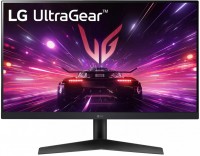 |
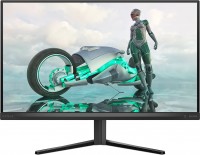
gaming, 23.8 ", 1920x1080 (16:9), IPS, response 1 ms, 180 Hz, 8-bit (16.7M Colors), sRGB 99 %, HDMI, DisplayPort, AMD FreeSync, NVIDIA G-Sync Compatible, HDR, TÜV Rheinland
Price from $249.99 up to $346.00
Compare prices2→Compare prices and buy AOC Q27G3XMN
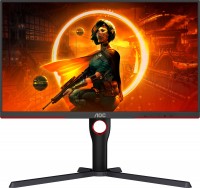 |
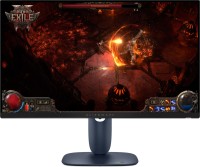
gaming, 27 ", 2560x1440 (16:9), Mini LED VA, response 1 ms, 180 Hz, 1.07B Colors, sRGB 137.5 %, DCI-P3 98.5 %, HDMI, DisplayPort, AMD FreeSync Premium Pro, VESA Adaptive-Sync, HDR
Keyboards2
Mice4
Apple Magic Trackpad (1st gen)
from $149.99
Apple Magic Mouse 2 USB C (2024)
from $69.00
Apple Magic Trackpad 2 (2021)
from $169.99
Apple Magic Trackpad 2 USB-C (2024)
from $119.99
Cables (video, audio, USB)60
 |
79.99Buy!
$
$
BestBuy.com
Delivery: in USA
Report
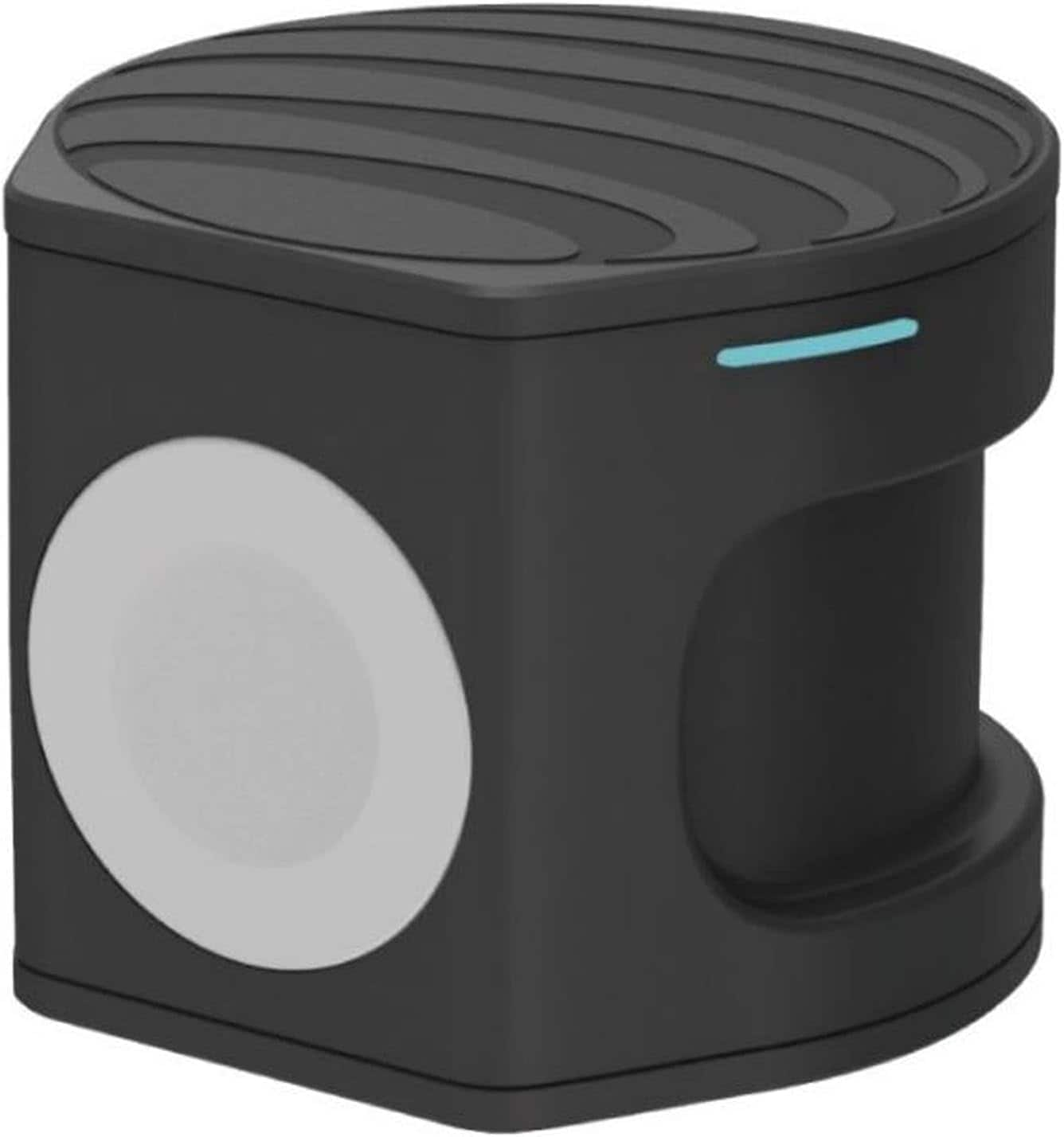
Compact wireless charger plus Apple Watch Powerbank. Two in one portable charger. Charge on the go, at the office or at home. Set your Qi-enabled wireless device on the wireless pad, charging begins o more→n contact. The non-slip surface provides a stable base and protects your device from scratches. Simply place the back of your Apple Watch to the module where magnets will cause it to snap into place automatically and charging will soon begin.
 |
24.99Buy!
$
$
BestBuy.com
Delivery: in USA
Report
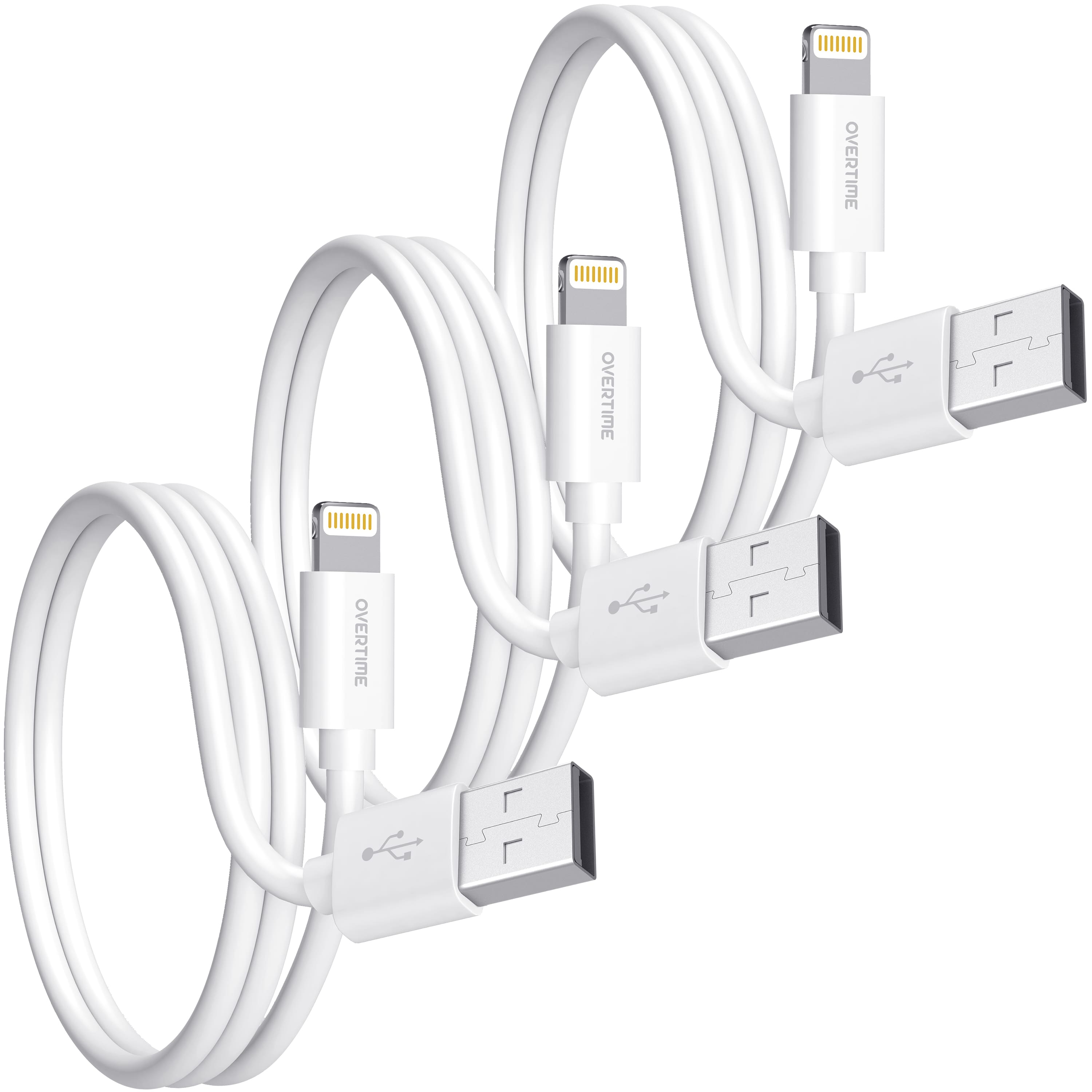
Enhance your tech essentials with Overtime 3-Pack usb to lightning cables, crafted for speed and safety with an integrated Apple chipset. Certified by Apple MFI to meet rigorous performance standards, more→these apple lightning cables guarantee a bend lifespan of over 30,000, pairing longevity with reliability. Achieve swift data transfers at speeds up to 480 Mbps for all your Apple devices, from iPhones to MacBooks. The 4ft length provides ample reach, and the laser-welded connectors promise endurance against twists and tugs. Designed with high-quality materials for a premium look and fast-charging capability, these apple lightning chargers for iphone are your go-to for sustained battery life and …
 |
19.99Buy!
$
$
Target
Delivery: in USA
Report
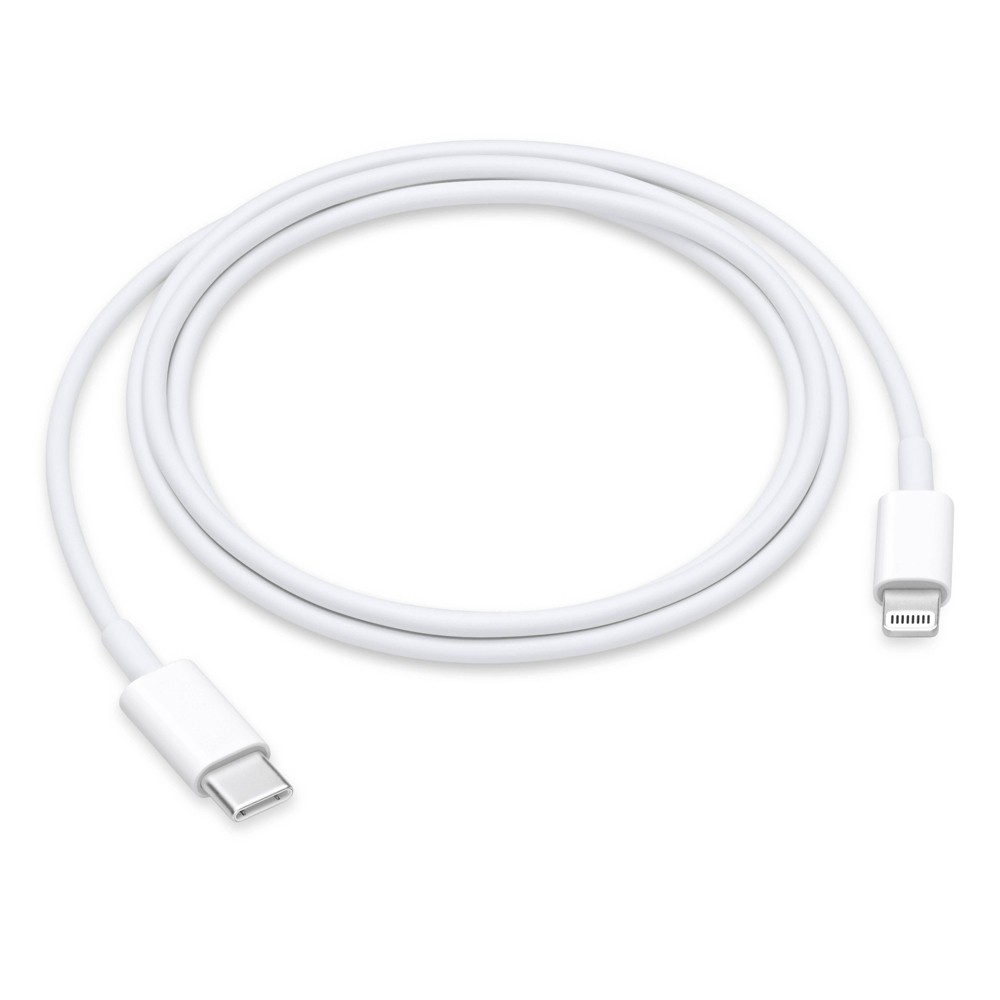
Connect your iPhone, iPad, or iPod with Lightning connector to your USB-C or Thunderbolt 3 (USB-C) enabled Mac for syncing and charging, or to your USB-C enabled iPad for charging. You can also use th more→is cable with your Apple 18W, 20W, 29W, 30W, 61W, 87W or 96W USB‑C Power Adapter to charge your iOS device and even take advantage of the fast-charging feature on select iPhone and iPad models. What’s in the Box Apple USB-C to Lightning Cable (1 m) Tech Specs Lightning USB-C Compatibility iPhone Models · iPhone 14 · iPhone 14 Plus · iPhone 14 Pro · iPhone 14 Pro Max · iPhone 13 mini · iPhone 13 · iPhone 13 Pro · iPhone 13 Pro Max · iPhone 12 Pro Max · iPhone 12 Pro · iPhone 12 · iPhone 12 mini ·…
 |
12.99Buy!
$
$
BestBuy.com
Delivery: in USA
Report
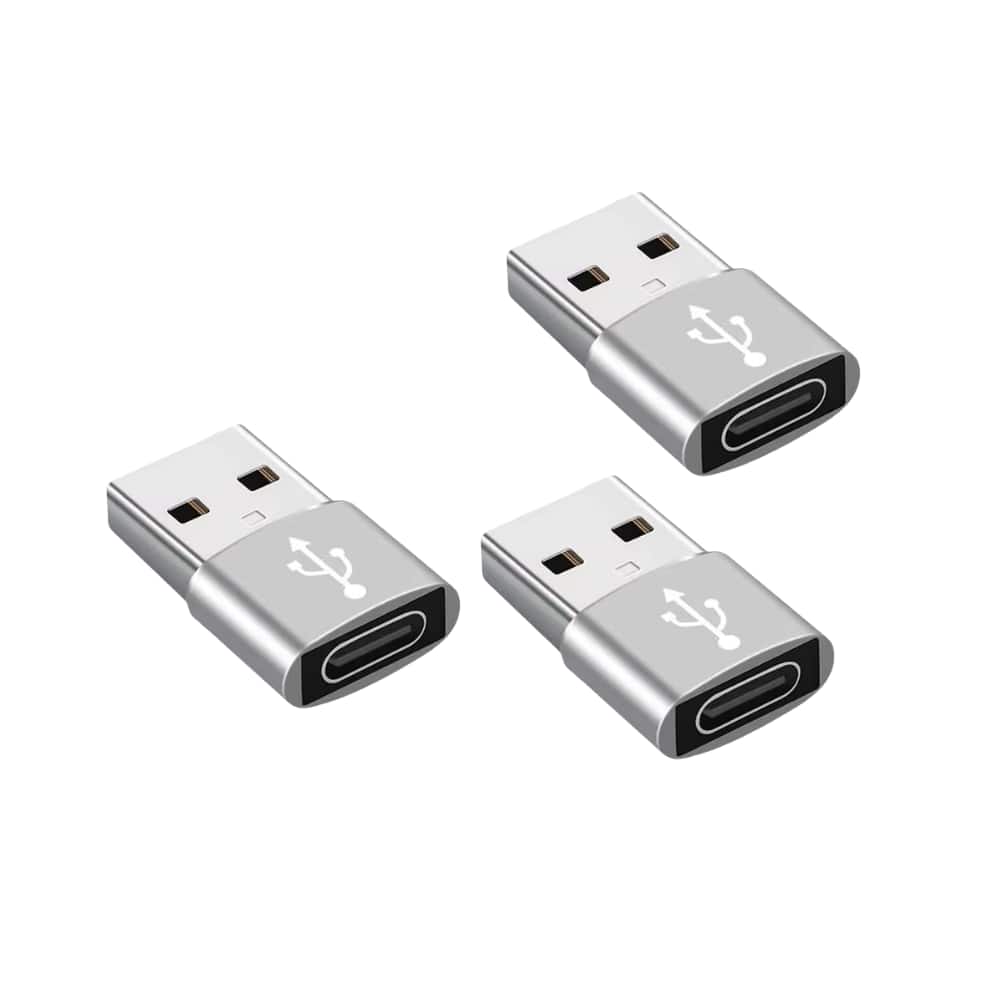
3-Packs USB to USB C Adapter,Type-C Female to A Male OTG Converter for Apple Watch, iPhone, Samsung, AirPods, iPad, Car: With this, you can plugged into an available standard USB port, your legacy dev more→ices (charger, power bank, computer) can turn into a USB-C enabled platform. USB to USB C Female. You can easily hook up any USB-C peripherals (USB Type-C cable, USB Type-C flash drive, USB Type-C hub) that make use of the newer USB-C connector. This USBA to USBC Adapter offers data transfer between connected devices and also supports power output for charging your devices. This 3-Packs USB to USB C Adapter,Type-C Female to A Male OTG Converter for Apple Watch, iPhone, Samsung, AirPods, iPad, Car …
Important!
Compatibility with specific models Desktop PCs should be confirmed with the online store manager directly before purchase.
Compatibility with specific models Desktop PCs should be confirmed with the online store manager directly before purchase.