
Apple iMac 21.5 2017
Monitors1490
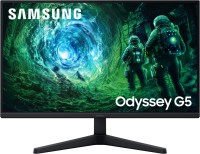
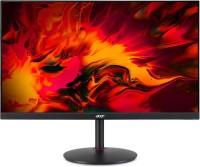
Price from $79.99 up to $243.77
Compare prices6→Compare prices and buy MSI MAG 242C
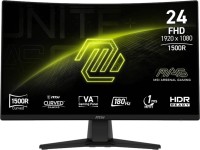 |
gaming, 23.6 ", 1920x1080 (16:9), curved 1500R, *VA, MPRT 1 ms, 180 Hz, 8-bit + FRC (1.07B Colors), sRGB 115.8 %, DCI-P3 91.5 %, HDMI, DisplayPort, VESA Adaptive-Sync, HDR, TÜV Rheinland
 |
Keyboards2
Mice3
Apple Magic Trackpad 2 USB-C (2024)
from $119.99
Apple Magic Trackpad (1st gen)
from $149.99
Apple Magic Mouse 2 USB C (2024)
from $69.99
Cables (video, audio, USB)50
 |
29.99Buy!
$
$
BestBuy.com
Delivery: in USA
Report
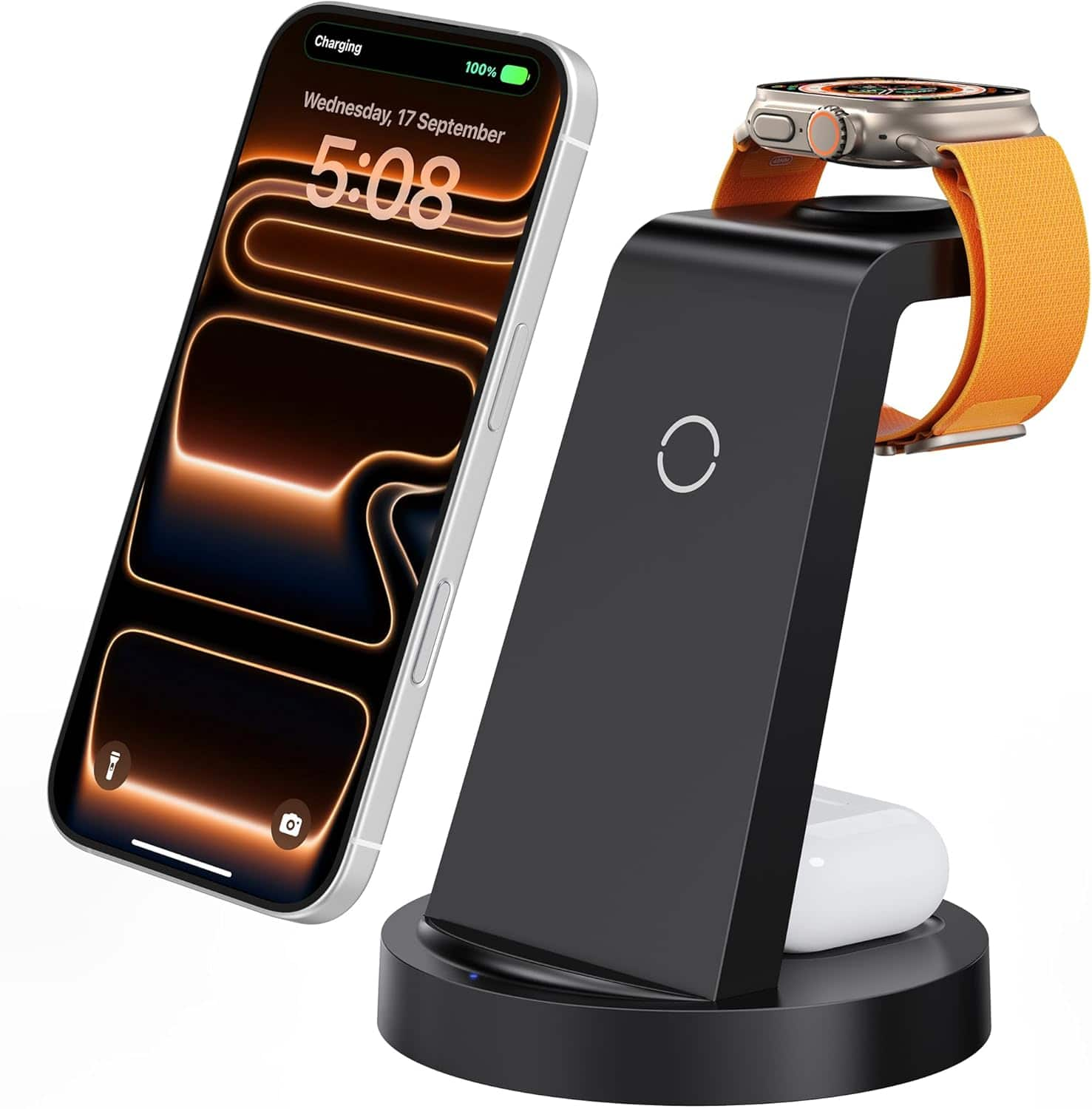
Simplify charging with this 3 in 1 Wireless Charging Station designed to power your iPhone Apple Watch and AirPods simultaneously Ideal for home or office use this compact charging dock reduces cable more→clutter while keeping your essential Apple devices fully charged and organized The wireless charging pad supports fast charging for compatible iPhone 11 through iPhone 17 models while dedicated charging zones ensure safe and efficient power delivery to your Apple Watch and AirPods 4 AirPods 3 and AirPods Pro with wireless charging cases Built in safety features help protect against overcharging overheating and short circuits Its stable base and modern design make it a convenient and stylish addition …
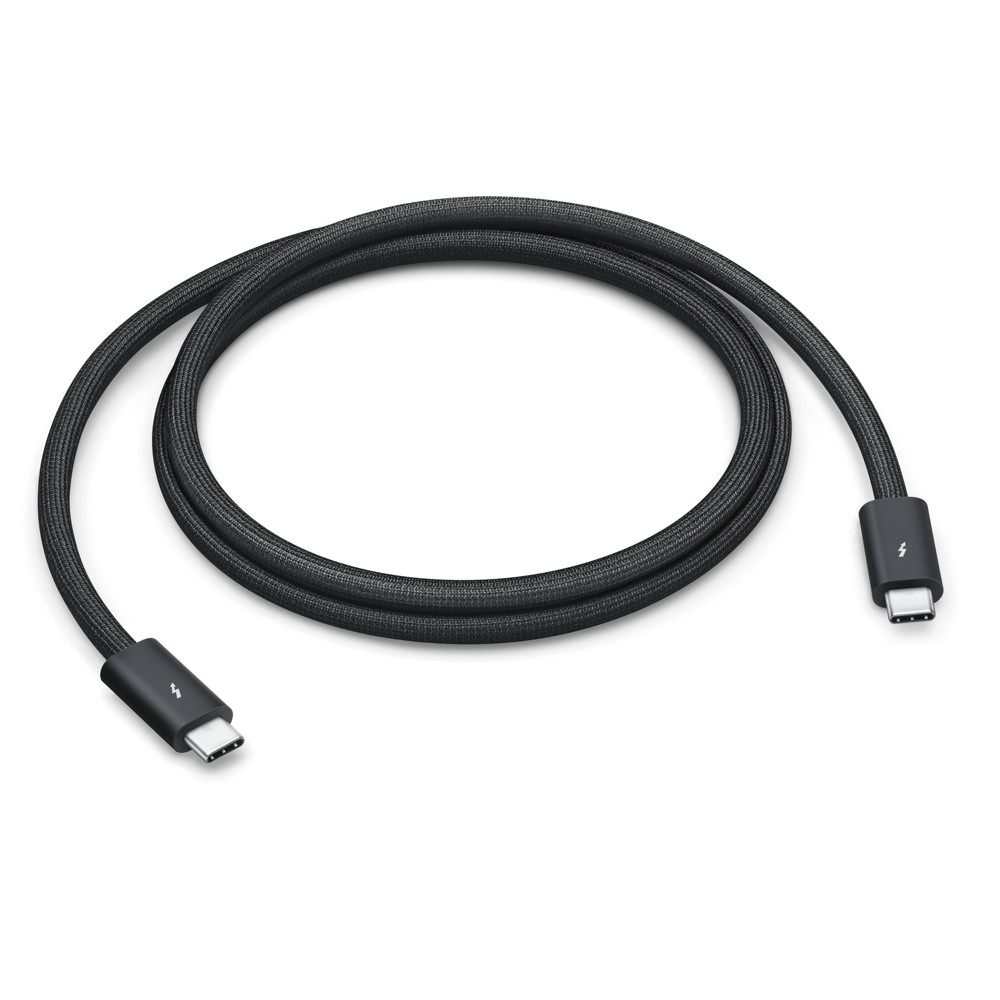 |
Featuring a black braided design that coils without tangling, this 1-meter cable supports Thunderbolt 5 data transfer up to 120Gb/s;* Thunderbolt 3, Thunderbolt 4, and USB 4 data transfer up to 80Gb/s more→; USB 3 data transfer up to 10Gb/s; DisplayPort 2.1 video output; and charging up to 240W. Use this cable to connect a Mac with Thunderbolt 3, 4, or 5 (USB-C) ports to Thunderbolt (USB-C) and USB displays and devices such as Studio Display, Pro Display XDR, docks, and external drives. You can also use this cable to connect iPhone and iPad models with USB-C to your Mac. Technical Specifications Thunderbolt 5 (USB-C) Compatibility iPhone Models • iPhone 17 Pro Max • iPhone 17 Pro • iPhone Air • iPho…
 |
39.00Buy!
$
$
Abt.com
Delivery: USA
Report
Transfer Photos and Video From Camera to Compatible Apple Products/ Supports Standard Photo Formats/ Supports SD and HD Video Formats/ White Finish
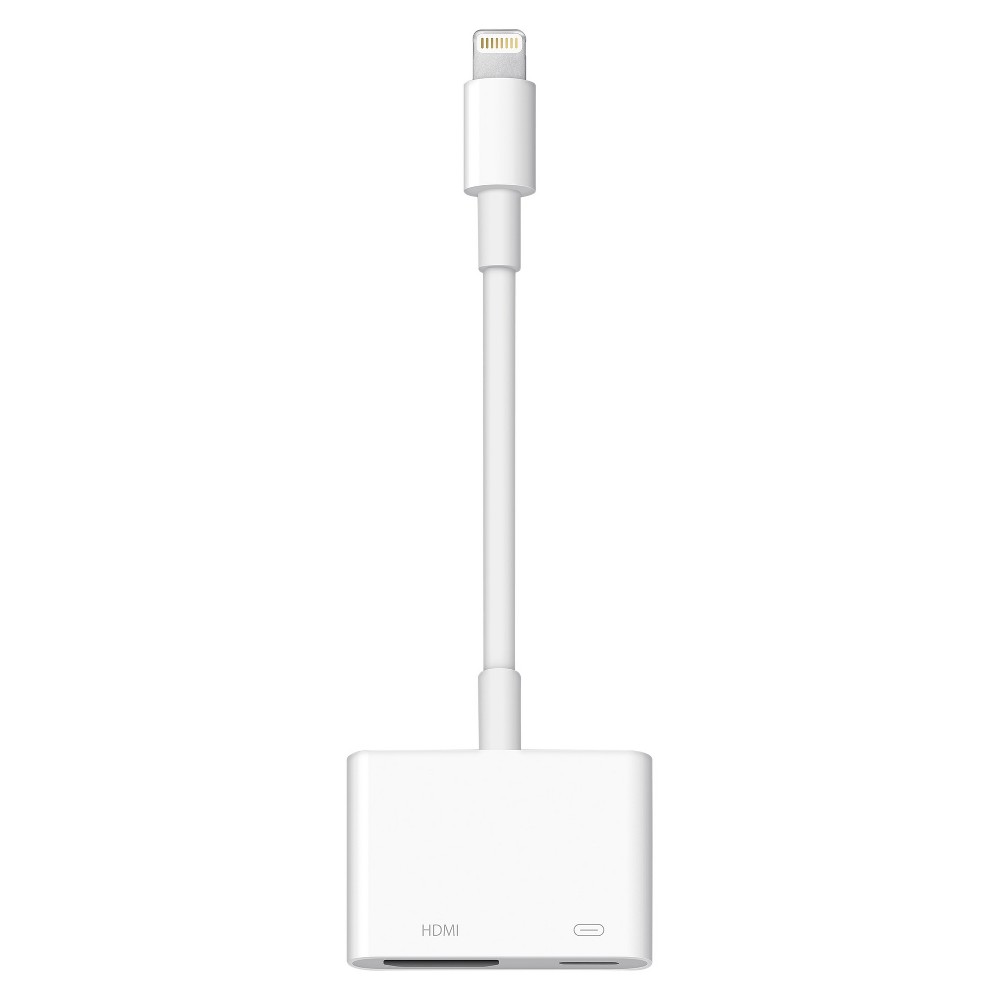 |
Use the Lightning Digital AV Adapter with your iPhone, iPad, or iPod with Lightning connector. The Lightning Digital AV Adapter supports mirroring of what is displayed on your device screen — includin more→g apps, presentations, websites, slideshows, and more — to your HDMI-equipped TV, display, projector, or other compatible display in up to 1080p HD. It also outputs video content — movies, TV shows, captured video — to your big screen in up to 1080p HD. Simply attach the Lightning Digital AV Adapter to the Lightning connector on your device and then to your TV or projector via an HDMI cable (sold separately). What’s in the Box Lightning Digital AV Adapter System Requirements Requires an HDMI cable…
Important!
Compatibility with specific models Desktop PCs should be confirmed with the online store manager directly before purchase.
Compatibility with specific models Desktop PCs should be confirmed with the online store manager directly before purchase.