
Trust Verro Ergonomic Wireless Mouse (23507)
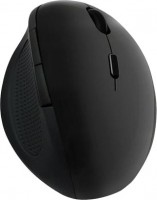
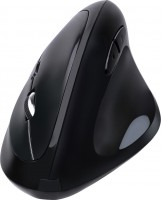
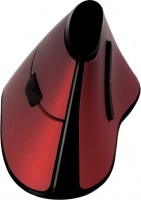
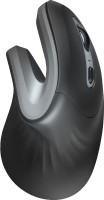 | Outdated Product This wireless mouse primarily stands out for its original construction and design, mainly designed for quiet office use and may not be the best choice for dynamic computer games. Ergonomic body is not horizontal, as in most models, but vertically, and all the keys and the wheel are on the side. This design design reduces the load on the hand and makes the mouse extravagant in a good way. Light weight (113 g), unique shape and rubberized surface provide ease of movement and comfortable grip. The Trust Verro Ergonomic Wireless Mouse receives a signal from a radio adapter that is installed in the USB port of a PC or laptop, and is able to work not only next to the computer, but also at a distance of up to 10 m from it. For power, you need one AA battery, which, like the adapter, is included w...ith the gadget. The continuous operation time is about 3 months, after which the power supply must be replaced. The mouse has 5 buttons — 3 for the index and middle fingers and 2 more for the thumb. Touch resolution, on which the cursor speed depends, can be changed within 600-1600 dpi. E-Catalog uses affiliate links compensated by our partners. |


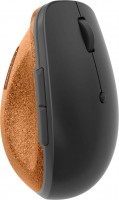
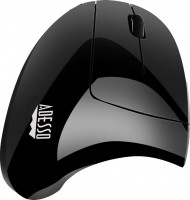
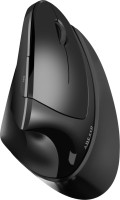

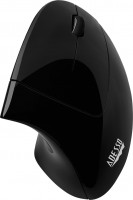
Trust Verro Ergonomic Wireless Mouse | |||||||||||||||||||||||||||||||||||||||||||||||||||
|
| ||||||||||||||||||||||||||||||||||||||||||||||||||


This wireless mouse primarily stands out for its original construction and design, mainly designed for quiet office use and may not be the best choice for dynamic computer games. Ergonomic body is not horizontal, as in most models, but vertically, and all the keys and the wheel are on the side. This design design reduces the load on the hand and makes the mouse extravagant in a good way.
Light weight (113 g), unique shape and rubberized surface provide ease of movement and comfortable grip. The Trust Verro Ergonomic Wireless Mouse receives a signal from a radio adapter that is installed in the USB port of a PC or laptop, and is able to work not only next to the computer, but also at a distance of up to 10 m from it. For power, you need one AA battery, which, like the adapter, is included with the gadget. The continuous operation time is about 3 months, after which the power supply must be replaced. The mouse has 5 buttons — 3 for the index and middle fingers and 2 more for the thumb. Touch resolution, on which the cursor speed depends, can be changed within 600-1600 dpi.
Always clarify the specifications and configuration of the product with the online store manager before purchasing.
Catalog Trust 2026 - new arrivals, bestsellers, and the most relevant models Trust.










1 1 2 0 |
+ real 2.5 months battery life (not sure about the accumulator) + high-quality materials and assembly + vertical wireless mouse + 3 DPI modes, forward and back buttons + beautiful design, brings pleasure + affordable price - You need to measure it on your own hand, it may not be quite comfortable, I find Trust Verto more convenient - Powered by 1 AA battery, and not by a rechargeable battery charged via USB-C  Denis Dionis: use Trust Verro Ergonomic Wireless Mouse few months Denis Dionis: use Trust Verro Ergonomic Wireless Mouse few months |
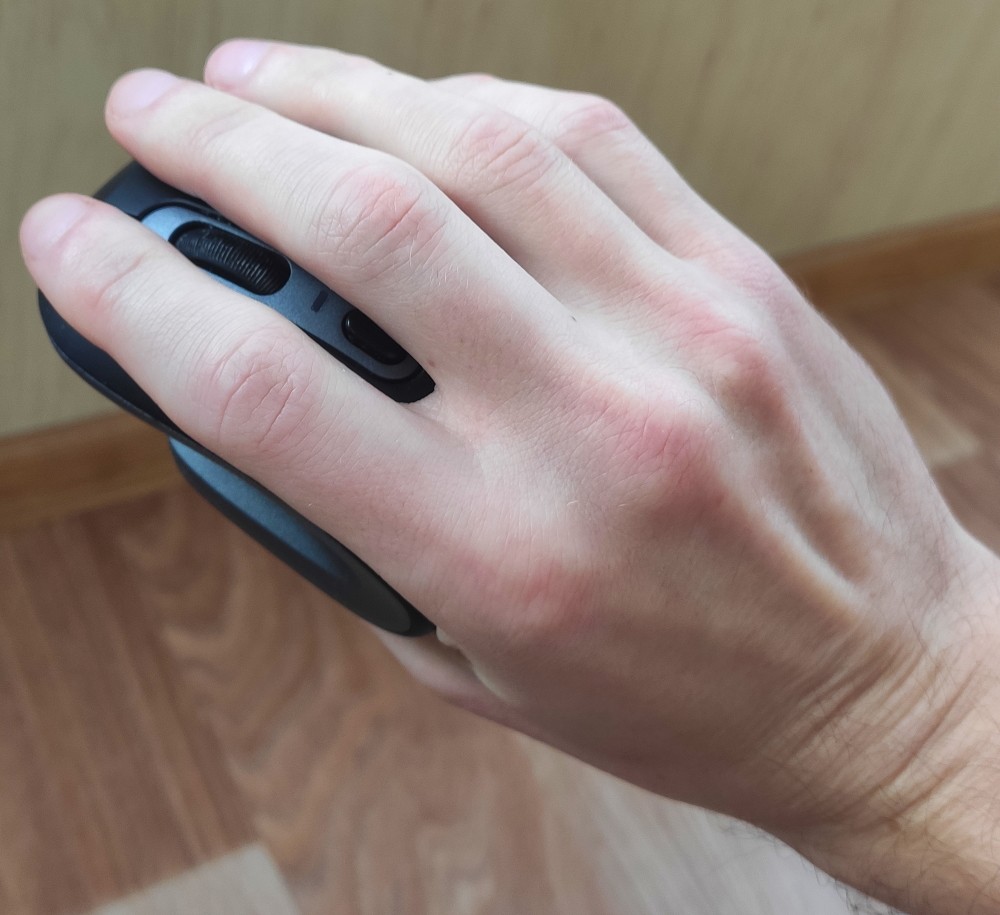
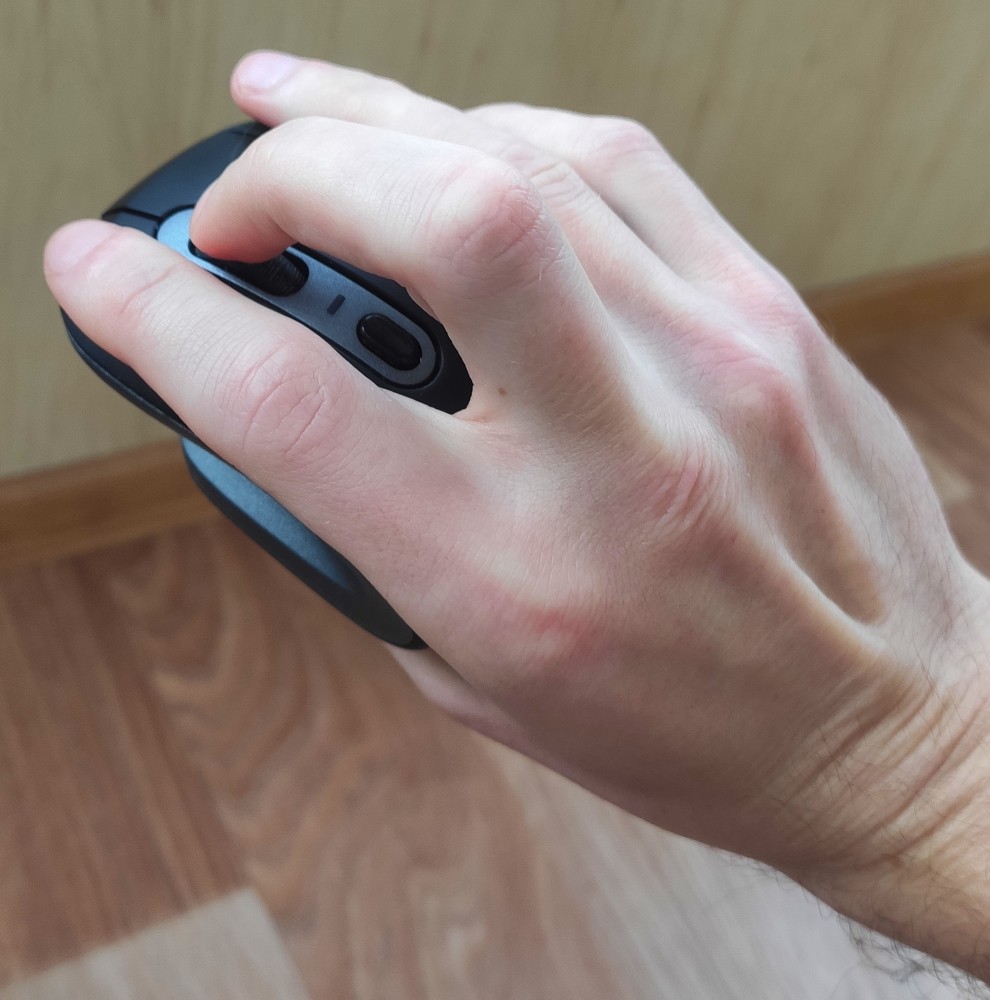
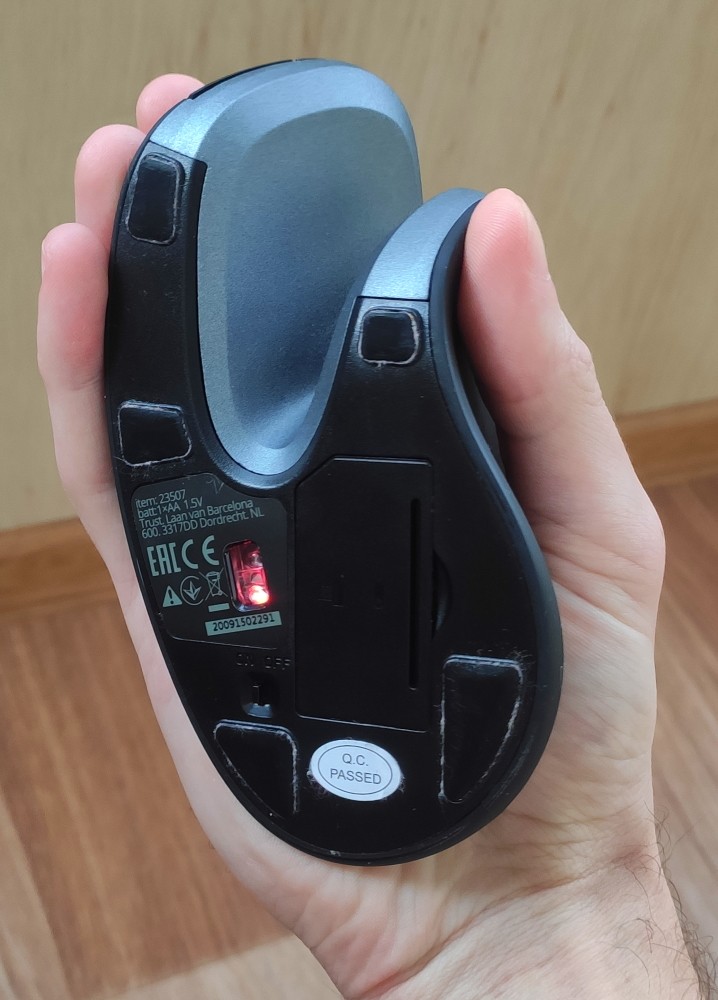
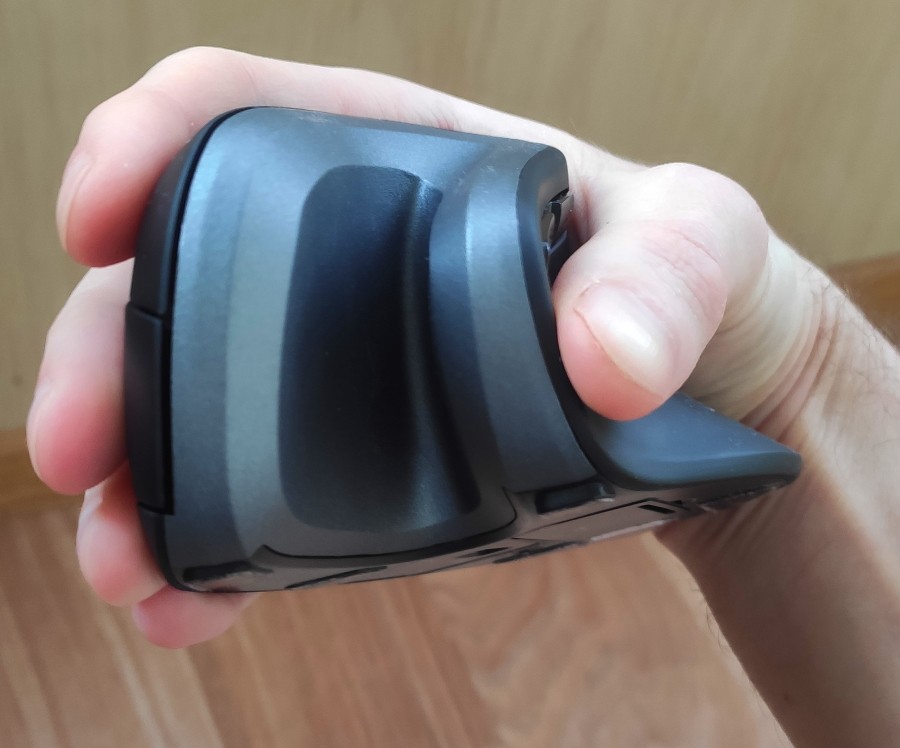
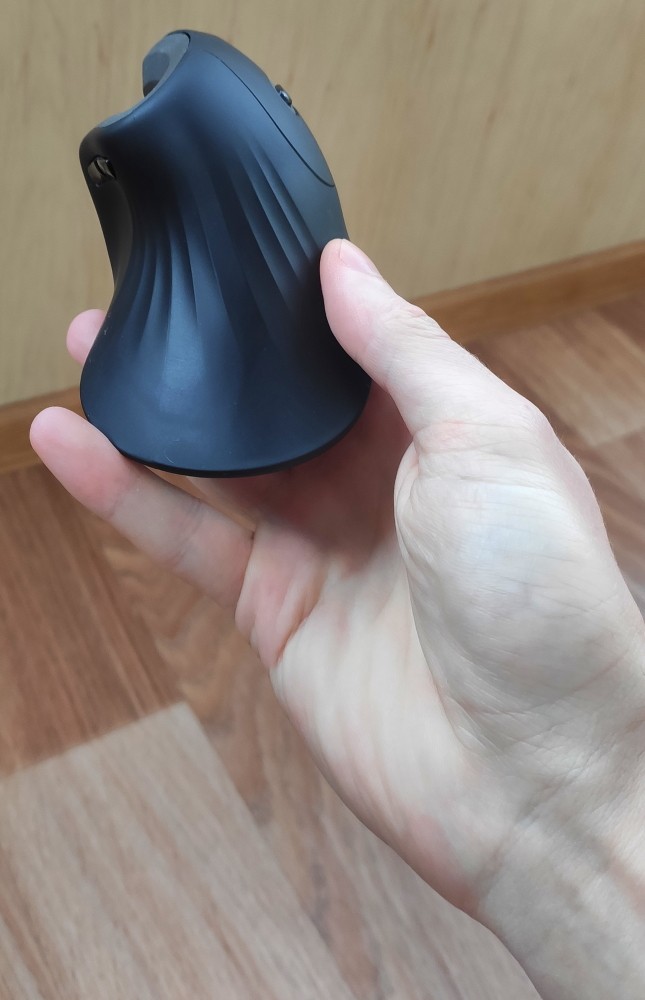
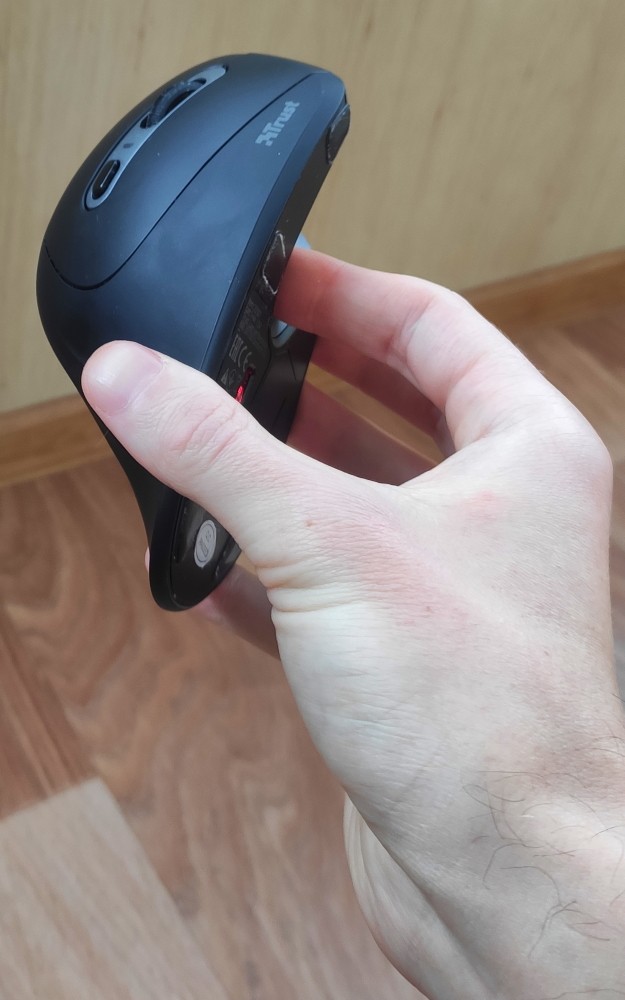
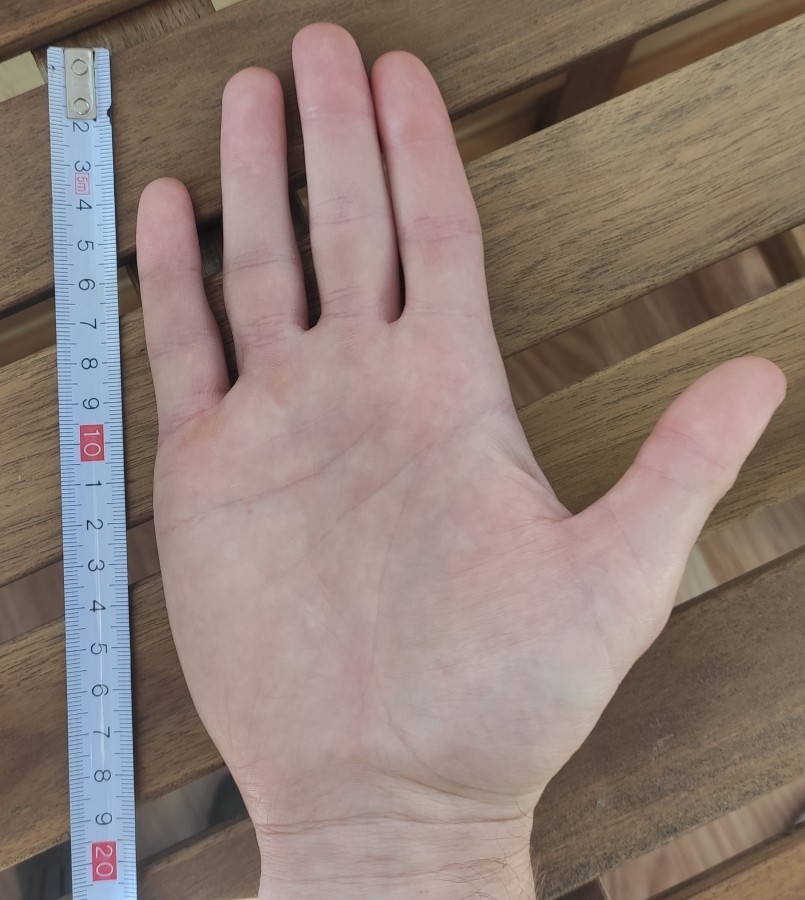
At first, I was thrilled; you can immediately feel how your hand is relieved. It fits perfectly under a small or medium hand, but some people find the pinky position uncomfortable. The material is not inferior to Logitech's counterparts, but Trust skimped on the scroll wheel. In the end, I used 3 of these mice since I bought extras for different computers. All of them had the scroll wheel break within 6-14 months; luckily, I was able to replace the first one under warranty. The others broke after the warranty period. Material, shape, price the wheel constantly breaks - there were 3 mice  Egor Kolosov: use Trust Verro Ergonomic Wireless Mouse more than year Egor Kolosov: use Trust Verro Ergonomic Wireless Mouse more than year |
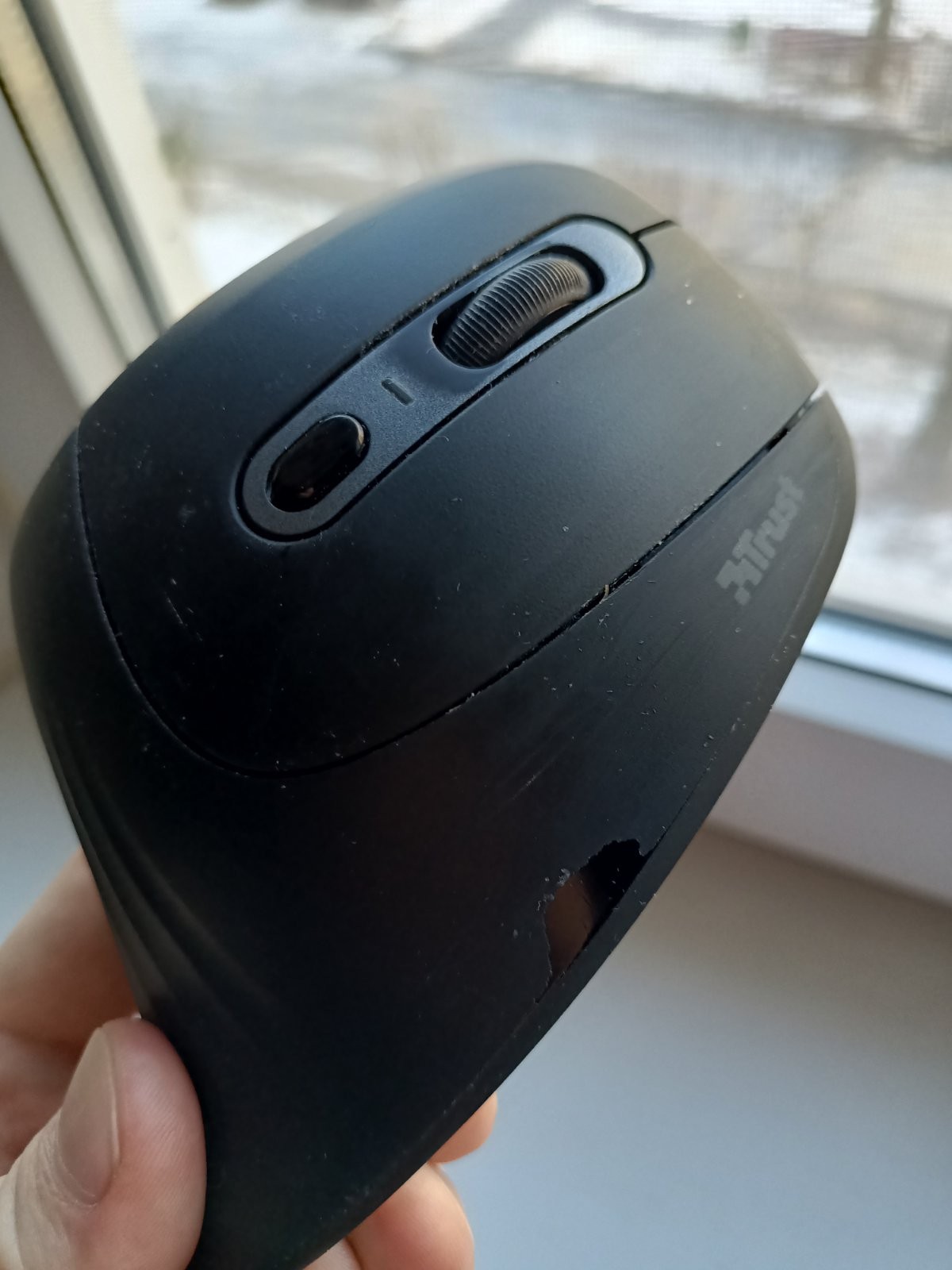
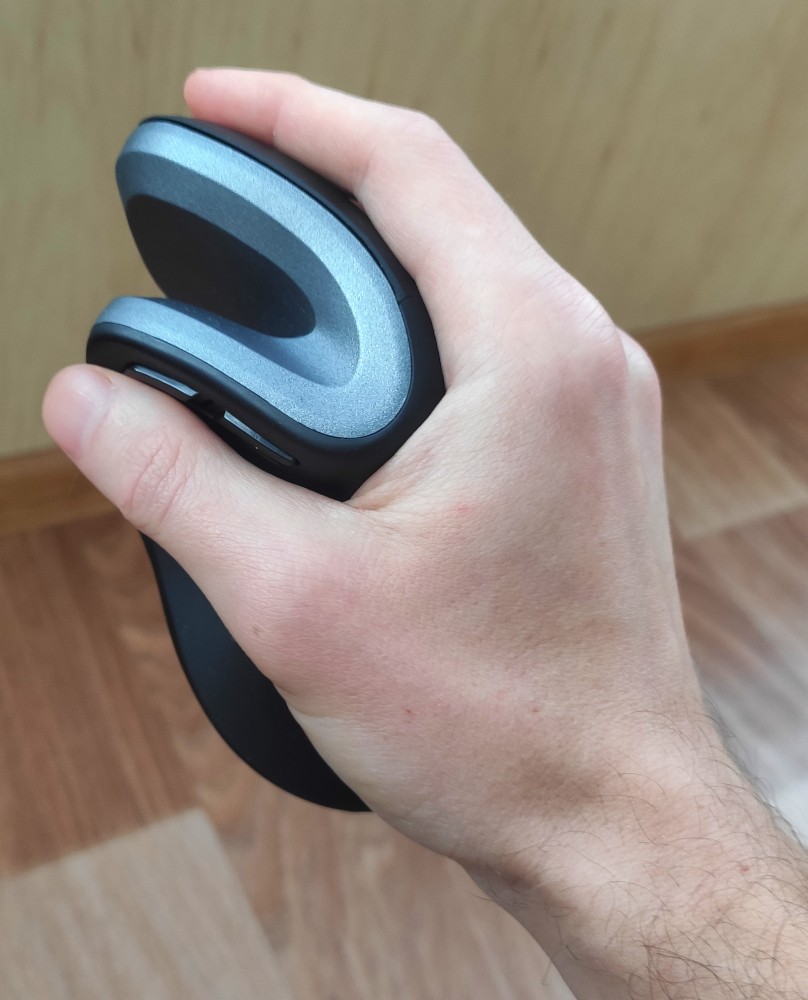
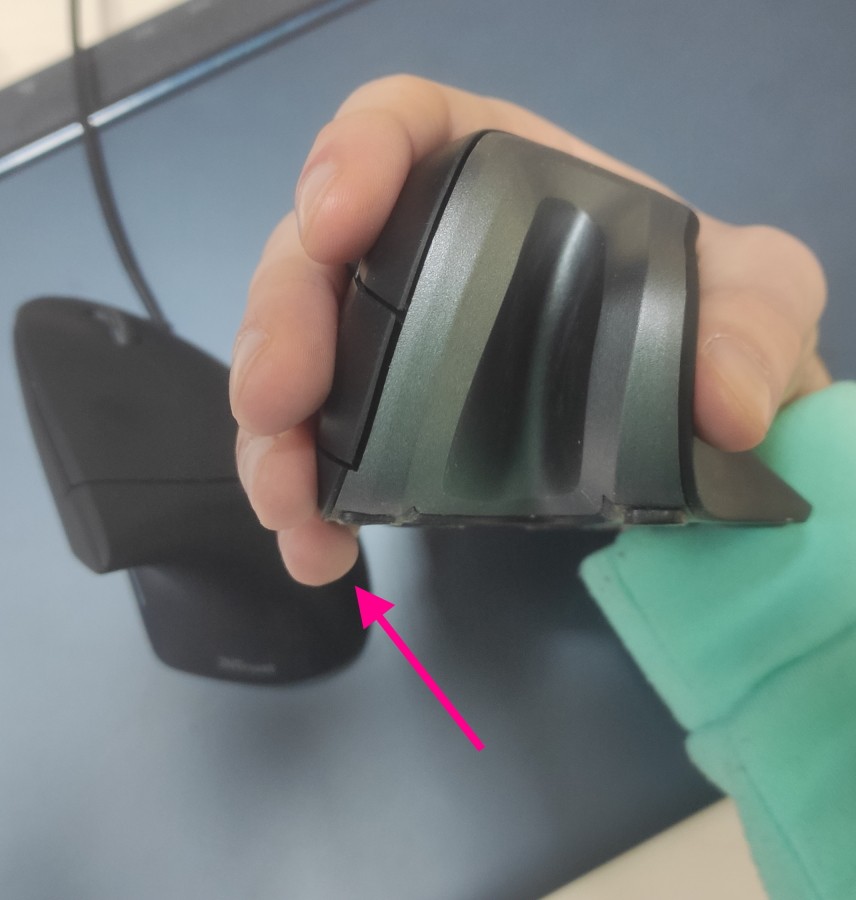
The mouse is nice, pleasant to the touch. Honestly, nothing special: left and right click, wheel, mode switch, and "forward" "backward" buttons. It works for several months on a Panasonic Eneloop 1900 mAh battery. The plastic hasn't worn out or become glossy, everything works fine. all the advantages I mentioned above are relevant + it works on 1 AA battery or rechargeable battery. Previously, I considered it a downside, but when the battery runs out, you can quickly replace it and keep working, instead of waiting for it to charge. I used to think of it as a downside, but now it's quite the opposite. a minor downside so I'm not looking for a new mouse: - It doesn't quite fit my hand, though I'm used to it by now, I still find the Trust Verto model more comfortable. When I hold it, my pinky dangles (as seen in the photo), but with the Trust Verto, it doesn't. However, if your fingers are shorter, it should be fine. Denis Dionis: use Trust Verro Ergonomic Wireless Mouse more than year |
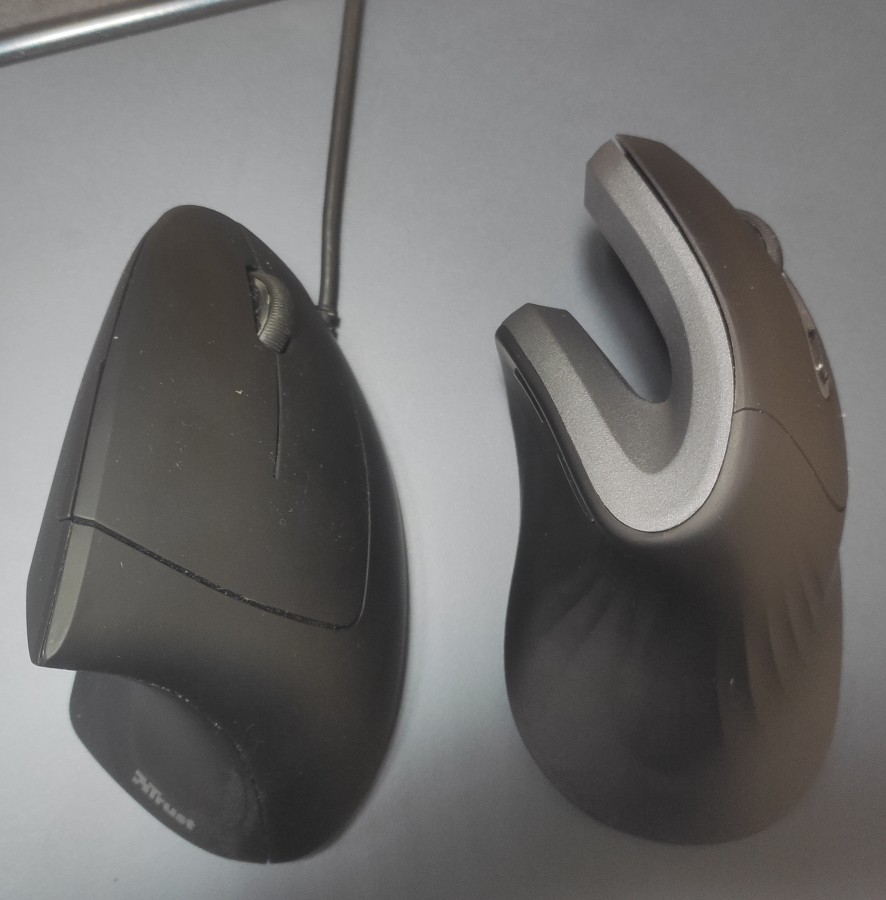
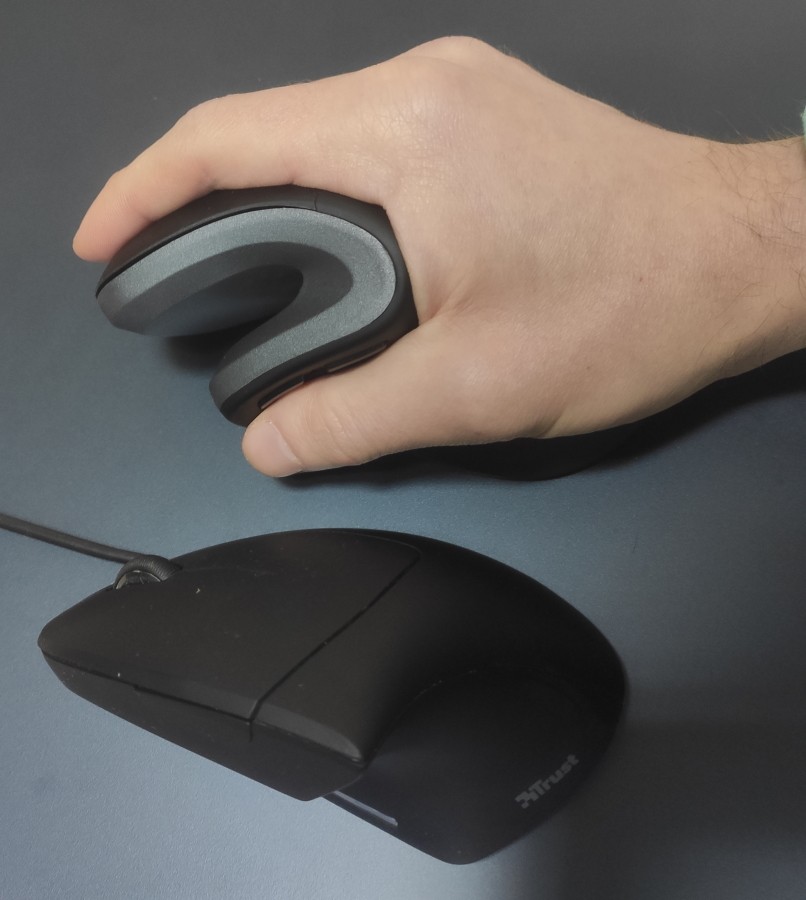
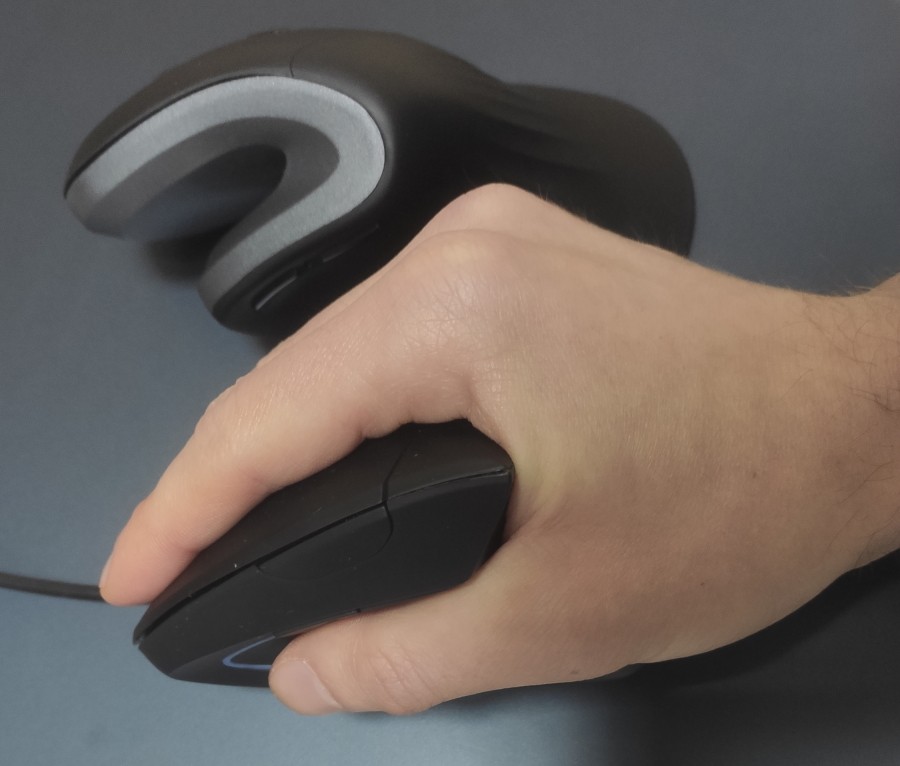
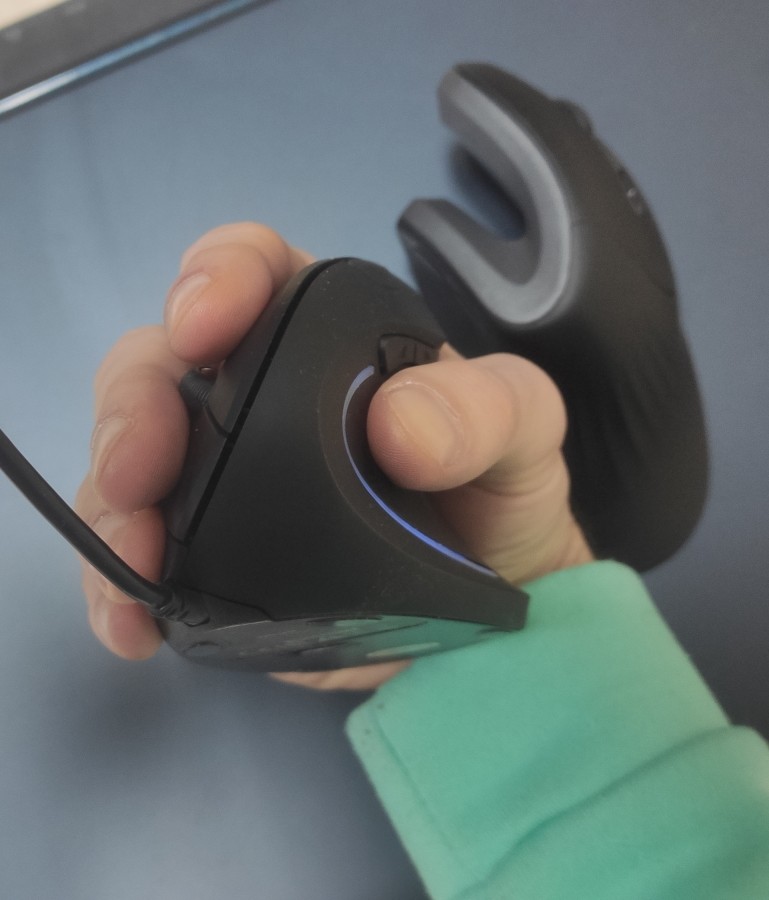
*TIP* There was a moment with glitches like freezing, sticking, or just sudden movement to another area of the screen. But I read online that this is a problem with many wireless mice, and it's due to the router and mouse operating on the same channel, so I changed the channel on the router and THE PROBLEM DISAPPEARED!