
LG 55NANO91
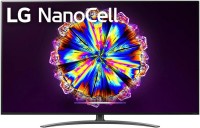 | Outdated Product Size ("): 55; Operating system: Smart TV (proprietary system); Screen coating: anti-glare; Resolution (px): 3840x2160; Frame rate (Hz): 100/120; HDR support: HDR10, Dolby Vision; Sound power (W): 20; Number of speakers: 2; Digital tuner: DVB-T2 (terrestrial); DVB-C (cable); DVB-S2 (satellite) E-Catalog uses affiliate links compensated by our partners. |







|
| ||||||||||||||||||||||||||||||||||||||||||||||||||||||||||||||||||||||||||||||||||||


Always clarify the specifications and configuration of the product with the online store manager before purchasing.
Catalog LG 2026 - new arrivals, bestsellers, and the most relevant models LG.




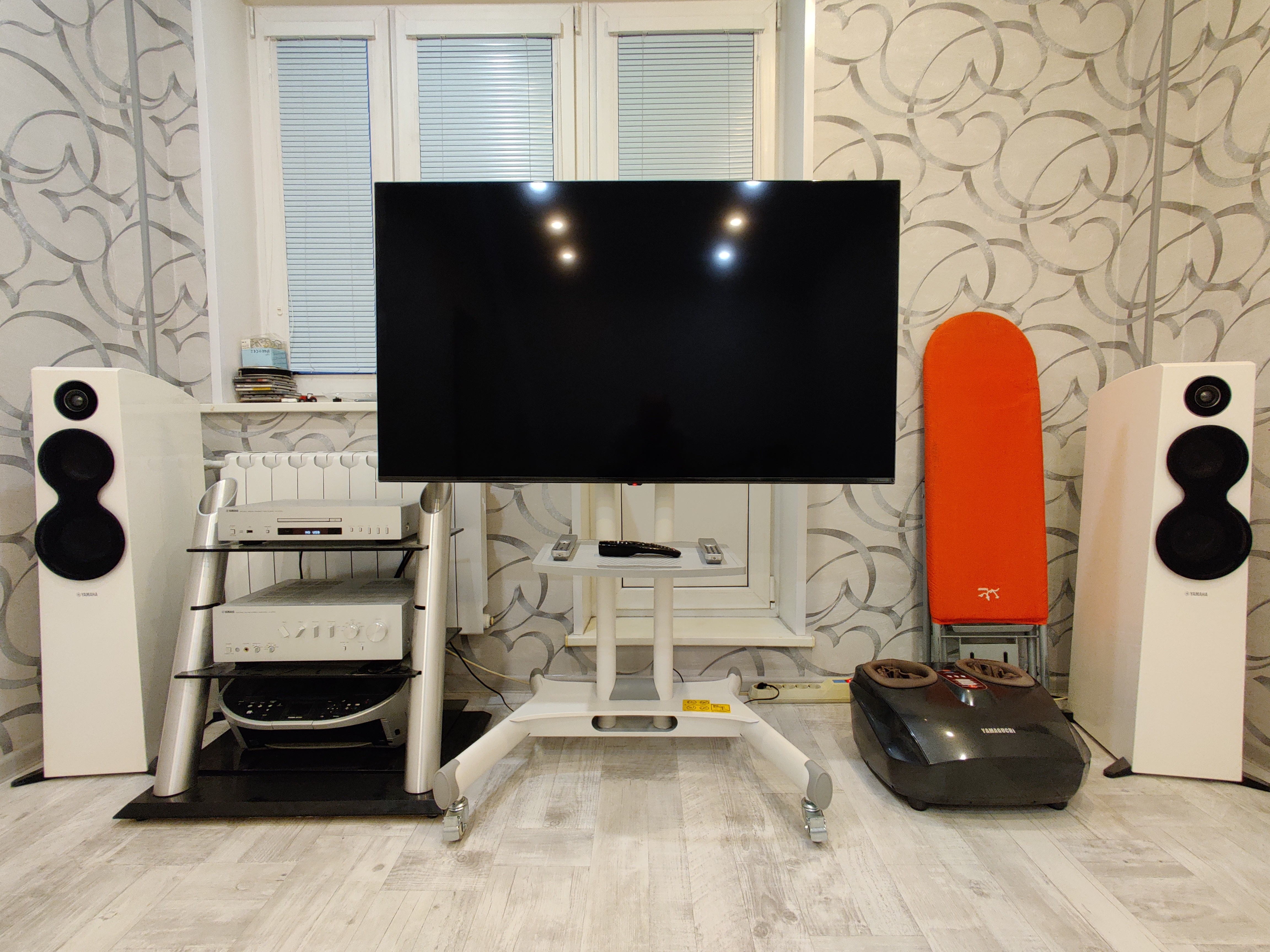
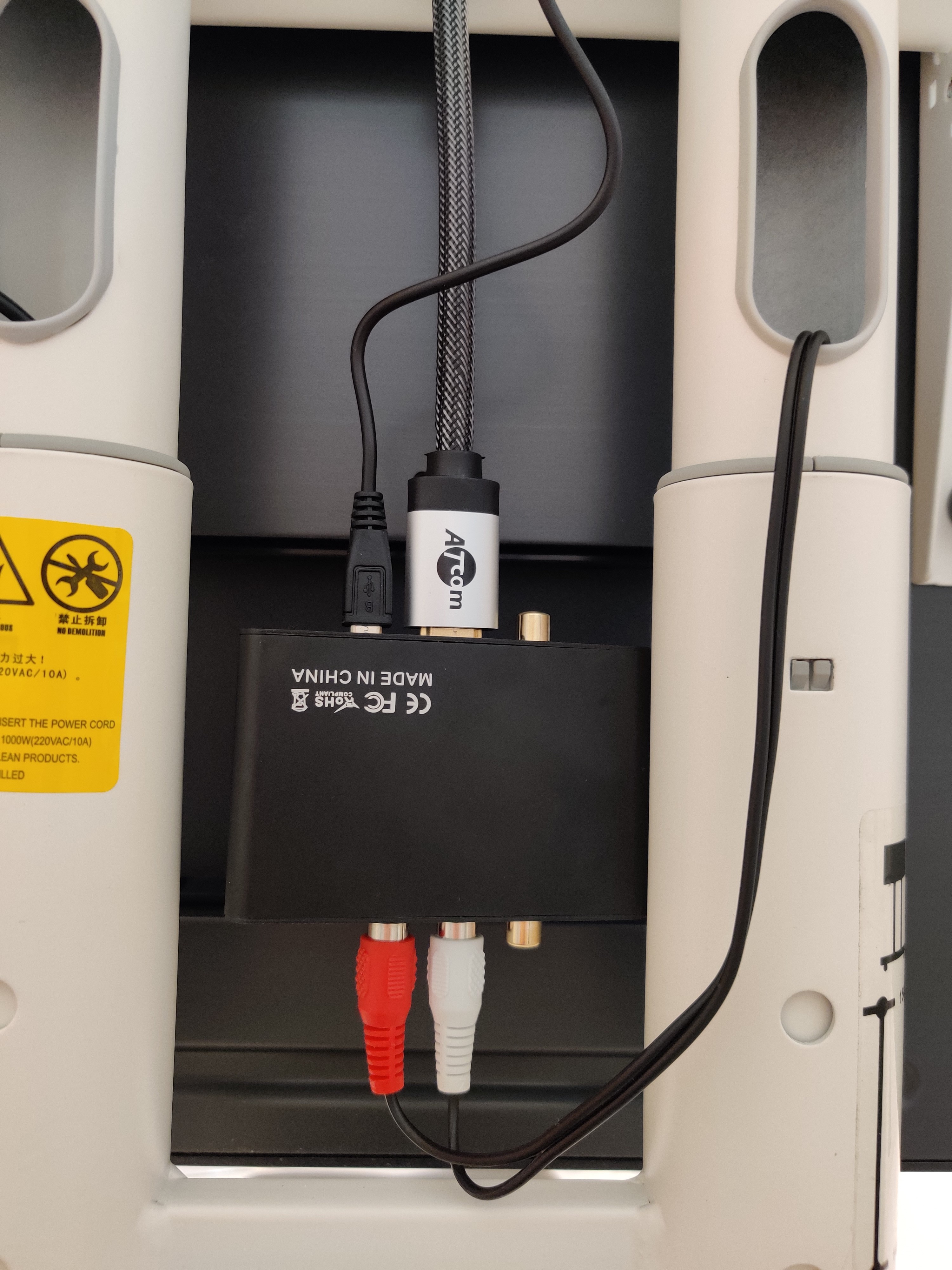
Upgraded from a regular LG `43 Full HD, so the impressions are very positive. Especially concerning Wi-Fi 5 - the TV has a large number of free HD channels built-in (as well as regular ones from the standard multiplex), so the TV cable is basically no longer needed, everything is watched through fast Wi-Fi. There's not much point in talking about the image - it's all subjective, but the black color at a high set level of direct backlight dimming is indeed quite good. However, the sound is fairly ordinary, normal for TV, but nothing more. But I initially planned to connect a high-end stereo system through a receiver. That was quite a struggle, as I had to buy an HDMI ARC adapter and an additional RCA-RCA cable. In the end, everything worked out and I never looked back at the built-in speakers. WebOS is an excellent operating system; I had the 3rd version on my old LG, and the progress is very noticeable, especially in performance speed. The Magic Remote was initially inconvenient, but once I developed the skill, working with it was no longer an issue. I don't use the ThinkQ app - I don't see the point. I only control YouTube from my phone. Responsiveness, picture, remote, built-in [free] services Price at launch and a few minor issues: short power cord, complex connection process for third-party analog speakers  Pavel Ezhov: use LG 55NANO91 less than month Pavel Ezhov: use LG 55NANO91 less than month |
In terms of coolness, this flagship TV from the NanoCell line is second only to brothers like the 65NANO97, which are obscenely expensive and can handle 8K content. At its heart is the α7 Gen 3 processor, responsible for both processing 4K video and improving the quality of lower-definition images. Even though it is not as powerful as the flagship Alpha 9, it is nevertheless a successful processor with a couple of smart image “improvers”. This OS was previously considered one of the best smart shells, and after upgrading to the fifth, it claims to be the most-most. Not the last role in this is played by the handy Magic Remote, which simplifies the interaction with the TV and smart home as much as possible.
Competes on equal terms with QLED counterparts
When it comes to image quality, the LG 55NANO91 is one of the few LED TVs that can compete on equal terms with its QLED counterparts. Thanks to the IPS-matrix, the image almost does not lose in brightness and richness of colours when viewed from an angle, while Slim Direct backlighting and Full Array Dimming technology significantly improve contrast, depth and black uniformity. In this regard, it is head and shoulders above other slightly cheaper NoneCell models. In addition, the brightness of the screen is just enough to adequately pull out HDR / Dolby Vision video. Without any doubt, a clear, rich and high-contrast picture of the LG 55NANO91 will give you more than one pleasant evening watching your favorite movies and TV shows.
Latest version of HDMI
At the same time, the TV demonstrates high versatility, coping equally well with any type of content, whether it be a series about cops from east european TV, a blue-ray rip of the Avengers, a broadcast of the Champions League or a dynamic battle with friends in Mortal Kombat 11. The matrix has a fast response speed and boasts software frame rate up to 200 fps with True Motion. When a console is connected, the HDMI 2.1 port automatically switches to gaming mode, which has low input lag. Completing the picture is support for pure gaming technology AMD FreeSync, which actually replaces the vertical sync function in games.