Gigabyte G5 MF
 | Outdated Product 2023Gaming |

| This model is out of stock |
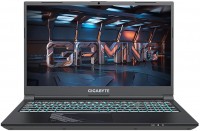
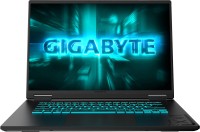
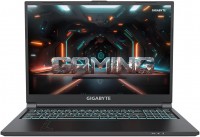
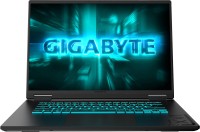
Gigabyte's Gaming G5 MF line of laptops can be classified as mid-budget gaming solutions with a balanced price-quality ratio. Models in the series can interest not the most demanding gamers and those users who need a universal laptop computer for various tasks. You can use laptops for multimedia entertainment, study, and fairly complex tasks such as video editing or coding. The high performance of the Gigabyte G5 MF laptops is primarily due to the 12-core 12th generation Intel Core i5 Alder Lake processors.
They are complemented by at least 8 GB of DDR4 3200 MHz RAM with optional expansion up to 64 GB (there is one free slot) and discrete NVIDIA GeForce RTX 4050 video cards with 6 GB of video memory. The latter support full ray tracing, VR and DLSS 3 technology, in which artificial intelligence algorithms increase frame rates in dynamic scenes. Laptops can also boast a 15.6-inch IPS screen with Full HD resolution and an increased “Hertz” frequency of up to 144 Hz.
It is also worth highlighting the presence of a 512 GB SSD M.2 solid-state drive and a second connector for expanding the built-in data storage. Other hardware nuances include the presence of a high-quality proprietary Windforce cooling system, a pair of 2-watt speakers with a DTS X Ultra audio decoder, a keyboard with a Num block and RGB backlighting in 15 colors, a Wi-Fi 6 wireless module (802.11ax) and a gigabit LAN. port, as well as several USB-C “on board”, including an interface operating in Alternate Mode. The laptops weigh a reasonable 1.9 kg, and the thickness of the matte plastic case is 23 mm.







Choose if you have a limited budget and can handle the issue of processor overheating For use outside of games or in older games - it's very cool. For new or Triple A games, you need to address the issue of significant CPU overheating Its biggest problem is the CPU overheating under load at nearly 100 degrees and subsequent CPU throttling. Replacing the thermal paste with a good one did not help. The only safe solution to this problem is to lower the CPU frequency or reduce the temperature to which the CPU can heat up using the Throttle Stop program. Due to the CPU overheating, the laptop is also quite noisy. The battery holds very little charge without being plugged in. The plastic easily collects fingerprints. The screen does not get brighter than 115 degrees (by eye). There is a subjective lack of one USB port. It has a "plastic" sound, but this can be resolved by using a headset. When the touchpad is turned off in games, if I accidentally touch it with my hand, the laptop lags for half a second.  Vitaliy: use Gigabyte G5 MF more than year Vitaliy: use Gigabyte G5 MF more than year |
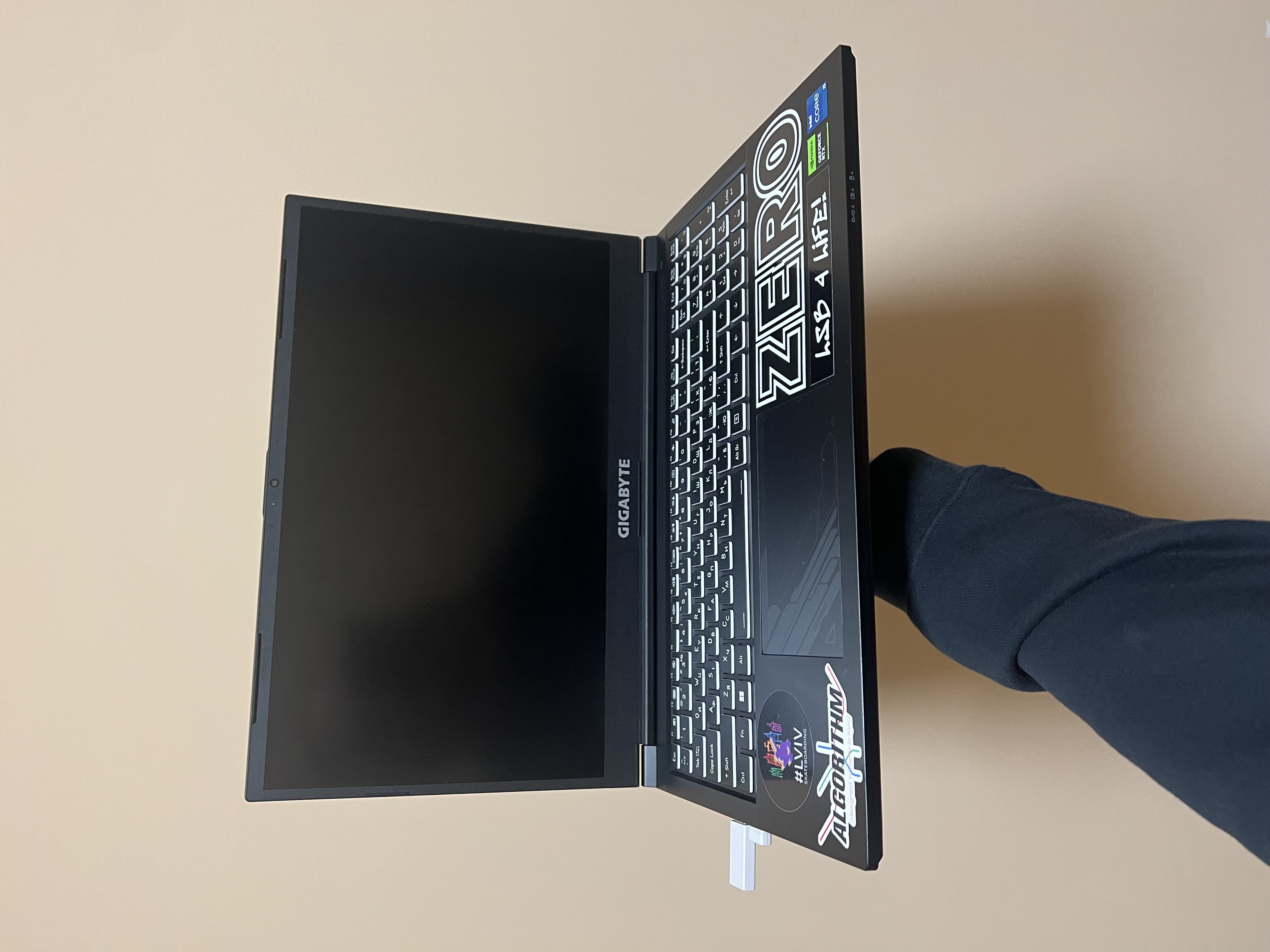

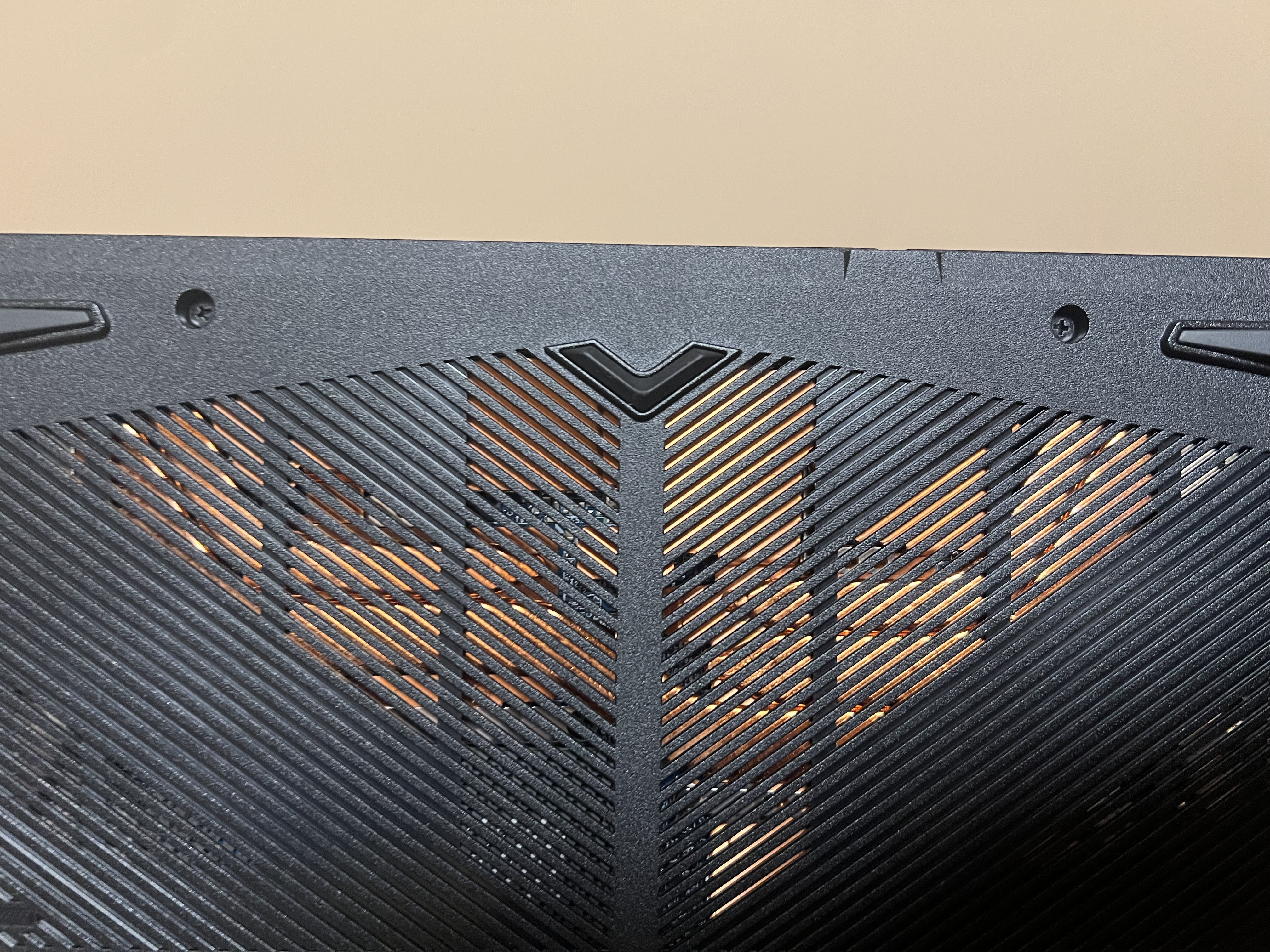
So, it's been in use for 3 months already. The laptop has been thoroughly tested in games and everyday tasks. I'll start with the downsides: with stock settings, it gets very hot. In games, overheating causes freezes, for example: The Last of Us on ultra (some settings just maxed out) causes the CPU temperature to hit 90+, and the GPU 80+. In such conditions, it naturally throttles and freezes occur in the game. Lowering the graphics settings doesn't help; FPS is higher at minimum settings, but freezes remain. I fixed the issue by using a stand made out of two matchboxes, undervolting the GPU, and limiting the CPU's TDP using the ThrottleStop program. FPS stabilized at 60+, and the temperatures dropped to 65-70 degrees. There's also an issue with Gigabyte's software (Control Center program) - it's crap, causing a blue screen during games after 2-3 minutes (requires removing a specific registry key to solve it). This software also includes a feature to disable the GPU in "power-saving" mode, but it works so poorly that it would've been better not to include it. The BIOS is one of the most flawed I've encountered, with no advanced settings (haven't found a way to access them without flashing the BIOS with a programmer in a month). Overall, for its price, this laptop is top-notch, but you need skilled hands and the ability to use the right programs. With all the adjustments, the laptop performs at its best and completely satisfies me in every aspect. Conclusion: the laptop is worth the money, it delivers on every penny, but you need to know how to use it. Price + the fact that the laptop does not have bits of a video card and processor Soft, heating limon11 __: use Gigabyte G5 MF few months |
An affordable laptop for budget gaming, but not for audio work. Of all the audio interfaces I connected to it, only one worked stably (and that one’s ancient). In other cases, crackling audio is guaranteed, and this probably can’t be fixed, so I’m disappointed in that regard. The BIOS is locked down tight, and you won’t be able to set anything up without a programmer. As for heat, I didn’t notice anything critical, since I always play at 60 FPS, so the temps seem okay. Powerful iron Maximum limited BIOS. Poor work with external sound cards Bundle Boy: use Gigabyte G5MF-E2EE313SD more than year |