
Genius Scorpion K11 PRO
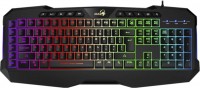 | Outdated Product A relatively inexpensive, yet easy-to-use keyboard with additional gaming buttons. The left edge has 6 macro keys that can be programmed and reassigned via SmartGenius proprietary software. For more comfortable work with multimedia and quick launch of main applications, there is a separate button row located at the very top, above the F1-F12 keys. The main gaming buttons are served by the Anti Ghost system, which makes keystrokes clear, fast and accurate. The Genius Scorpion K11 PRO gaming keyboard is equipped with multi-color backlighting with interesting RGB effects. There are seven separate lighting options available, which opens up good possibilities for personalizing your input device. The case is complemented by a non-removable wrist rest. In...this case, pressing the keys becomes more convenient. This is an inexpensive keyboard with an expanded set of gaming features. The improved layout allows for significantly greater control of the gaming process. The abundance of additional keys will make manipulation in games much more efficient. The keyboard is connected to the computer using an extended 1.8 m cord. The connection port is classic USB. The cabor received a massive, reliable and stable case with overall dimensions of 490x204x30 mm. E-Catalog uses affiliate links compensated by our partners. |


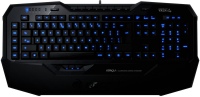
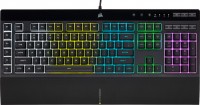
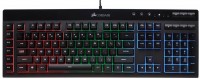
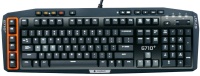
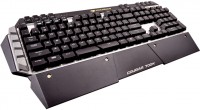
Genius Scorpion K11 PRO | |||||||||||||||||||||||||||||||||||||||||||||||||||||||||||||||||
|
| ||||||||||||||||||||||||||||||||||||||||||||||||||||||||||||||||


A relatively inexpensive, yet easy-to-use keyboard with additional gaming buttons. The left edge has 6 macro keys that can be programmed and reassigned via SmartGenius proprietary software. For more comfortable work with multimedia and quick launch of main applications, there is a separate button row located at the very top, above the F1-F12 keys. The main gaming buttons are served by the Anti Ghost system, which makes keystrokes clear, fast and accurate.
The Genius Scorpion K11 PRO gaming keyboard is equipped with multi-color backlighting with interesting RGB effects. There are seven separate lighting options available, which opens up good possibilities for personalizing your input device. The case is complemented by a non-removable wrist rest. In this case, pressing the keys becomes more convenient. This is an inexpensive keyboard with an expanded set of gaming features. The improved layout allows for significantly greater control of the gaming process. The abundance of additional keys will make manipulation in games much more efficient. The keyboard is connected to the computer using an extended 1.8 m cord. The connection port is classic USB. The cabor received a massive, reliable and stable case with overall dimensions of 490x204x30 mm.
Always clarify the specifications and configuration of the product with the online store manager before purchasing.
Catalog Genius 2026 - new arrivals, bestsellers, and the most relevant models Genius.





The Scorpion K11 Pro is the best membrane keyboard with programmable keys for 620 UAH and backlighting for UKR&ENG letters among gaming keyboards. Instead of multimedia keys, it would be better to have an additional 10 programmable keys. After all, without a driver, you can only control the backlight, while programmable and multimedia keys require a driver. The multimedia keys themselves aren't worth the bothersome drivers. rounded bottom row of keys - The Genius website is inconvenient, it is difficult to find drivers for the keyboard. - After each restart, the keyboard drivers ask if changes can be made on this device. The driver for the Logitech G500s mouse starts without any questions. - Sometimes, after installing updates for the OS and the desktop appears, the drivers do not have time to start and subsequently start with an error. This can be fixed by rebooting the PC. - The specificity of the USB port cannot handle simultaneous pressing of more than 6 keys, but this is not the keyboard manufacturer's fault.  Yaroslav Bilonizhko: use Genius Scorpion K11 PRO more than year Yaroslav Bilonizhko: use Genius Scorpion K11 PRO more than year |
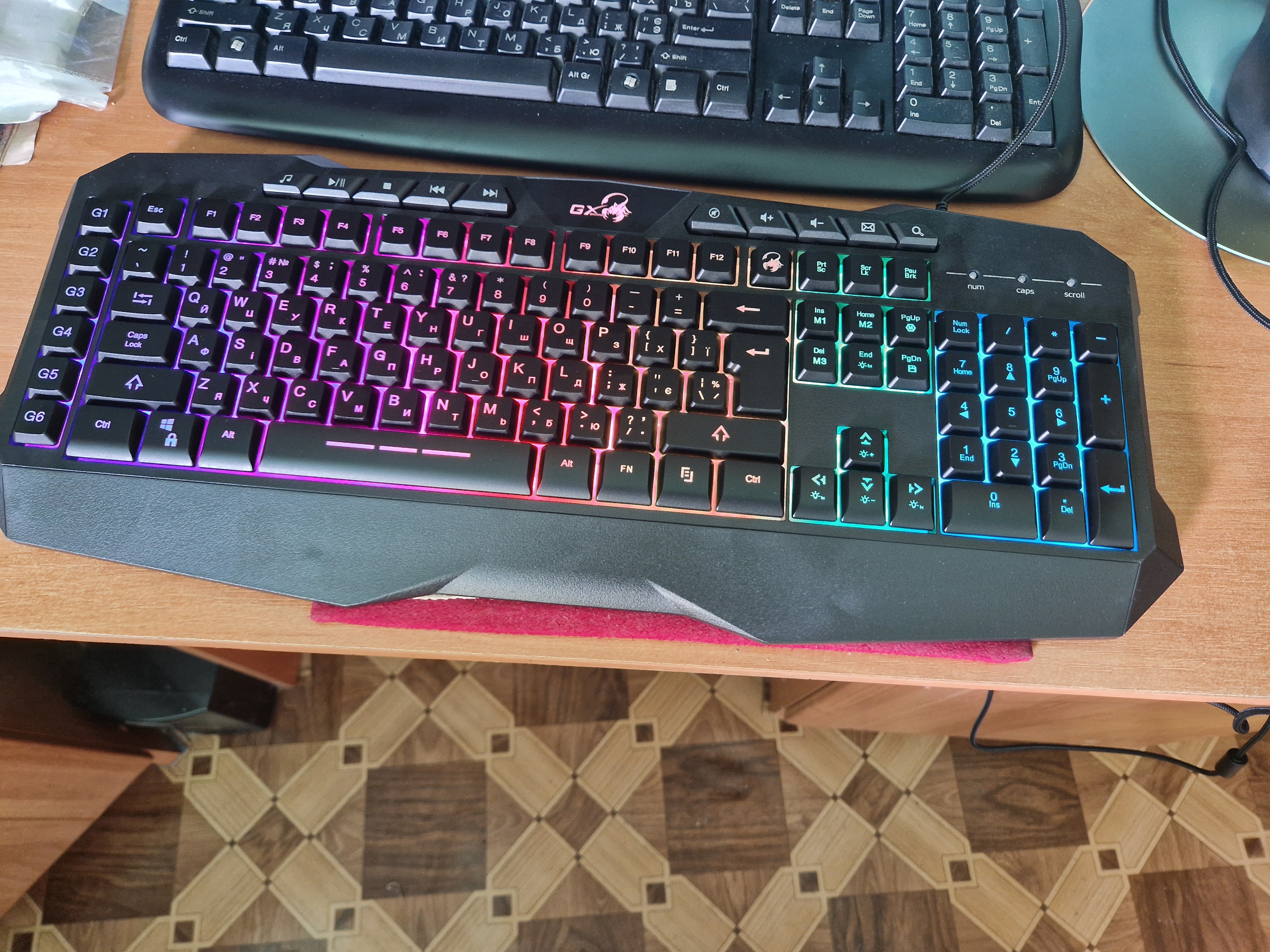
There is an additional problem, at the start of the PC the keyboard in 1 out of 5 cases starts without backlighting. It is resolved by unplugging from the USB port and plugging it back in, or restarting. Price and beautiful lighting Bugged drivers, buggy SmartGenius App Yaroslav Bilonizhko: use Genius Scorpion K11 PRO more than year |