Apple MacBook Pro 13 2017 Touch Bar
 |





| This model is out of stock |
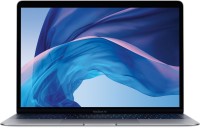
For about eight years now, the MacBook Pro 13 series has been one of the benchmarks for a compact, lightweight, and powerful 13-inch ultrabook. Essentially, the updated 2017 MacBook Pro 13" Touch Bar is an ultra-compact mobile workstation that combines hard-to-combine features such as high performance, light weight (1.37 kg) and excellent battery life. This model received an Intel Core i5 or i7 processor family, up to 16 GB of RAM and a built-in high-speed SSD drive.Together with the Iris Plus Graphics 650 video core built into the processor, this hardware perfectly shows itself in solving not only simple office tasks, but also in complex multimedia applications that work with sound, graphics, and video.
It is in such programs that the new interactive touch area of \u200b\u200bthe keyboard called the Touch Bar turns out to be most useful.It is also worth noting the traditionally flawless Retina Display screen with an IPS matrix and a resolution of 2560x1600.In reading mode, the battery provides battery life at the level of 8-9 hours, but heavy work discharges it two to three times faster.
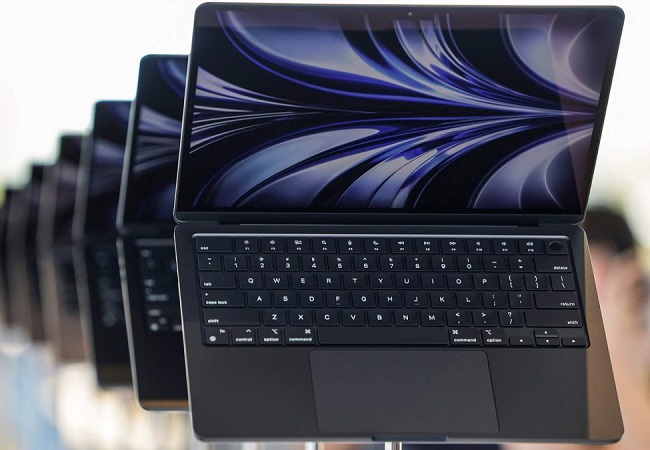





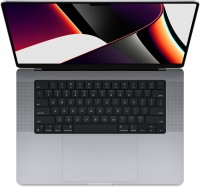
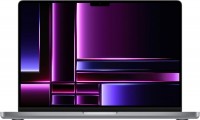
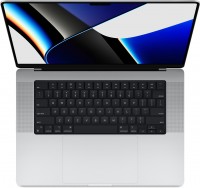
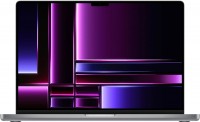


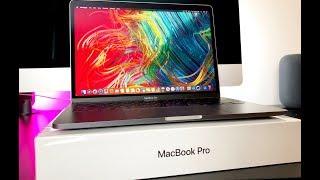

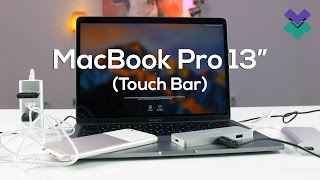




I was planning to buy a MacBook Pro a year ago, but I couldn't save enough money back then, and taking a loan to buy a Pro while I still had a working MacBook Air would have been silly. But time goes by, the Air gets older, and the Pro has become even more desirable over the past year. So I made an effort and finally saved up the money. After all, a laptop is also my work tool, so in some way, this purchase will justify itself. After the MacBook Air, it's hard to impress me with size and weight, but if you look at the hardware installed in the Pro, it is definitely good in this regard. Weighing up to 1.4 kg with a thickness of less than 15 mm, it's just what you need for someone who travels a lot with a laptop. It features a seventh-generation Core i5 processor, model 7267U. It operates at speeds of up to 3.5 GHz and differs from its counterparts with an improved integrated Intel Iris Plus Graphics 650 core. The processor works in tandem with eight gigs of DDR3 RAM and one of the fastest SSD drives with a capacity of 256 GB. Despite all the fuss around it, High Sierra just flies. Responsiveness is at a very high level, making it truly comfortable to use. Moreover, part of this comfort is thanks to the branded keyboard with a unique Touch Bar and a touchpad that supports the new Force Touch pressure detection technology. Traditionally, the Pro's screen is also good. The 13.3-inch Retina not only has a high resolution of 2560x1600 but also excellent factory calibration. That means you can safely work professionally with color on it, which is especially important for me as a professional photographer. I didn't get used to the correct use of Force Touch right away. It's definitely cool, but not everyone can fully utilize it. The SSD disk capacity is a bit small, so I have to carry an additional mobile drive with a USB Type C interface. By the way, there isn't a single regular USB port here, and the need to use adapters can sometimes be annoying. |
Ideal for work even in the 2024-25 years. I mainly deal with browser-based tasks, but their number sometimes exceeds 30, so the device gets stressed. Battery holds up great. Although it's not M1 but Intel, it is still a workhorse. Lightness, capacity, colors, and build quality. Touch sensors and support for updates. 4 Type C and 1 mini-jack. The metal coating is electroplated and it's quite easy to scratch.  Ted Bear: use Apple MacBook Pro 13 (2017) Touch Bar more than year Ted Bear: use Apple MacBook Pro 13 (2017) Touch Bar more than year |