
Apple iMac 21.5" 4K 2015 MK452
Keyboards8
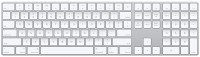
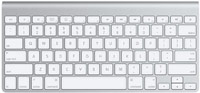
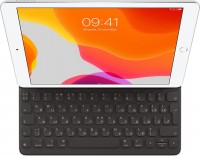
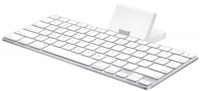
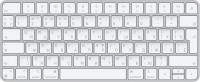
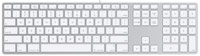
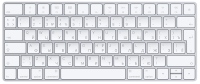
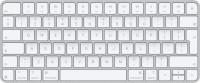
Mice4
Apple Magic Mouse 2 USB C (2024)
from $69.00
Apple Magic Trackpad (1st gen)
from $149.99
Apple Magic Trackpad 2 USB-C (2024)
from $119.99
Apple Magic Trackpad 2 (2021)
from $169.99
Cables (video, audio, USB)59
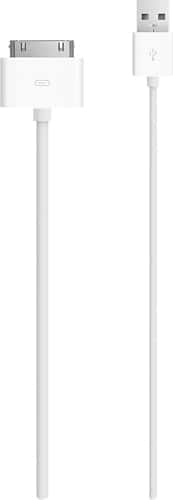 |
Apple MA591G/B USB Cable Adapter - USB - Proprietary Connector Charge and sync your Apple iPhone, iPod or iPad using this USB 2.0 cable that connects your device to your computer's USB port directly o more→r through a dock (not included).
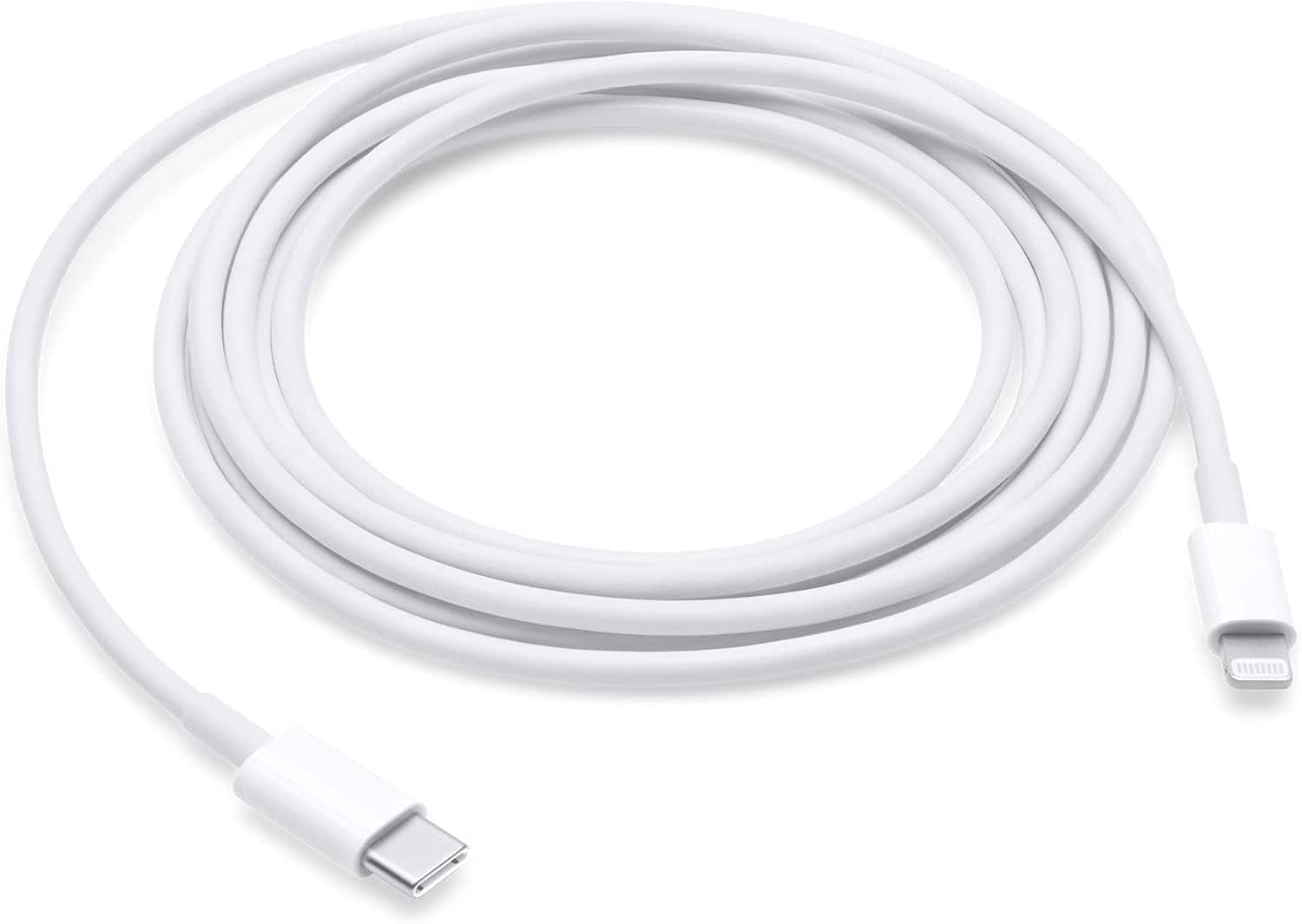 |
Connect your iPhone, iPad, or iPod with Lightning connector to your USB-C or Thunderbolt 3 (USB-C) enabled Mac for syncing and charging, or to your USB-C enabled iPad for charging. You can also use th more→is cable with your Apple 18W, 20W, 29W, 30W, 35W, 61W, 70W, 87W, or 96W USB-C Power Adapter to charge your iOS or iPadOS device and even take advantage of the fast-charging feature on select iPhone and iPad models. USB-C power adapters sold separately. Cable Length: 2 meter or 6 feet.
 |
119.99Buy!
$
$
BestBuy.com
Delivery: in USA
Report
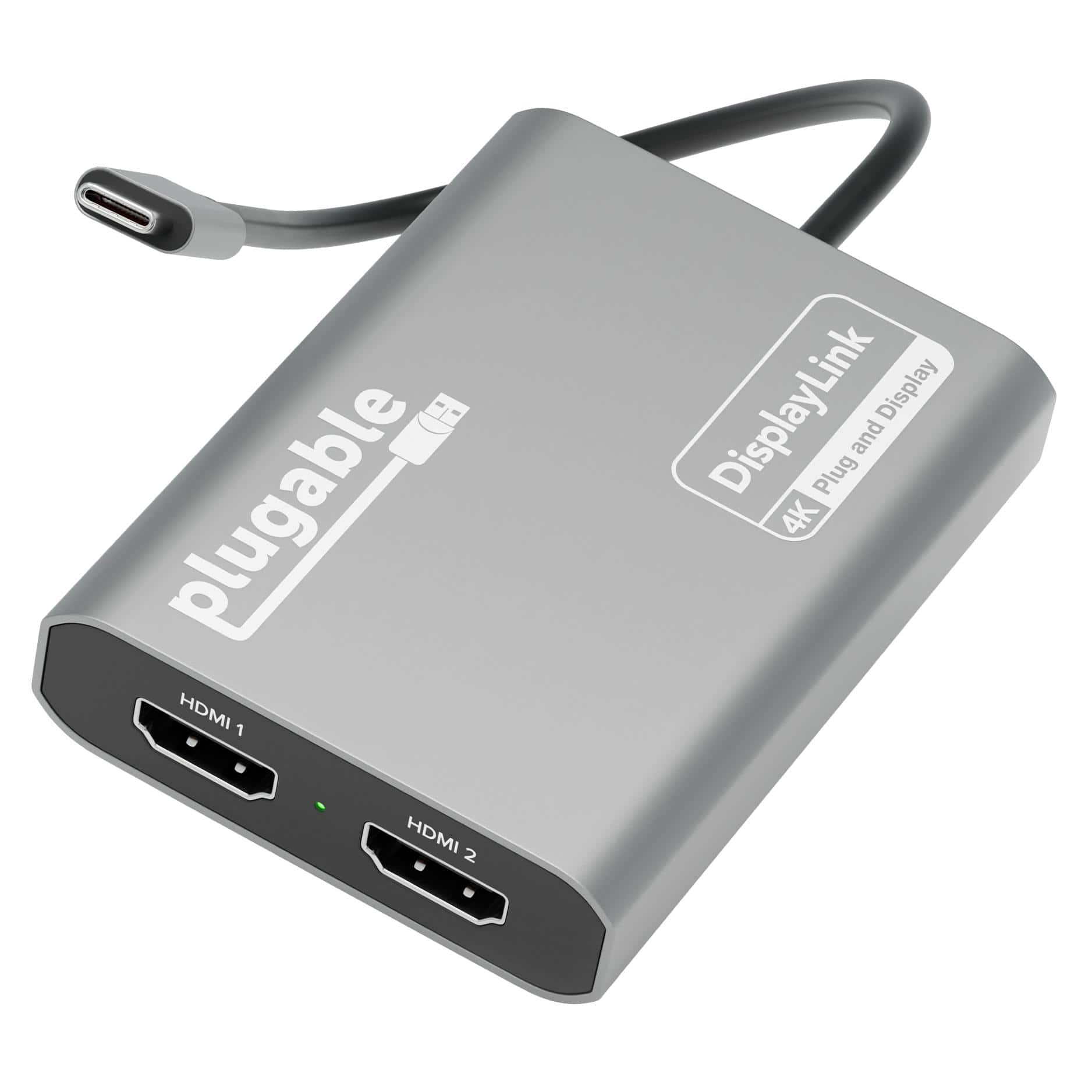
Add two 4K 60Hz HDMI displays to your MacBook M1 through M5, Windows laptop, or ChromeOS device from a single USB-C port. The Plugable USBC-6950M uses DisplayLink technology to extend your workspace b more→eyond native display limits, making it a practical solution for multitasking, hybrid work, creative projects, and productivity-fo
 |
17.99Buy!
$
$
BestBuy.com
Delivery: in USA
Report
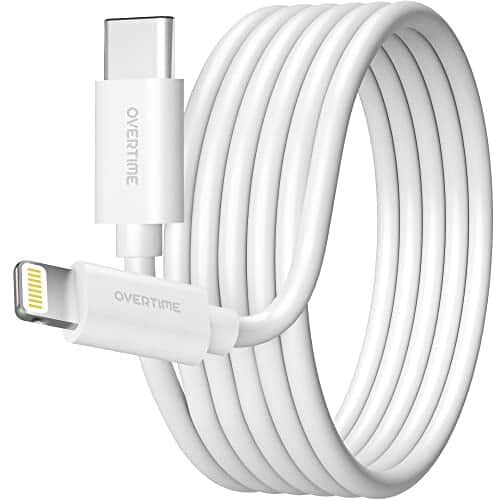
Upgrade your charging and syncing with Overtimes Apple MFI certified usb c to lightning cable designed for seamless compatibility with iPhone iPad and iPod devices. Built with a genuine Apple chipset more→it ensures flawless performance every time. Engineered with reinforced vinyl edges and advanced laser welding the cable withstands up to 30000 bends for exceptional durability and long lasting use. Offering fast data transfer speeds up to 480 Mbps and a convenient 10 foot length it delivers both reliability and flexibility making it the perfect lightning cable for home office or travel.
Important!
Compatibility with specific models Desktop PCs should be confirmed with the online store manager directly before purchase.
Compatibility with specific models Desktop PCs should be confirmed with the online store manager directly before purchase.