
HP LaserJet Pro M1212NF
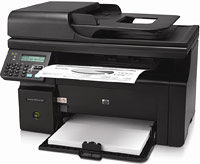 | Outdated Product Paper size: A4; Print Type: laser; Output Type: monochrome; B/W printing (ppm): 18; Autofeed (sheets): 35; Black Ink Page Yield (pages): 1600; PC connection (USB); network connection (LAN); Display: monochrome; built-in fax; Noise level (dB): 50; Dimensions (mm): 435x265x306; E-Catalog uses affiliate links compensated by our partners. |


HP LaserJet Pro M1212NF
Type:monochrome, laser
Format:A4
Connection:USB B, LAN
Print Resolution:600х600 dpi
Scanning:1200х1200 dpi
B/W printing:18 ppm
Number of cartridges:1 pcs
All specifications
Specifications LaserJet Pro M1212NF
|
| ||||||||||||||||||||||||||||||||||||||||||||||||||||||||||||||||||||||||||||||||||||

The information in the model description is for reference purposes.
Always clarify the specifications and configuration of the product with the online store manager before purchasing.
Catalog HP 2026 - new arrivals, bestsellers, and the most relevant models HP.
Always clarify the specifications and configuration of the product with the online store manager before purchasing.
Catalog HP 2026 - new arrivals, bestsellers, and the most relevant models HP.
Series HP LaserJet (laser, office)
monochrome, laser, A4, printing 600х600 dpi, scanning 600х600 dpi, RAM 64 MB, Wi-Fi Direct, AirPrint, Bluetooth
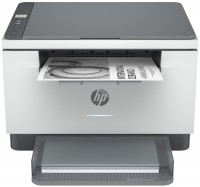
monochrome, laser, A4, printing 600х600 dpi, 2-side print, scanning 600х600 dpi, RAM 64 MB, LAN, Wi-Fi Direct, AirPrint, Bluetooth
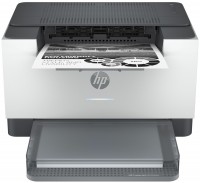
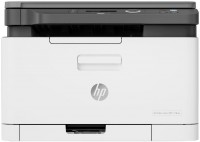
colour, flowers 4, laser, A4, printing 600х600 dpi, scanning 600х600 dpi, RAM 128 MB, LAN, Wi-Fi Direct, AirPrint
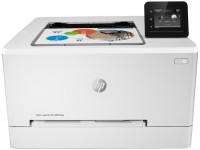
colour, flowers 4, laser, A4, 600x600 dpi, b/w 21 ppm, color 21 ppm, Wi-Fi Direct, AirPrint
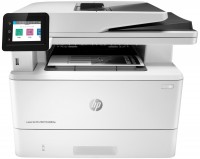
monochrome, laser, A4, printing 1200х1200 dpi, 2-side print, scanning 1200х1200 dpi, 2-side scanning, autoscan, RAM 512 MB, fast CPU, LAN, Wi-Fi Direct, AirPrint, Bluetooth, fax machine
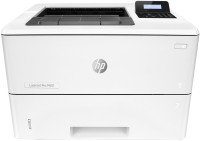
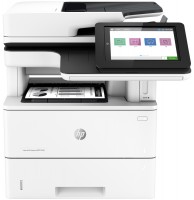
monochrome, laser, A4, printing 1200х1200 dpi, 2-side print, scanning 600х600 dpi, 2-side scanning, autoscan, RAM 1780 MB, fast CPU, LAN, fax machine, hDD, 320 GB
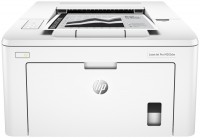
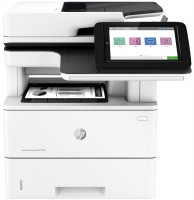
monochrome, laser, A4, printing 1200х1200 dpi, 2-side print, scanning 600х600 dpi, 2-side scanning, autoscan, RAM 1780 MB, fast CPU, LAN
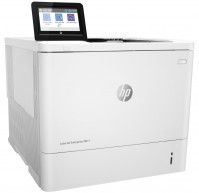
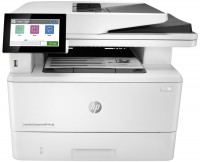
monochrome, laser, A4, printing 1200х1200 dpi, 2-side print, scanning 600х600 dpi, 2-side scanning, autoscan, RAM 2048 MB, LAN, fax machine, hDD, 16 GB
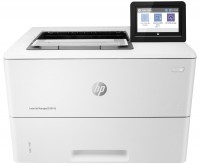
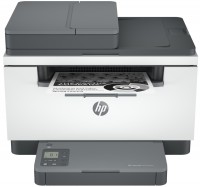
monochrome, laser, A4, printing 600х600 dpi, 2-side print, scanning 600х600 dpi, autoscan, RAM 64 MB, LAN, Wi-Fi Direct, AirPrint, Bluetooth
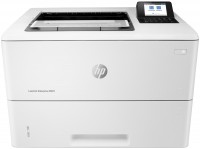
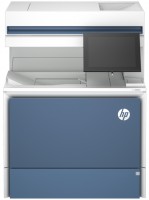
colour, laser, A4, printing 1200х1200 dpi, 2-side print, scanning 600х600 dpi, 2-side scanning, autoscan, RAM 6144 MB, fast CPU, LAN, hDD, 500 GB
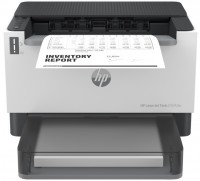
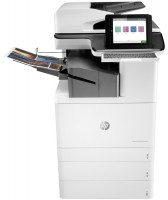
colour, laser, A3, printing 1200х1200 dpi, 2-side print, scanning 600х600 dpi, 2-side scanning, autoscan, RAM 5120 MB, fast CPU, LAN, Wi-Fi Direct, AirPrint, Bluetooth, fax machine, hDD, 500 GB
Model overview based on user reviews
The HP LaserJet Pro M1212NF is a versatile 4-in-1 device that functions as a printer, scanner, copier, and fax machine, making it a convenient choice for office environments. However, a significant drawback is its software reliability; users report that any disruption, such as removing the USB, turning off the device, or power outages, often necessitates a reinstallation of the drivers. This can be particularly challenging in corporate settings where users lack admin rights, leading to frequent administrative intervention. Despite these software issues, the device is otherwise considered decent for its intended functions.
Pros
Cons
4-in-1 device: printer, scanner, copier, and fax. the biggest downside is the software! You remove the USB, and then it won't start; turn it off, and then it won't start; power goes out, and then it won't start! In general, any action leads to reinstallation of the drivers! I work in a company that bought 300 of these models! Corporate policy prohibits users from having admin rights. Every day admins need to launch drivers on 300 machines!!! Otherwise, it's a decent device! :)  Spawn: use HP LaserJet Pro M1212NF month or more Spawn: use HP LaserJet Pro M1212NF month or more |
Add Review
We recommendCompare using chart →

monochrome, laser, A4, printing 1200х1200 dpi, 2-side print, autoscan, RAM 512 MB, LAN, Wi-Fi Direct, AirPrint, fax machine
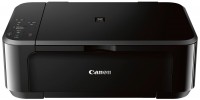
colour, flowers 4, inkjet, A4, printing 4800x1200 dpi, 2-side print, photo print, scanning 1200х2400 dpi, AirPrint, no display
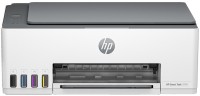
colour, flowers 4, inkjet, CISS, A4, printing 4800x1200 dpi, photo print, scanning 1200х1200 dpi, RAM 64 MB, fast CPU, Wi-Fi Direct, AirPrint, Bluetooth
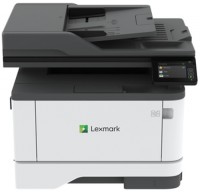
monochrome, laser, A4, printing 2400х600 dpi, 2-side print, scanning 600х600 dpi, 2-side scanning, autoscan, RAM 512 MB, fast CPU, LAN, fax machine
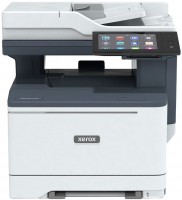
colour, laser, A4, printing 1200х1200 dpi, 2-side print, scanning 1200х1200 dpi, 2-side scanning, autoscan, RAM 2048 MB, fast CPU, LAN, NFC, fax machine, hDD, 32 GB
monochrome, laser, A4, printing 1200х1200 dpi, 2-side print, scanning 600х600 dpi, 2-side scanning, autoscan, RAM 1780 MB, fast CPU, LAN
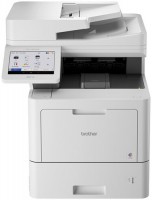
colour, flowers 4, LED, A4, printing 2400х600 dpi, 2-side print, scanning 600х600 dpi, 2-side scanning, autoscan, RAM 2048 MB, LAN, NFC, fax machine
monochrome, laser, A4, printing 1200х1200 dpi, 2-side print, scanning 600х600 dpi, 2-side scanning, autoscan, RAM 2048 MB, LAN, fax machine, hDD, 16 GB
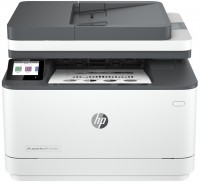
monochrome, laser, A4, printing 1200х1200 dpi, 2-side print, scanning 1200х1200 dpi, autoscan, RAM 512 MB, LAN, Wi-Fi Direct, AirPrint, Bluetooth, fax machine
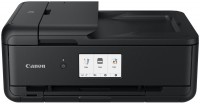
colour, flowers 6, inkjet, A3, printing 4800x1200 dpi, 2-side print, photo print, scanning 1200х2400 dpi, autoscan, LAN, Wi-Fi Direct, AirPrint, Bluetooth, card reader
monochrome, laser, A4, printing 600х600 dpi, 2-side print, scanning 600х600 dpi, autoscan, RAM 64 MB, LAN, Wi-Fi Direct, AirPrint, Bluetooth
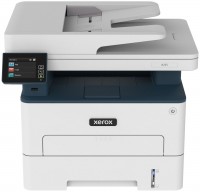
monochrome, laser, A4, printing 600х600 dpi, 2-side print, scanning 1200х1200 dpi, autoscan, RAM 512 MB, fast CPU, LAN, Wi-Fi Direct, AirPrint, fax machine