
HP 250 G8 [250G8 2X7V0EA]
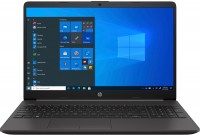 | Outdated Product Display:15.6 ", 1920x1080 (16:9) CPU:Core i3, 1115G4, 3 GHz Graphics card:UHD Graphics Xe G4 48EUs RAM:8 GB Storage:SSD M.2 NVMe, 256 GB Laptop weight:1.74 kg E-Catalog uses affiliate links compensated by our partners. |


We recommend products in stockLaptops HP →
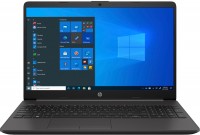
15.6 ", 1366x768 (16:9), *VA, Athlon, 3150U, 2.4 GHz, RAM 8 GB, DDR4, Vega 3, SSD M.2 NVMe, Win 10 Home, USB-A 5Gbps, USB-C 5Gbps, 1.74 kg
Configurations HP 250 G8 1
Specifications
HP 250 G8 [250G8 2X7V0EA] | |||||||||||||||||||||||||||||||||||||||||||||||||||||||||||||||||||||||||||||||||||||||||||||||||||||||||||||||||||||||||||||||||||||||||||||||||||||||||||||||||||||||||||||||||||||||||||
|
| ||||||||||||||||||||||||||||||||||||||||||||||||||||||||||||||||||||||||||||||||||||||||||||||||||||||||||||||||||||||||||||||||||||||||||||||||||||||||||||||||||||||||||||||||||||||||||


The information in the model description is for reference purposes.
Always clarify the specifications and configuration of the product with the online store manager before purchasing.
Catalog HP 2026 - new arrivals, bestsellers, and the most relevant models HP.
Always clarify the specifications and configuration of the product with the online store manager before purchasing.
Catalog HP 2026 - new arrivals, bestsellers, and the most relevant models HP.
Prices HP 250 G8 [250G8 2X7V0EA]
This model is currently not available for sale.
Follow us for updates.
Follow us for updates.
AccessoriesAll accessories for HP 250G8 2X7V0EA →





Model overview based on user reviews
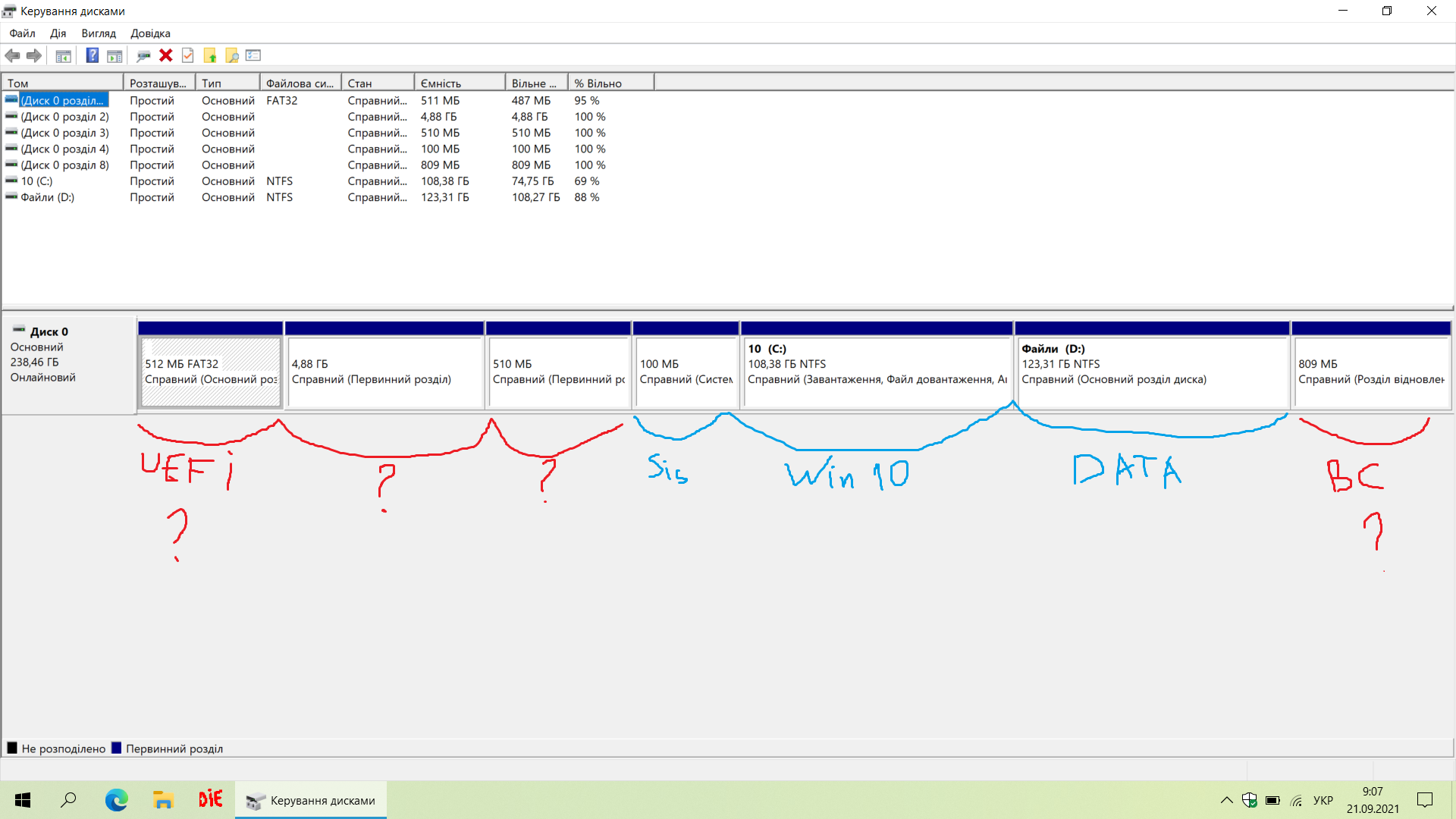
The HP 250 G8 is a thin and light laptop, praised for its quality build and autonomy. It is suitable for everyday tasks and educational purposes, especially in a multi-user environment. However, users have noted that it can be quite noisy and expensive for its features. The laptop is ready for Windows 11 installation, but the installation process can be challenging due to the need for specific drivers and the presence of hidden system partitions. Despite these challenges, the device is considered a good value for money for those who are tech-savvy and can navigate the installation complexities.
Pros
Cons
0 0 3 3 |
quality for your money, ready to install Windows 11 it's not immediately obvious how to install Windows  Pavlo: use HP 250 G8 less than month Pavlo: use HP 250 G8 less than month |
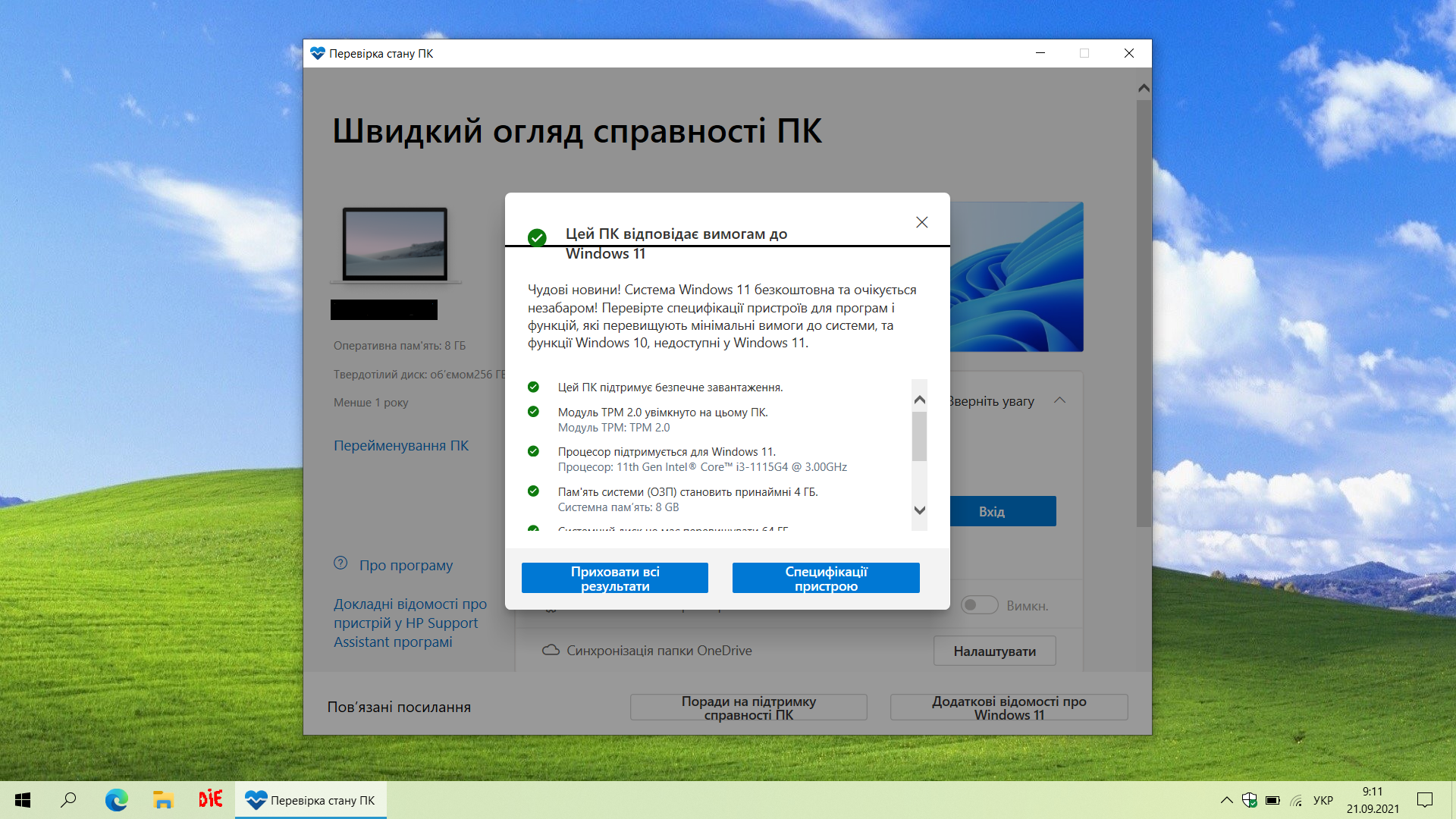
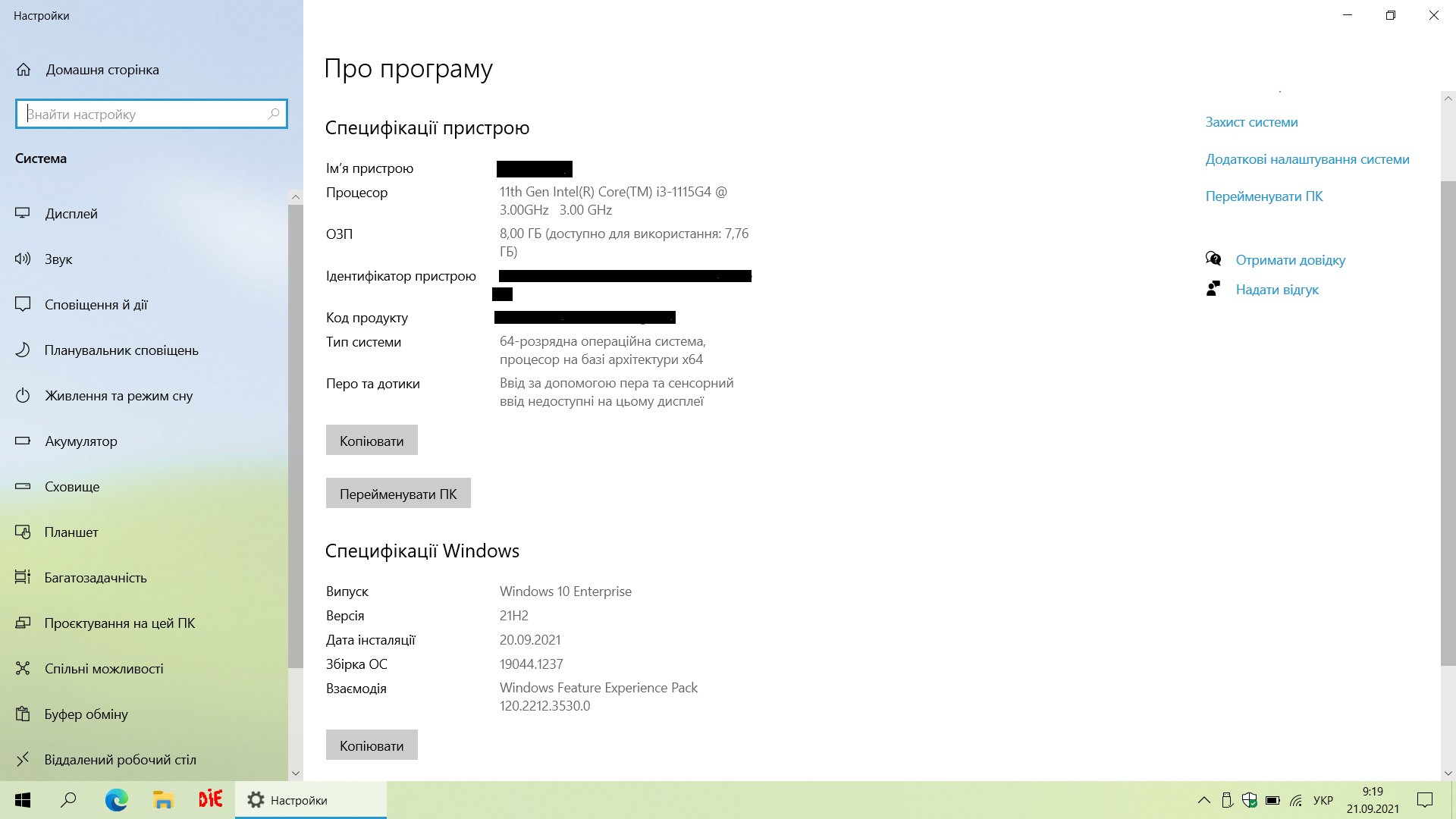
I bought it for lessons, it doesn’t get warm, it works on a Pentium, it’s suitable for everyday tasks. thin and light matte screen, a little expensive Viktoriya: use HP 250 G8 more than year |
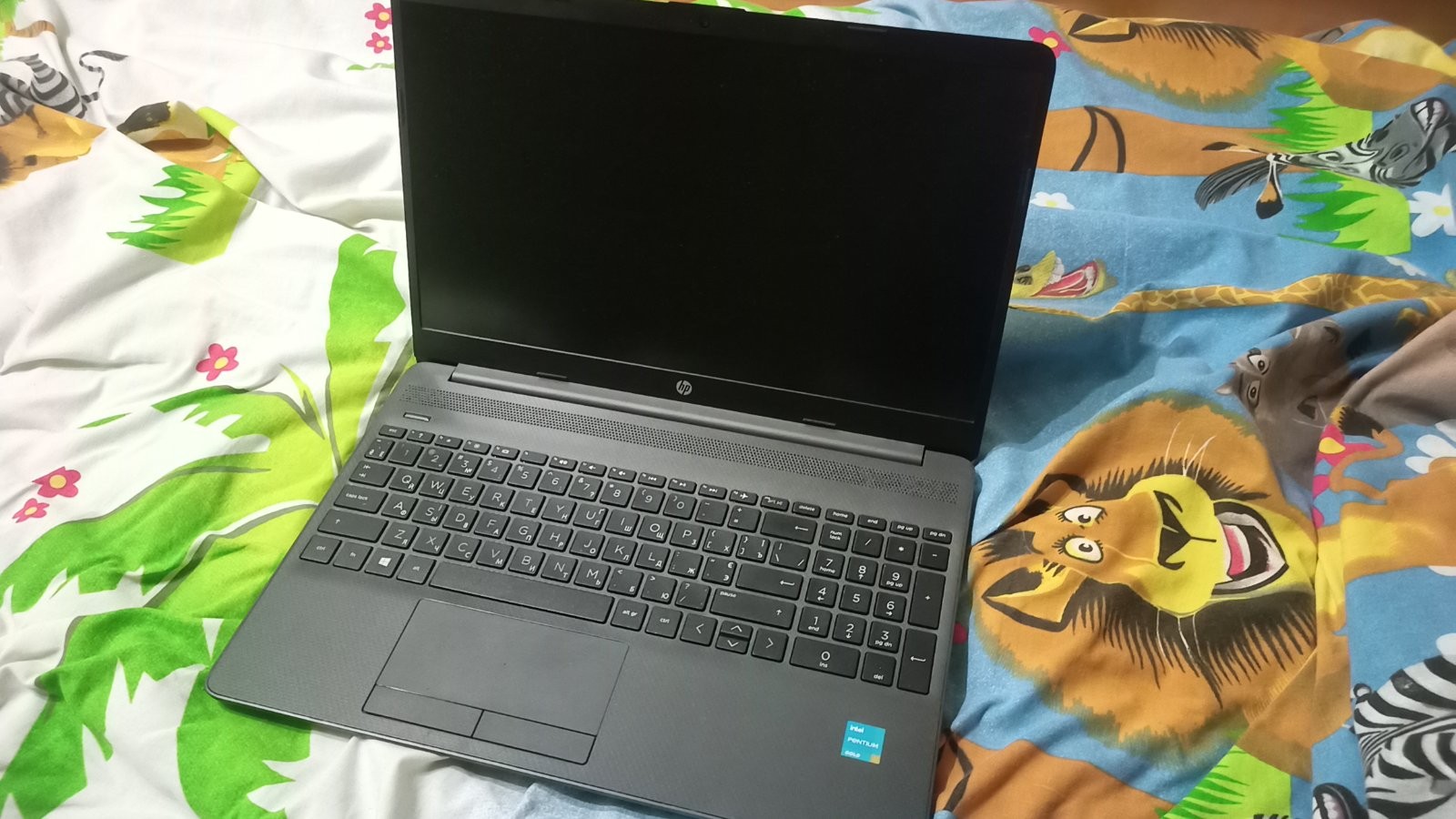
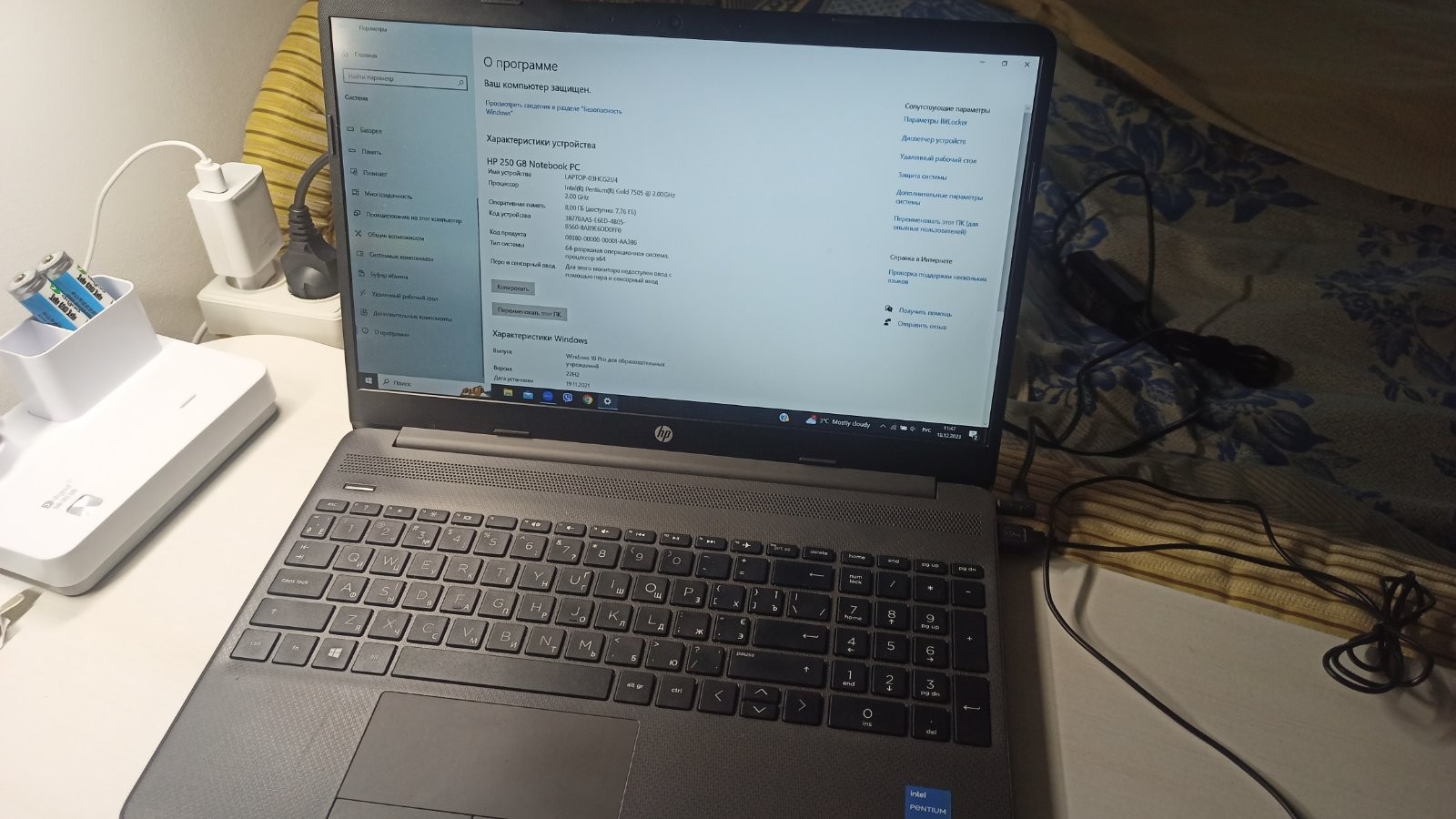
I have a model on Pentium, the laptop is fast and sturdy but Quality made, nothing wobbles. Difficult to maintain, quite noisy, and rather pricey.  Artemich: use HP 250 G8 more than year Artemich: use HP 250 G8 more than year |
3 out of 6 user review(s) shown
3 more user review(s)
Video reviews

HP 250 G8 Unboxing | Review | Upgrade Options
6 September 202211 423 view

HP 250 G8 Laptop | intel 11th Gen i3 | Thin & Light Laptop for Student | Unboxing & Win Speed Test
28 January 20227 978 view

Fortnite and CS:GO GAMEPLAY | HP 250 G8 Laptop Intel Core i5 1035G1 | Walid Khan
4 March 20224 809 view

HP Notebook 250 G8 i5-1035G1 SSD Upgrade | 2W8W9EA | HP Notebook 250 G8
22 October 20223 583 view

HP 250 G8 unboxing core i7 11th gen || 2X7L1EA
6 March 20222 344 view

HP 250 G8 i3 11th gen laptop offer price in Bangladesh | ব্র্যান্ড নিউ এইচপি ল্যাপটপ #hp #flashsale
11 April 20231 729 view
HP 250 G8 || HP 250 G8 i3 11th Generation || Unboxing|| Review || #TechGaurang
10 September 20231 007 view

Review Hp 250 G8 i3 Terbaru
25 July 2022990 view

HP 250 G8 unboxing and overview|Best laptop under 40000??
7 August 2021646 view

HP 250 G8 Notebook PC Laptop Unboxing | Intel 11th Gen | HP Laptop First Look & Overview |
17 February 2022416 view

The FASTEST Gaming Laptop in the World! HP 250 G8, Most Powerful Gaming Laptop, Tech Maker BD
12 April 2022401 view

Review Laptop HP 250 G8 #reviewlaptop #laptopgaming #hplaptop
23 January 2022369 view

HP 250 G8 Laptop honest review | 8gb ram 512gb ssd | 4gb grphic crd| GTA V smooth running
27 July 2022322 view

HP 250 G8 ll i3-1115G4 Laptop ll Unboxing ll Review II Price ll #best #laptop #hp #brand #viral
11 November 2022183 view

Installing Programs of BRANDNEW HP 250 G8 11TH GENERATION |COREi5 #BUSYMODE #HP250 #HPG8 #HP250G8
10 February 2022175 view

HP 250 G8 i3 11gen Laptop Unboxing & Review 2022
25 October 2022165 view
HP 250 G8 Laptop (11th Gen Intel Core i3-1115G4/8GB DDR4 Ram / 512GB SSD/Windows 10) 42V68PA reviews
20 November 2021135 view

Guys My New Laptop HP 250 G8 Notebook PC i3 11th generation
7 January 2022119 view
Cannot see the flash drive.
At the time of writing this message, I have not found a comprehensive explanation for this issue, so I decided to describe a few points to consider in order to save time when installing Windows.
Starting point: a bootable USB 3.1 flash drive prepared using the official, albeit somewhat outdated, Windows 7 USB DVD Download Tool and the official Windows 10 Enterprise ISO file. It turned out that this option is not suitable for this laptop (due to the presence of UEFI). Possibly because this case uses NTFS file system formatting (I won't state it categorically).
To prepare the "correct" bootable flash drive, there's no need to reinvent the wheel, but use the standard Microsoft MediaCreationTool, which will write a kosher Windows 10 Pro onto it. This is the correct no-hassle path - I recommend it.
More to come (hopefully)...