
Canyon Carver GM-116 (CND-SGM116)
 | Outdated Product Product type: mouse; Connection: wired; Sensor: optical; Type: for game; Sensor Resolution (DPI): 1200 – 3600; Max. polling rate: 125 Hz (8 ms); Buttons: 5; Side buttons; DPI-button; Lighting: multicolor; Lighting effects; Cable: Interface: USB-A; E-Catalog uses affiliate links compensated by our partners. |


We recommend products in stockMice Canyon →
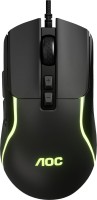
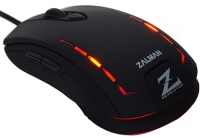
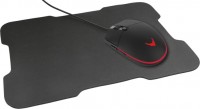
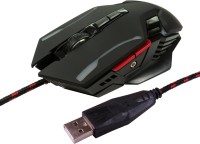
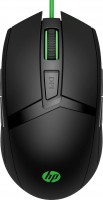
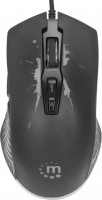
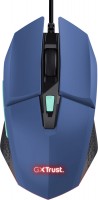
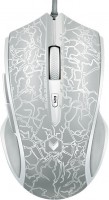
gaming mouse, wired, USB-A, with memory, buttons: 5, programmable, + wheel, RGB backlight, sensor 3000 DPI
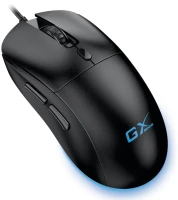
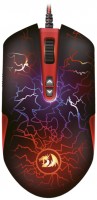
gaming mouse, wired, USB-A, with memory, buttons: 6, programmable, + wheel, sensor 3500 DPI
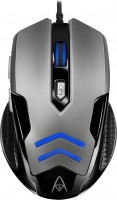
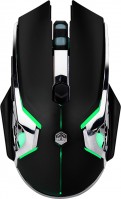
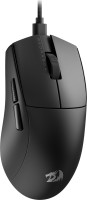
gaming mouse, wired, USB-A, buttons: 4, programmable, + wheel, свитчи: up to 20 mln, sensor 12400 DPI
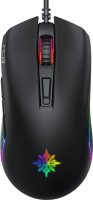
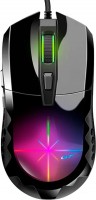
Canyon Carver GM-116 2024CND (gaming) | |||||||||||||||||||||||||||||||||||||||||||||||||||||||||||||||
|
| ||||||||||||||||||||||||||||||||||||||||||||||||||||||||||||||


The information in the model description is for reference purposes.
Always clarify the specifications and configuration of the product with the online store manager before purchasing.
Catalog Canyon 2026 - new arrivals, bestsellers, and the most relevant models Canyon.
Always clarify the specifications and configuration of the product with the online store manager before purchasing.
Catalog Canyon 2026 - new arrivals, bestsellers, and the most relevant models Canyon.
How to choose a gaming mouseWe'll look at grip types, sensor sensitivity, pushbutton switches, and other important nuances
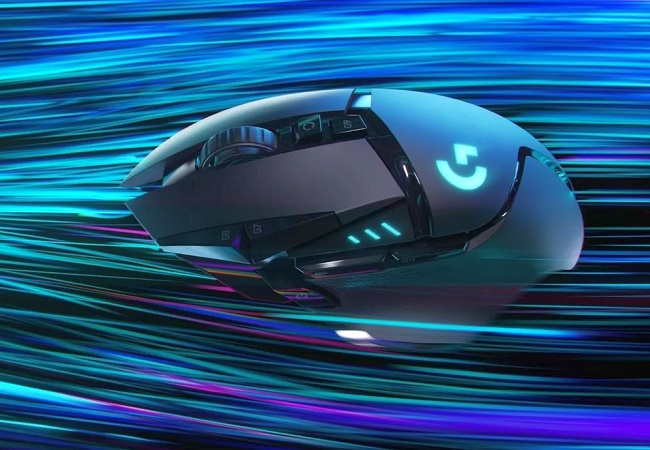
Branded technologies in computer mice worldWhat technologies are in mice and what benefits they give in particular tasks
AccessoriesAll accessories for Canyon Carver GM-116 →









advice from a very experienced true gamer to the manufacturer (maybe they'll read it): if you want to make a truly gaming mouse on a low budget, save on the lighting, use a minimally adequate sensor that can handle basic acceleration (now there is a wide choice available), and also save on the additional DPI switch button, and just lock the DPI to the default 800, fortunately now all games support changing sensitivity. 1. Even though it doesn't handle super sharp movements well, at least the cursor doesn’t skip, fly off into space, or spin around. And if you don’t flick it, the sensor is generally quite stable. 2. The finish feels pleasant to the touch, and I enjoy holding the mouse in my hand. 3. All buttons (except for the scroll) click normally. I would say they are default, not quiet, but not irritating either. 4. I really liked the scroll wheel. 5. Moving the mouse on the mat is pleasant, it doesn't tip over, and it glides smoothly. (However, if you're like me and play with low sensitivity and need to frequently lift the mouse off the mat for 180-360 degree turns, you'll find a big problem here because the mouse doesn’t grip well during lifting - this is a downside.) 1. The fact that the mouse is gaming is an ipso. Tested in CS, it just freezes during sudden movements, flicking is not possible. Tested both at high DPI and low. 2. The scroll is very hard to press, it's for martial arts masters who want to strengthen their fingers. 3. I didn't like the DPI switching range. (For example, my main Zowie mouse has modes 400/800/1600/3200, while this one has 1200/1800/2400/3600, it's a mess, why not make the minimum at least 800, or like in normal mice - 400. For those not in the know, for shooters, it's preferable to have a lower DPI because the lower the DPI, the less delay, and also the greater sensor stability. High DPI in "gaming" mice is contraindicated.  Mike Johnson: use Canyon Carver GM-116 less than month Mike Johnson: use Canyon Carver GM-116 less than month |
Add Review