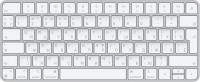
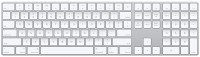
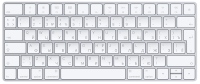
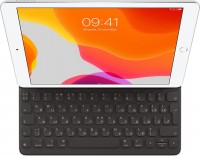
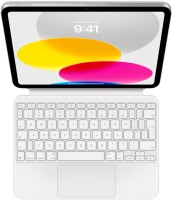
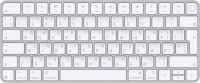
Apple iMac 24 2021 M1 Z12W000NU
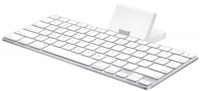
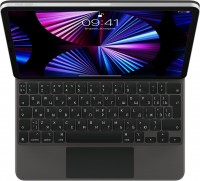
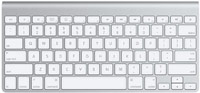
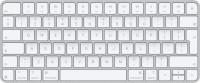
Keyboards15
Mice4
Apple Magic Mouse 2 USB C (2024)
from $69.00
Apple Magic Trackpad 2 (2021)
from $169.99
Apple Magic Trackpad 2 USB-C (2024)
from $129.00
Apple Magic Trackpad (1st gen)
from $149.99
Cables (video, audio, USB)61
Use the Lightning Digital AV Adapter with your iPhone, iPad, or iPod with Lightning connector. The Lightning Digital AV Adapter supports mirroring of what is displayed on your device screen — includin more→g apps, presentations, websites, slideshows, and more — to your HDMI-equipped TV, display, projector, or other compatible display in up to 1080p HD. It also outputs video content — movies, TV shows, captured video — to your big screen in up to 1080p HD. Simply attach the Lightning Digital AV Adapter to the Lightning connector on your device and then to your TV or projector via an HDMI cable (sold separately). What’s in the Box Lightning Digital AV Adapter System Requirements Requires an HDMI cable…
![]() |
12.49Buy!
$
$
BestBuy.com
Delivery: in USA
Report
iPhone 4 Charger Cables (3 Pack 3.3 Ft) 30 Pin to USB Fast Charge & Sync Charging Cable Certified for Old Apple iPhone 4s / 4, 3G / 3GS, Old iPad 1/2/3, Old iPod Touch, Old iPod Nano (3 Pack 3.3 Ft). more→USB charger 30-pin iPod connector for Data Synch and charging, 100% compatible with iPhone 4/4S, iPhone 3G/3GS, iPad 1/2/3, iPod, iPod Nanos and so on
The USB-C to Lightning Adapter lets you connect your Lightning accessories to a USB-C–enabled iPhone or iPad to conveniently provide three key functions—charging, data, and audio—with a single adapter more→. This adapter has a braided cable for added durability. Plug the USB-C end of the adapter into the USB-C connector on your iPhone or iPad, then connect your Lightning accessory. This adapter supports connection to most cars including those that work with CarPlay. You can also directly connect a USB cable from your car into the USB-C connector on your iPhone. Technical Specifications Connections • USB-C • Lightning Compatibility iPhone Models • iPhone 17 Pro Max • iPhone 17 Pro • iPhone Air • iPh…
![]() |
24.99Buy!
$
$
BestBuy.com
Delivery: in USA
Report
Plug the USB-C end of the adapter into a USB-C or Thunderbolt 3 (USB-C) port on your Mac, iPad, or iPhone, and then connect your flash drive, camera, or other standard USB device. You can also connect more→a Lightning to USB cable to sync and charge your iPhone, iPad, or iPod.
Important!
Compatibility with specific models Desktop PCs should be confirmed with the online store manager directly before purchase.