
Apple iMac 27 2020 MXWV2
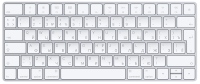
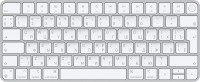
Keyboards11
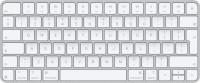
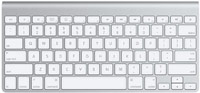
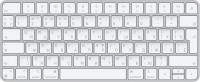
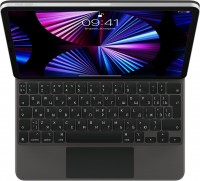
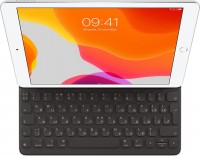
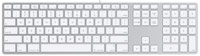

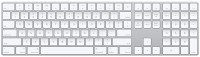
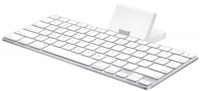
Mice3
Apple Magic Trackpad 2 USB-C (2024)
from $129.00
Apple Magic Mouse 2 USB C (2024)
from $69.99
Apple Magic Trackpad (1st gen)
from $149.99
Cables (video, audio, USB)61
 |
29.00Buy!
$
$
Abt.com
Delivery: USA
Report
3.33 Ft (1m) Length/ MagSafe Technology With Inductive Charging/ Completely Sealed System Free Of Exposed Contacts/ White Finish
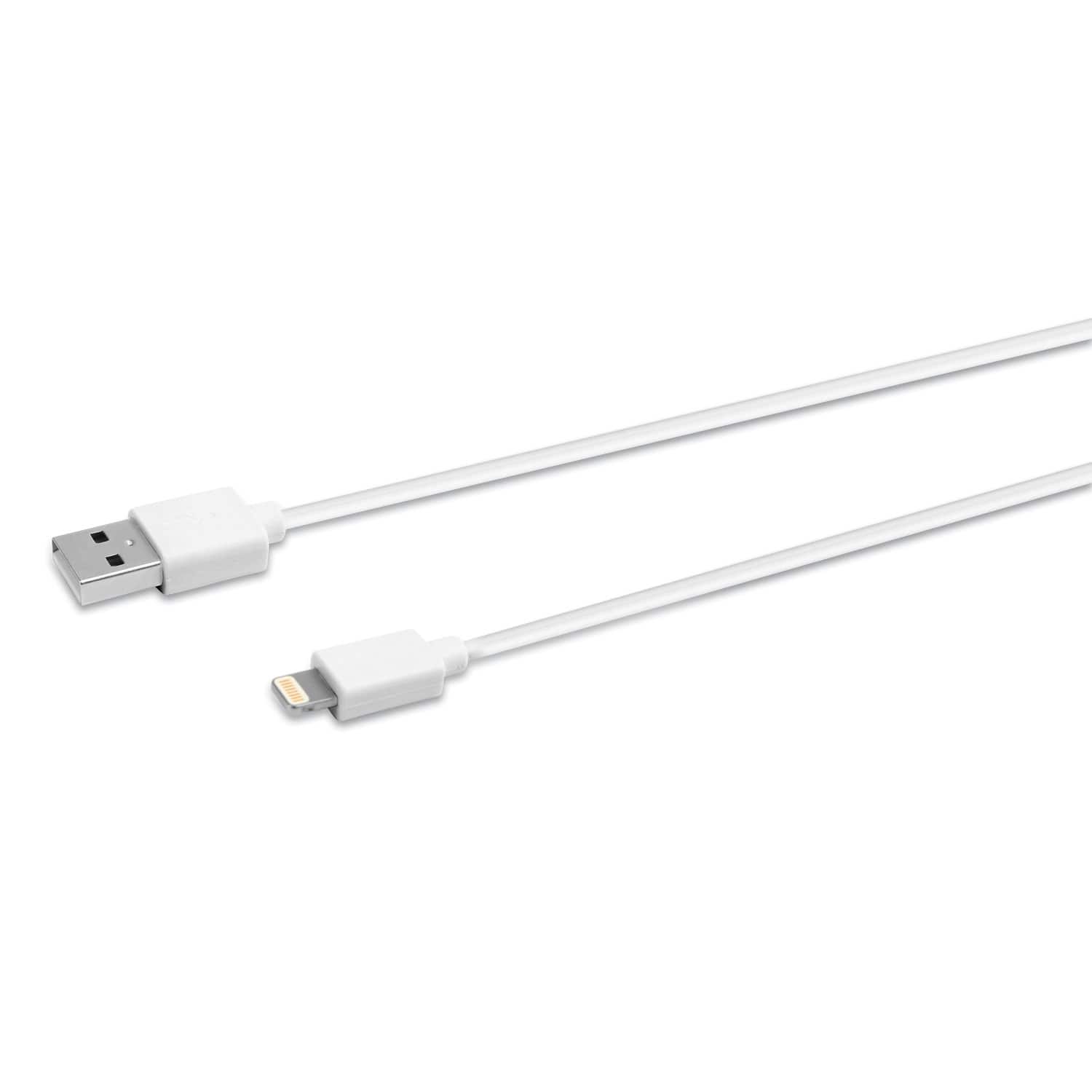 |
Innovera's Lightning Sync/Charge Cable connects your iPhone, iPad or iPod to the USB port on any computer, allowing you to charge and transfer data. Innovera Lightning cables are MFi-certified for use more→with iPhone, iPad and iPod devices. Compatible with iPhone (5, 5c, 5s, 6, 6 Plus, 6s, 6s Plus, SE, 7, 7 Plus, 8, 8 Plus, X), iPad (4th and 5th generations), iPad mini, iPad mini 2, iPad mini 3, iPad mini 4, iPad Air, iPad Air 2, iPod Touch (5th and 6th generations), iPad Pro 12.9 inch (1st generation) and iPad Pro 9.7 inch. Reversible 8-pin Lightning connector plugs into your Apple device in either direction.
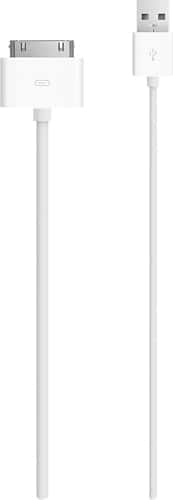 |
Apple MA591G/B USB Cable Adapter - USB - Proprietary Connector Charge and sync your Apple iPhone, iPod or iPad using this USB 2.0 cable that connects your device to your computer's USB port directly o more→r through a dock (not included).
 |
19.00Buy!
$
$
Abt.com
Delivery: USA
Report
Extends The Reach Of Your Apple Power Adapter/ Compatible With Various Apple MacBooks/ Durable Construction/ Ideal For Use At Home, In The Office, Or While Traveling/ Easy To Use/ White Finish
Important!
Compatibility with specific models Desktop PCs should be confirmed with the online store manager directly before purchase.
Compatibility with specific models Desktop PCs should be confirmed with the online store manager directly before purchase.