
Apple iMac 24" 2023 M3 MQRK3
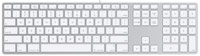
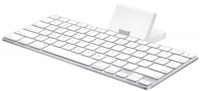
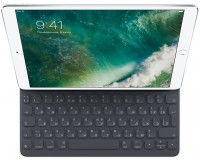
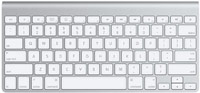
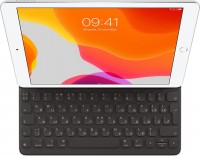
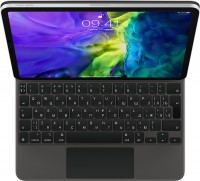
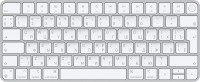
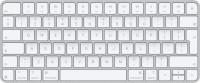
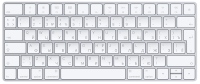
Keyboards23
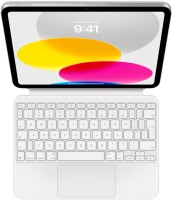
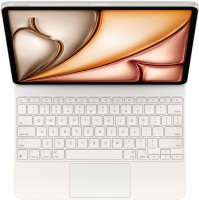

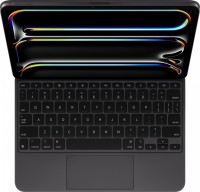
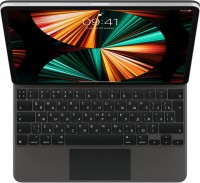

Mice4
Apple Magic Trackpad 2 USB-C (2024)
from $119.99
Apple Magic Trackpad (1st gen)
from $149.99
Apple Magic Mouse 2 USB C (2024)
from $69.00
Apple Magic Trackpad 2 (2021)
from $169.99
Cables (video, audio, USB)62
 |
12.99Buy!
$
$
BestBuy.com
Delivery: in USA
Report
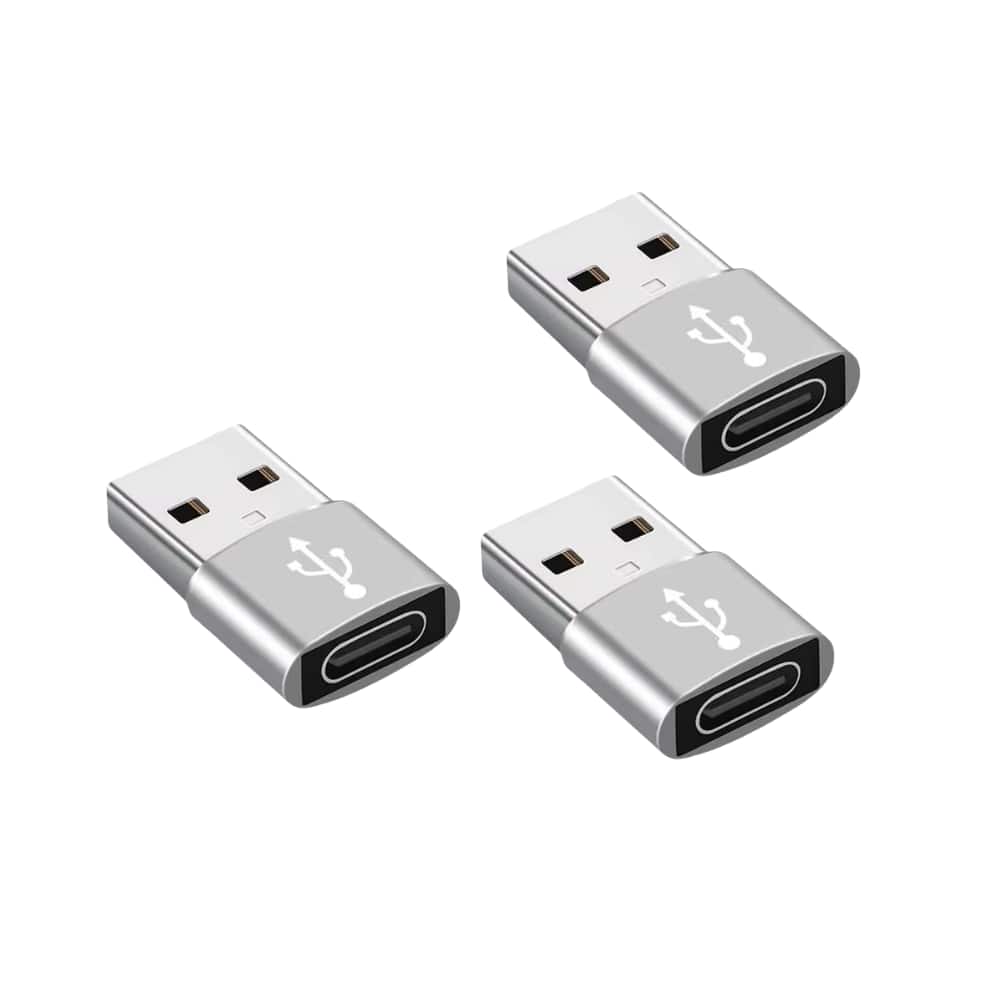
3-Packs USB to USB C Adapter,Type-C Female to A Male OTG Converter for Apple Watch, iPhone, Samsung, AirPods, iPad, Car: With this, you can plugged into an available standard USB port, your legacy dev more→ices (charger, power bank, computer) can turn into a USB-C enabled platform. USB to USB C Female. You can easily hook up any USB-C peripherals (USB Type-C cable, USB Type-C flash drive, USB Type-C hub) that make use of the newer USB-C connector. This USBA to USBC Adapter offers data transfer between connected devices and also supports power output for charging your devices. This 3-Packs USB to USB C Adapter,Type-C Female to A Male OTG Converter for Apple Watch, iPhone, Samsung, AirPods, iPad, Car …
 |
79.99Buy!
$
$
BestBuy.com
Delivery: in USA
Report
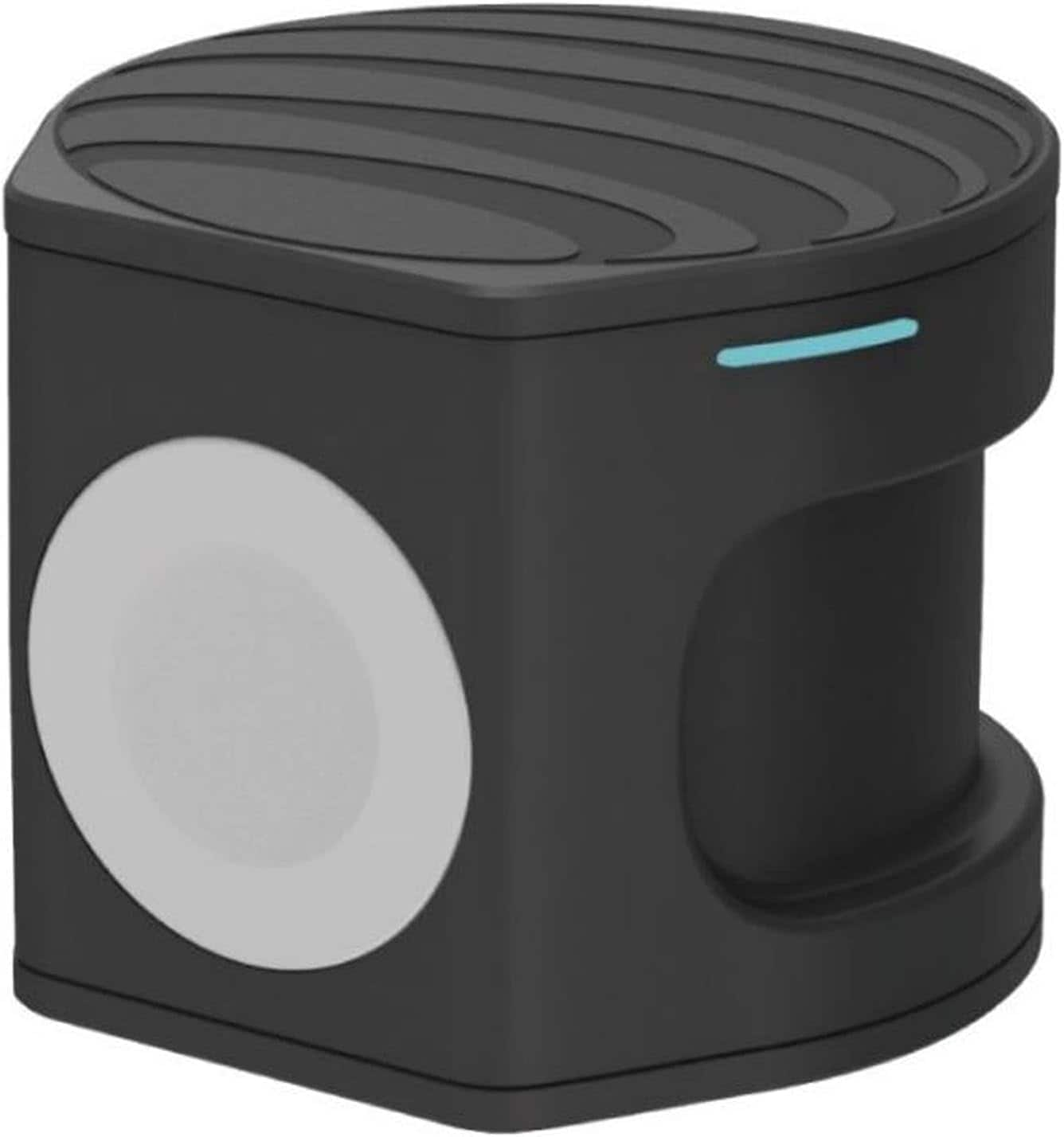
Compact wireless charger plus Apple Watch Powerbank. Two in one portable charger. Charge on the go, at the office or at home. Set your Qi-enabled wireless device on the wireless pad, charging begins o more→n contact. The non-slip surface provides a stable base and protects your device from scratches. Simply place the back of your Apple Watch to the module where magnets will cause it to snap into place automatically and charging will soon begin.
 |
129.99Buy!
$
$
BestBuy.com
Delivery: in USA
Report
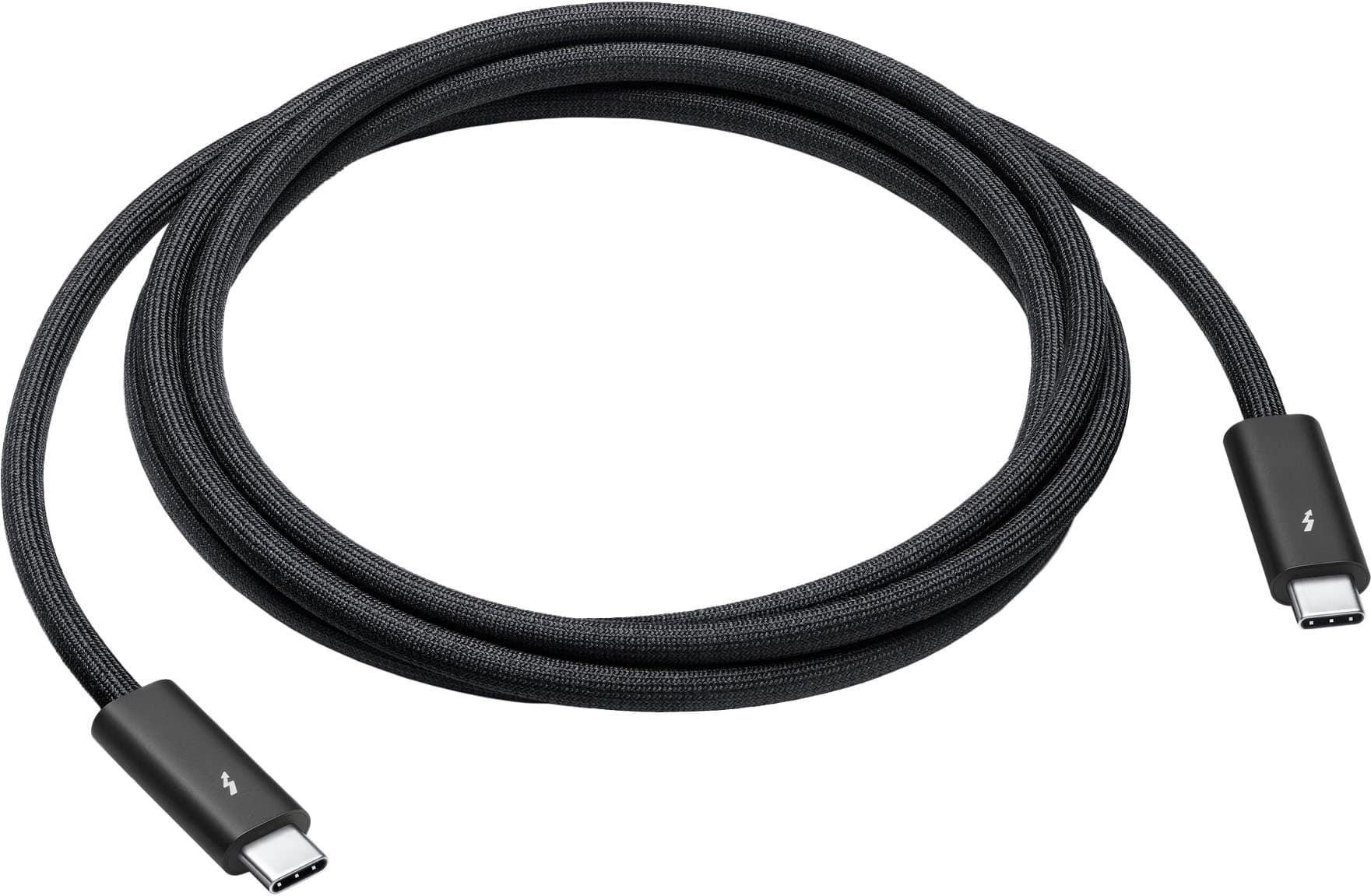
Featuring a black braided design that coils without tangling, this 1.8-meter cable supports Thunderbolt 3, Thunderbolt 4, and USB 4 data transfer up to 40Gb/s, USB 3 data transfer up to 10Gb/s, Displa more→yPort video output (HBR3), and charging up to 100W. Use this cable to connect a Mac with Thunderbolt 3 or 4 (USB-C) ports to Thunderbolt (USB-C) and USB displays and devices such as Studio Display, Pro Display XDR, docks, and hard drives. You can also use this cable to connect iPhone 15 Pro to Mac.
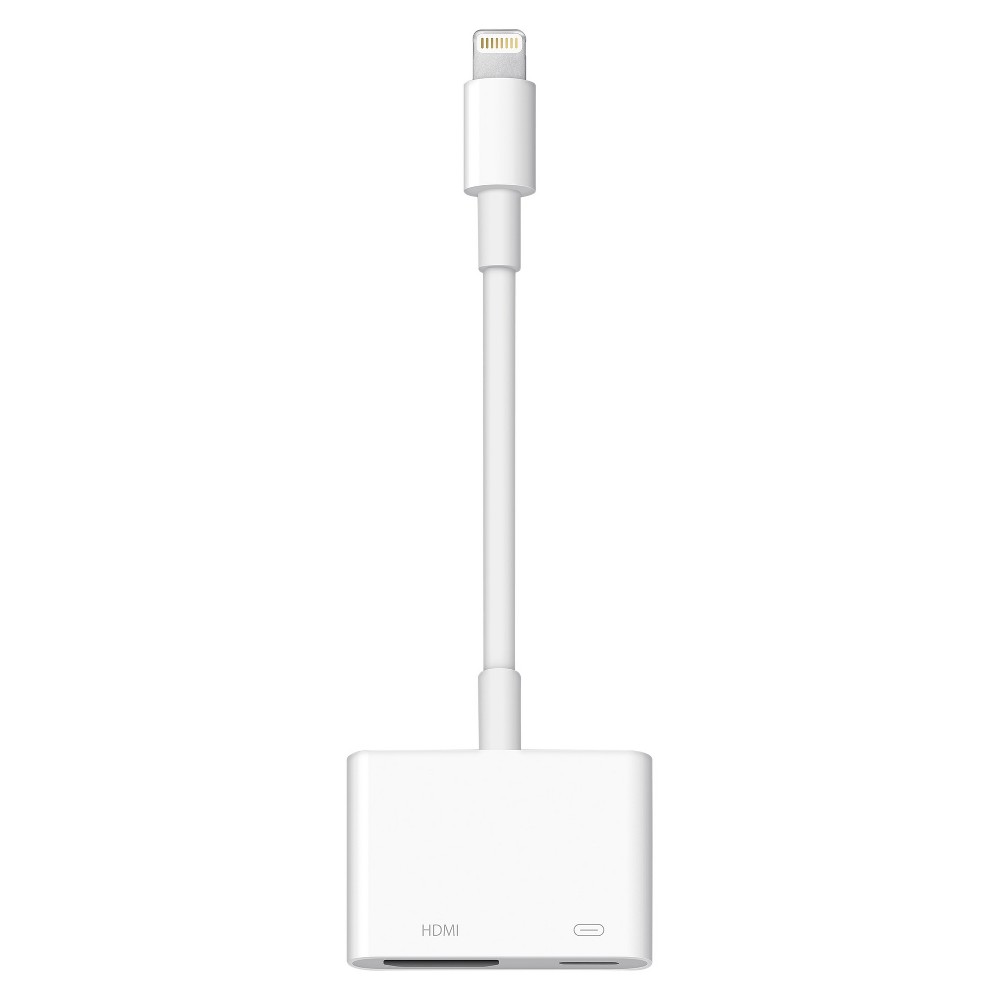 |
Use the Lightning Digital AV Adapter with your iPhone, iPad, or iPod with Lightning connector. The Lightning Digital AV Adapter supports mirroring of what is displayed on your device screen — includin more→g apps, presentations, websites, slideshows, and more — to your HDMI-equipped TV, display, projector, or other compatible display in up to 1080p HD. It also outputs video content — movies, TV shows, captured video — to your big screen in up to 1080p HD. Simply attach the Lightning Digital AV Adapter to the Lightning connector on your device and then to your TV or projector via an HDMI cable (sold separately). What’s in the Box Lightning Digital AV Adapter System Requirements Requires an HDMI cable…
Important!
Compatibility with specific models Desktop PCs should be confirmed with the online store manager directly before purchase.
Compatibility with specific models Desktop PCs should be confirmed with the online store manager directly before purchase.