
Apple iMac 27" 5K 2015 MK472
Keyboards21
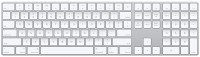
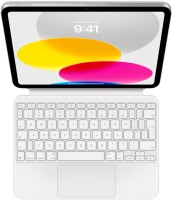
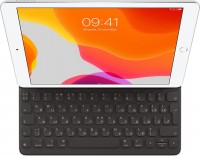
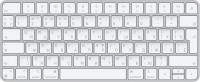
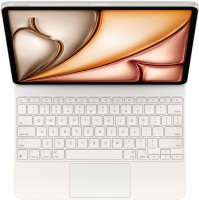



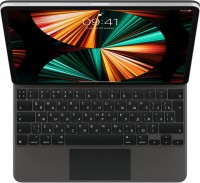
Mice3
Apple Magic Mouse 2 USB C (2024)
from $69.00
Apple Magic Trackpad (1st gen)
from $149.99
Apple Magic Trackpad 2 USB-C (2024)
from $119.99
Cables (video, audio, USB)53
 |
129.99Buy!
$
$
BestBuy.com
Delivery: in USA
Report
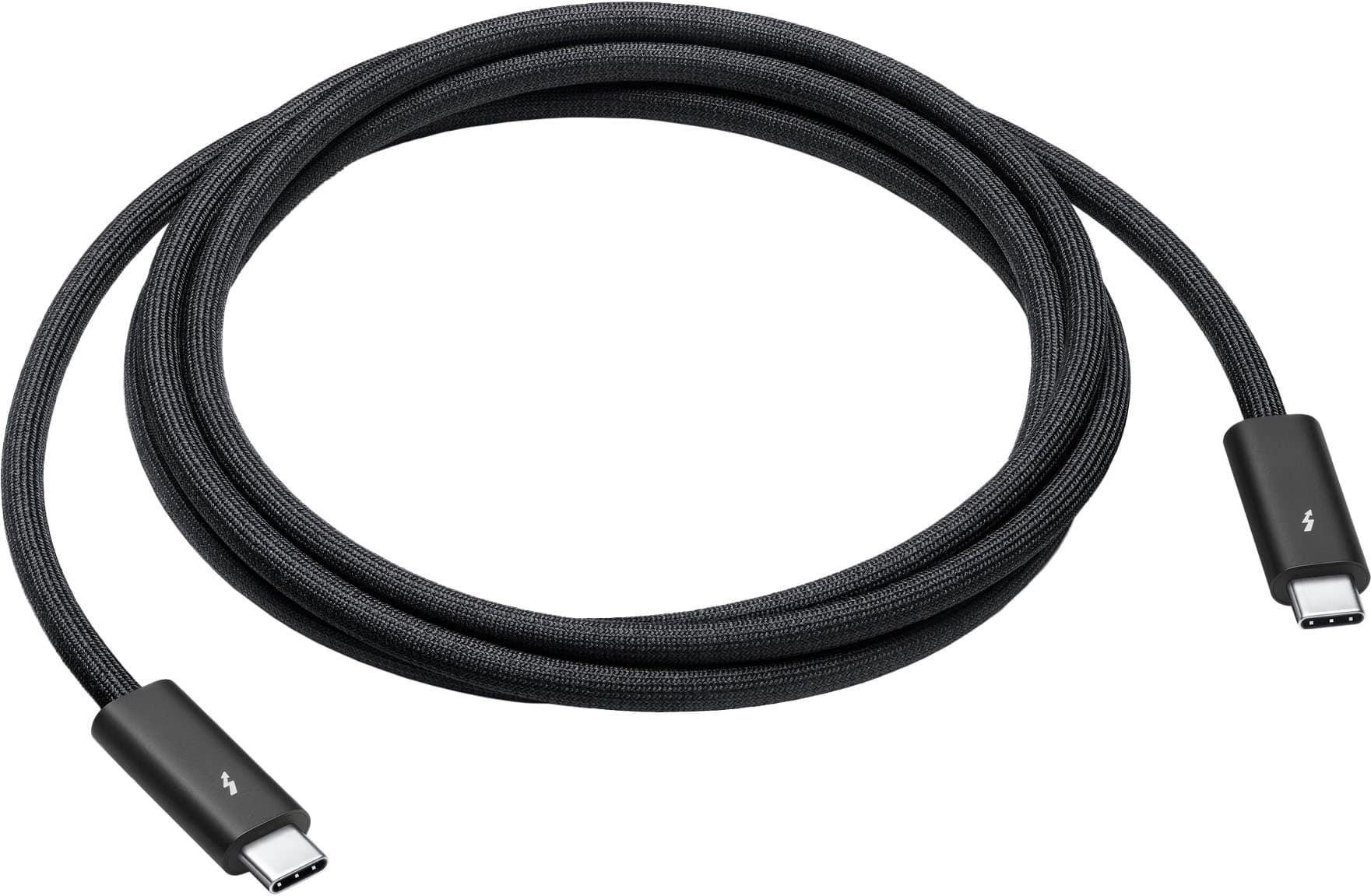
Featuring a black braided design that coils without tangling, this 1.8-meter cable supports Thunderbolt 3, Thunderbolt 4, and USB 4 data transfer up to 40Gb/s, USB 3 data transfer up to 10Gb/s, Displa more→yPort video output (HBR3), and charging up to 100W. Use this cable to connect a Mac with Thunderbolt 3 or 4 (USB-C) ports to Thunderbolt (USB-C) and USB displays and devices such as Studio Display, Pro Display XDR, docks, and hard drives. You can also use this cable to connect iPhone 15 Pro to Mac.
 |
20.99Buy!
$
$
BestBuy.com
Delivery: in USA
Report
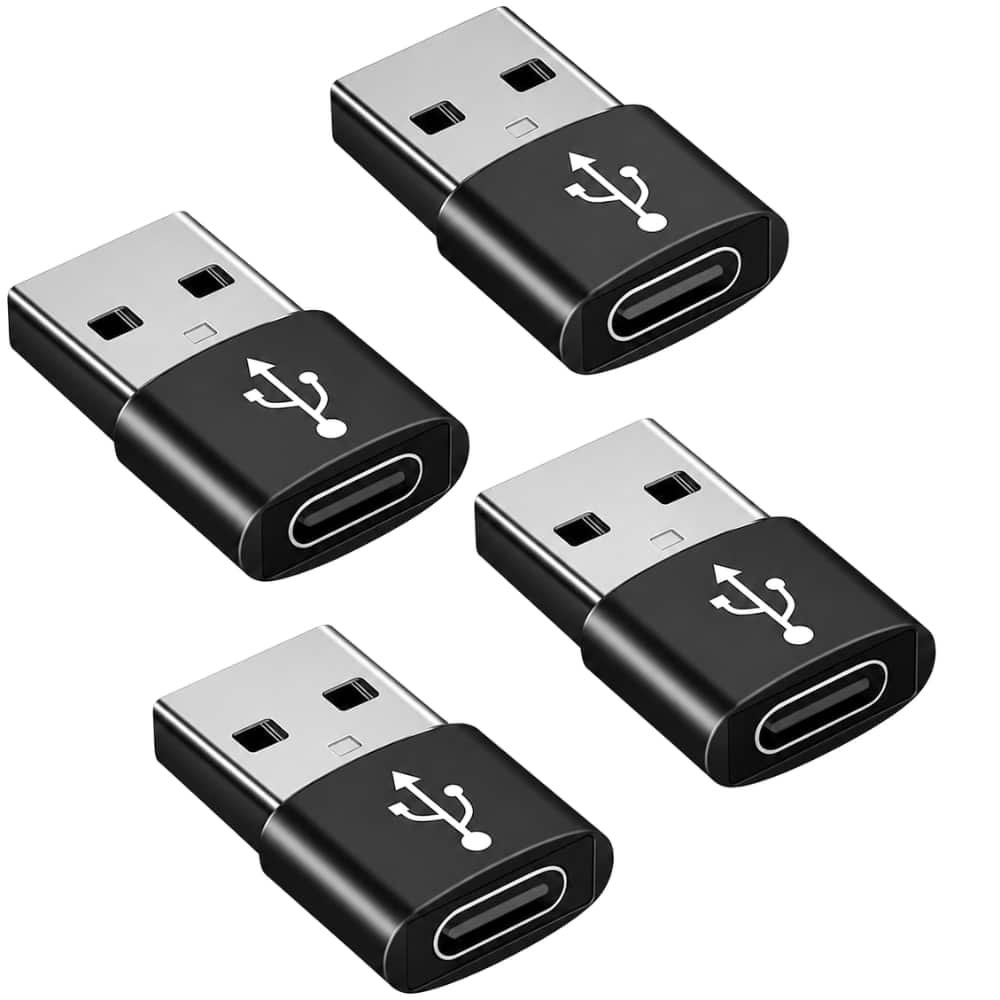
4PCS USB to USBC Adapter, Type-C Female to USBA Car Charger Converter for Apple Watch, iPhone, Samsung, AirPods, iPad: With this, you can plugged into an available standard USB port, your legacy devic more→es (charger, power bank, computer) can turn into a USB-C enabled platform. USB to USB C Female. You can easily hook up any USB-C peripherals (USB Type-C cable, USB Type-C flash drive, USB Type-C hub) that make use of the newer USB-C connector. This USBA to USBC Adapter offers data transfer between connected devices and also supports power output for charging your devices. This 4PCS USB to USBC Adapter, Type-C Female to USBA Car Charger Converter for Apple Watch, iPhone, Samsung, AirPods, iPad can …
 |
3.33 Ft (1m) Length/ MagSafe Technology With Inductive Charging/ Completely Sealed System Free Of Exposed Contacts/ White Finish
 |
24.97Buy!
$
$
BestBuy.com
Delivery: in USA
Report
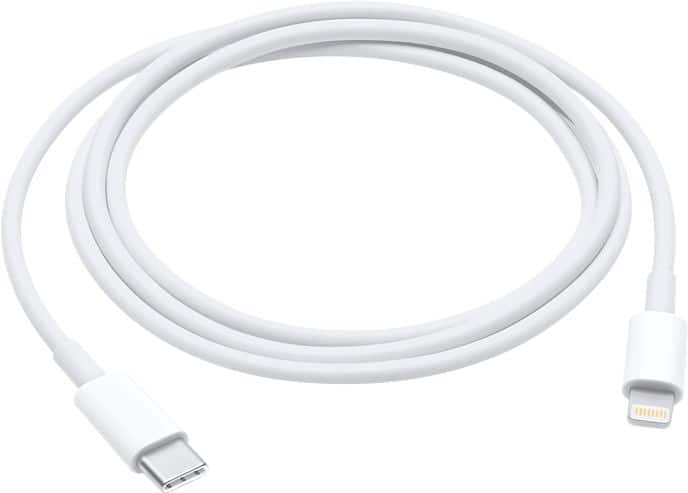
Keep the power flowing between your devices with this Apple USB-C to Lightning cable. It lets you connect compatible iPhones, iPods and iPads directly to Macbooks without any additional adapters. This more→USB-C to Lightning cable can be connected to a USB-C power adapter to utilize the iPad Pro's fast-charge feature.
Important!
Compatibility with specific models Desktop PCs should be confirmed with the online store manager directly before purchase.
Compatibility with specific models Desktop PCs should be confirmed with the online store manager directly before purchase.