
Apple iMac 21.5" 2011 MC812
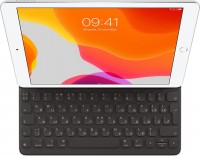
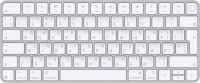
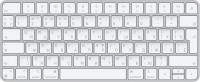
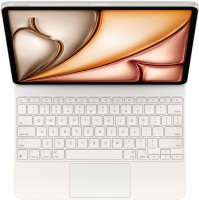
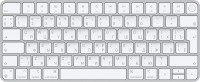
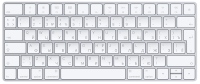
Keyboards23


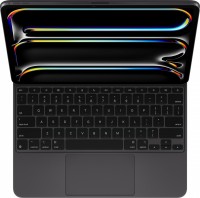
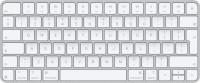
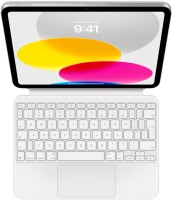
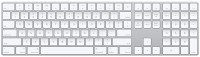
Mice4
Apple Magic Trackpad (1st gen)
from $149.99
Apple Magic Mouse 2 USB C (2024)
from $69.00
Apple Magic Trackpad 2 USB-C (2024)
from $119.99
Apple Magic Trackpad 2 (2021)
from $169.99
Cables (video, audio, USB)61
 |
19.97Buy!
$
$
BestBuy.com
Delivery: in USA
Report
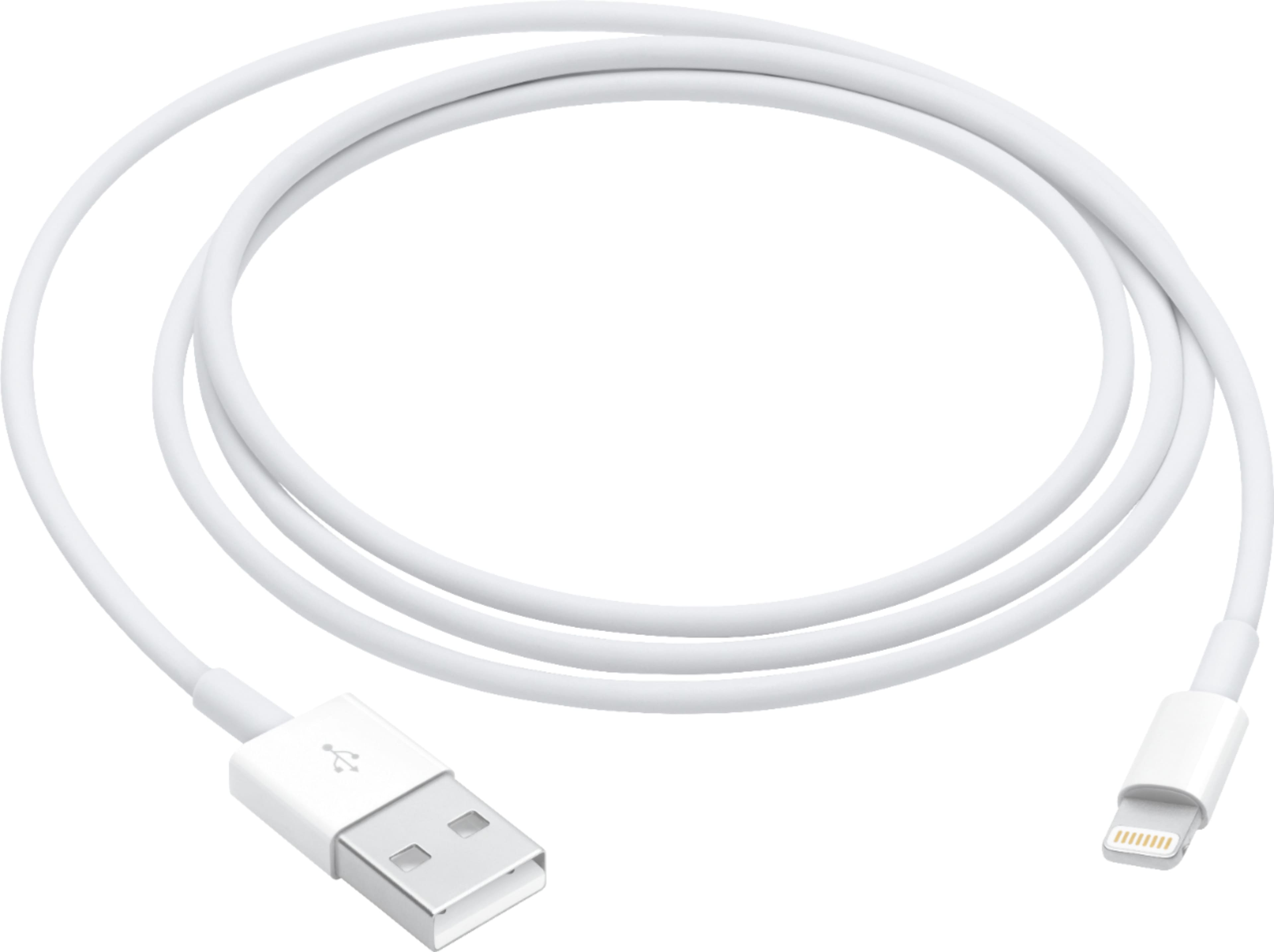
This USB 2.0 cable connects your iPhone, iPad or iPod with Lightning connector to your computer's USB port for syncing and charging. Or you can connect to the Apple USB Power Adapter for convenient ch more→arging from a wall outlet.
 |
29.99Buy!
$
$
BestBuy.com
Delivery: in USA
Report
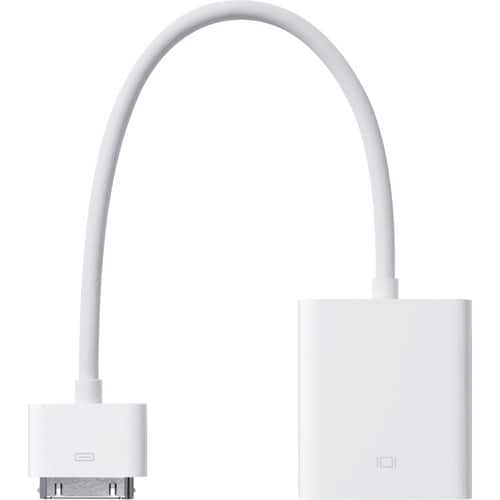
Apple A1368 30-Pin to VGA Adapter Cable (MC552AM/B) is a compact video adapter designed to connect compatible Apple devices such as iPad (1st, 2nd, and 3rd generation), iPhone 4/4S, and iPod touch (4t more→h generation) to VGA-enabled displays, projectors, or monitors, allowing users to mirror presentations, videos, photos, slideshows, and apps from their device onto a larger screen, featuring a 30-pin Apple dock connector male on one end and a VGA (HD-15) female port on the other, supporting video output up to 1080p on supported devices with a durable white Apple-style design for reliable connectivity in classrooms, offices, and home entertainment setups
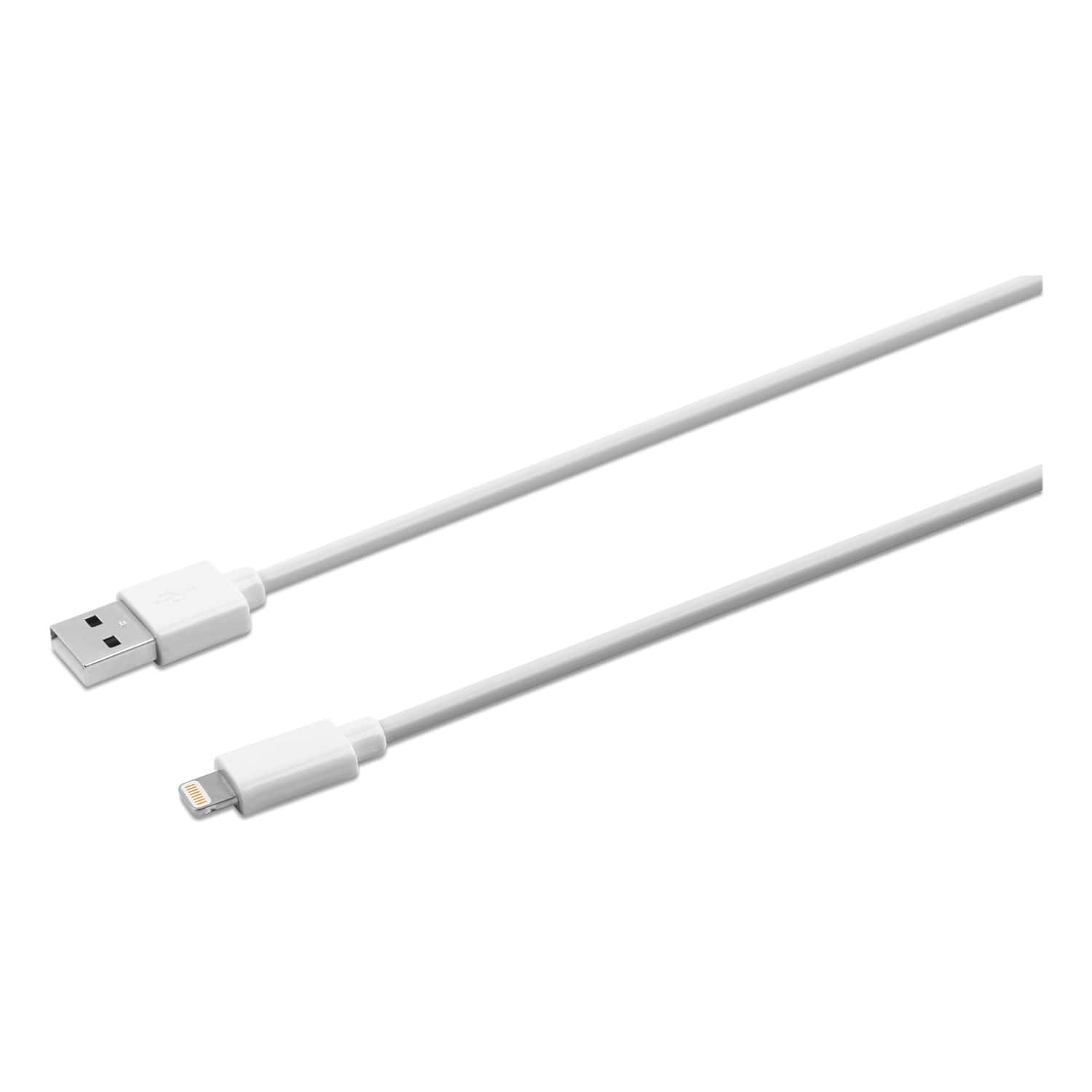 |
Innovera's Lightning Sync/Charge Cable connects your iPhone, iPad or iPod to the USB port on any computer, allowing you to charge and transfer data. Innovera Lightning cables are MFi-certified for use more→with iPhone, iPad and iPod devices. Compatible with iPhone (5, 5c, 5s, 6, 6 Plus, 6s, 6s Plus, SE, 7, 7 Plus, 8, 8 Plus, X), iPad (4th and 5th generations), iPad mini, iPad mini 2, iPad mini 3, iPad mini 4, iPad Air, iPad Air 2, iPod Touch (5th and 6th generations), iPad Pro 12.9 inch (1st generation) and iPad Pro 9.7 inch. Reversible 8-pin Lightning connector plugs into your Apple device in either direction.
 |
79.99Buy!
$
$
BestBuy.com
Delivery: in USA
Report
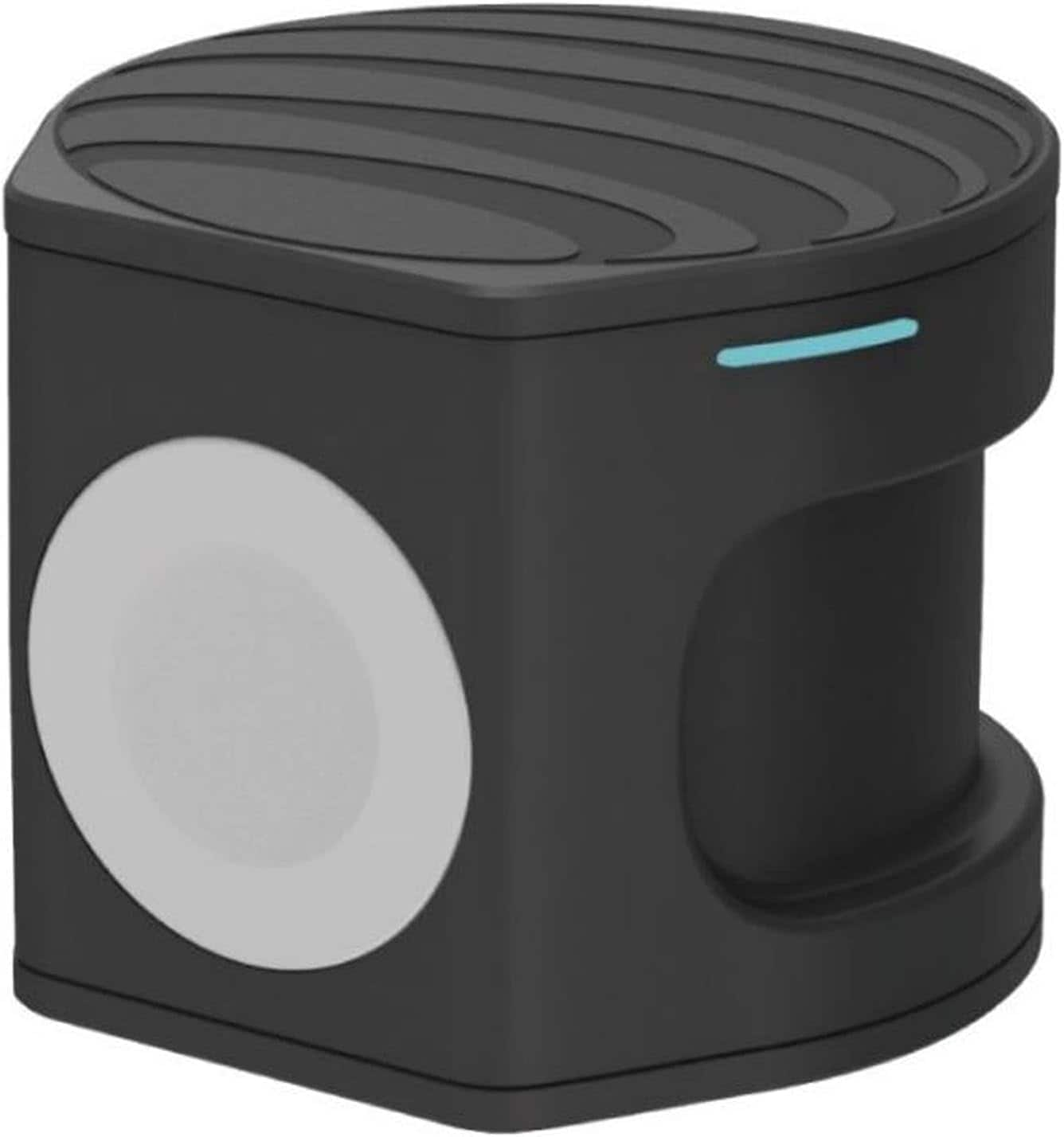
Compact wireless charger plus Apple Watch Powerbank. Two in one portable charger. Charge on the go, at the office or at home. Set your Qi-enabled wireless device on the wireless pad, charging begins o more→n contact. The non-slip surface provides a stable base and protects your device from scratches. Simply place the back of your Apple Watch to the module where magnets will cause it to snap into place automatically and charging will soon begin.
Important!
Compatibility with specific models Desktop PCs should be confirmed with the online store manager directly before purchase.
Compatibility with specific models Desktop PCs should be confirmed with the online store manager directly before purchase.