
Apple iMac 24" 2023 M3 IM24M320PUR
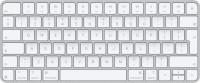
Keyboards23
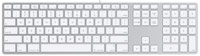
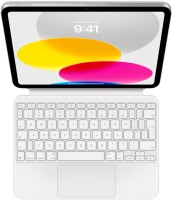
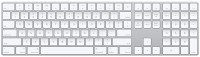
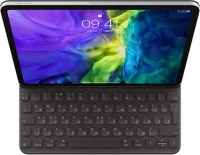

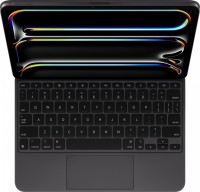

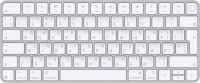
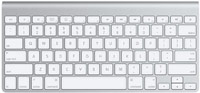
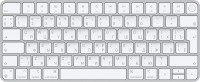
Mice4
Apple Magic Mouse 2 USB C (2024)
from $69.00
Apple Magic Trackpad 2 USB-C (2024)
from $119.99
Apple Magic Trackpad 2 (2021)
from $169.99
Apple Magic Trackpad (1st gen)
from $149.99
Cables (video, audio, USB)57
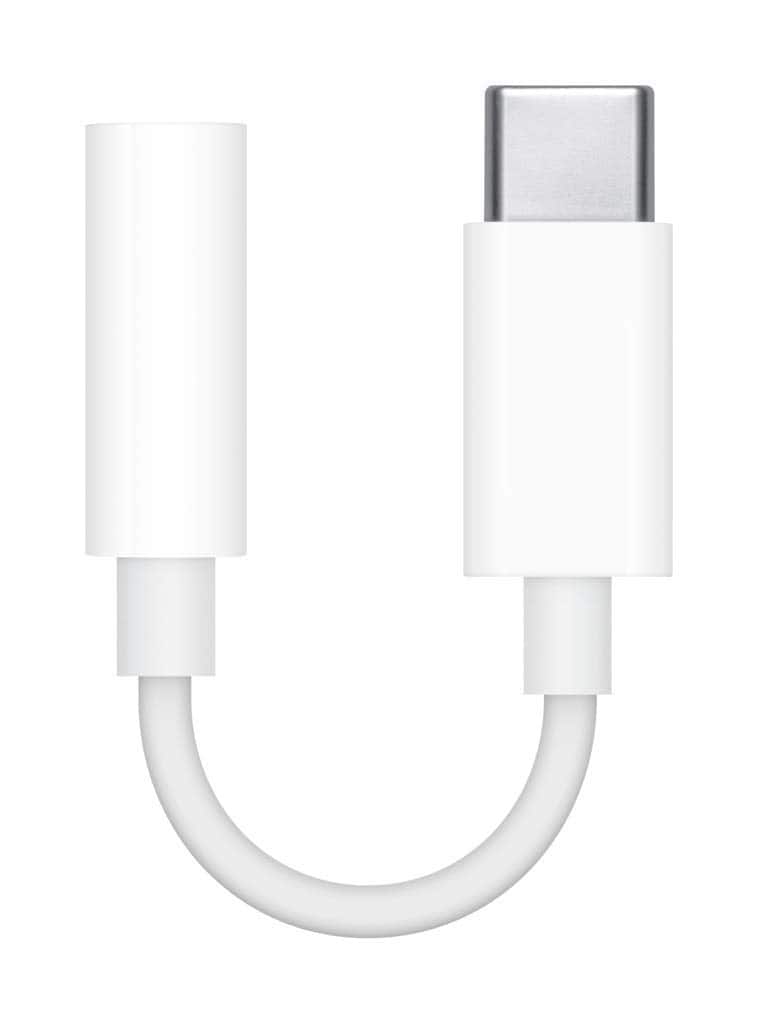 |
Apple USB-C to 3.5mm Headphone Jack Adapter
 |
25.48Buy!
$
$
BestBuy.com
Delivery: in USA
Report
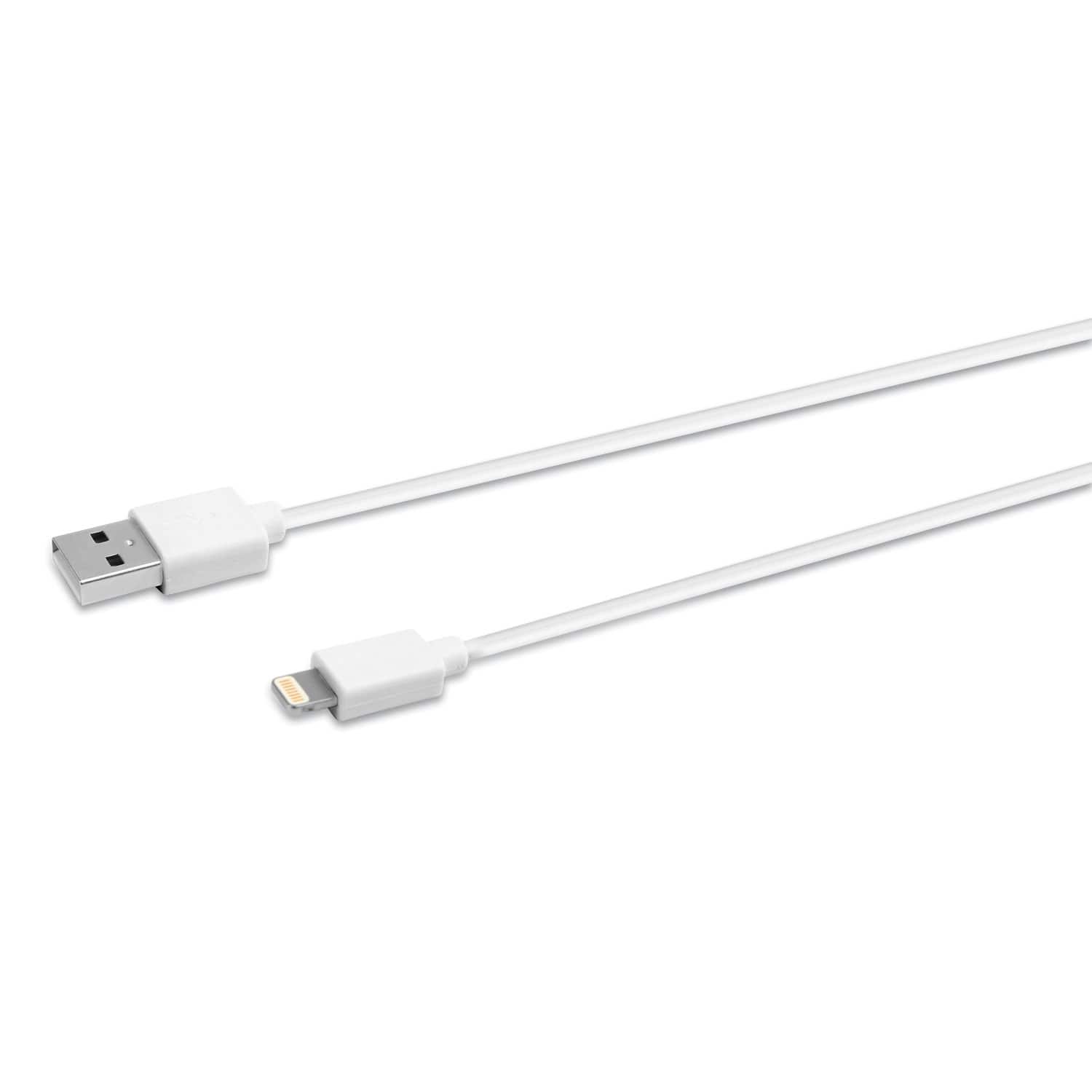
Innovera's Lightning Sync/Charge Cable connects your iPhone, iPad or iPod to the USB port on any computer, allowing you to charge and transfer data. Innovera Lightning cables are MFi-certified for use more→with iPhone, iPad and iPod devices. Compatible with iPhone (5, 5c, 5s, 6, 6 Plus, 6s, 6s Plus, SE, 7, 7 Plus, 8, 8 Plus, X), iPad (4th and 5th generations), iPad mini, iPad mini 2, iPad mini 3, iPad mini 4, iPad Air, iPad Air 2, iPod Touch (5th and 6th generations), iPad Pro 12.9 inch (1st generation) and iPad Pro 9.7 inch. Reversible 8-pin Lightning connector plugs into your Apple device in either direction.
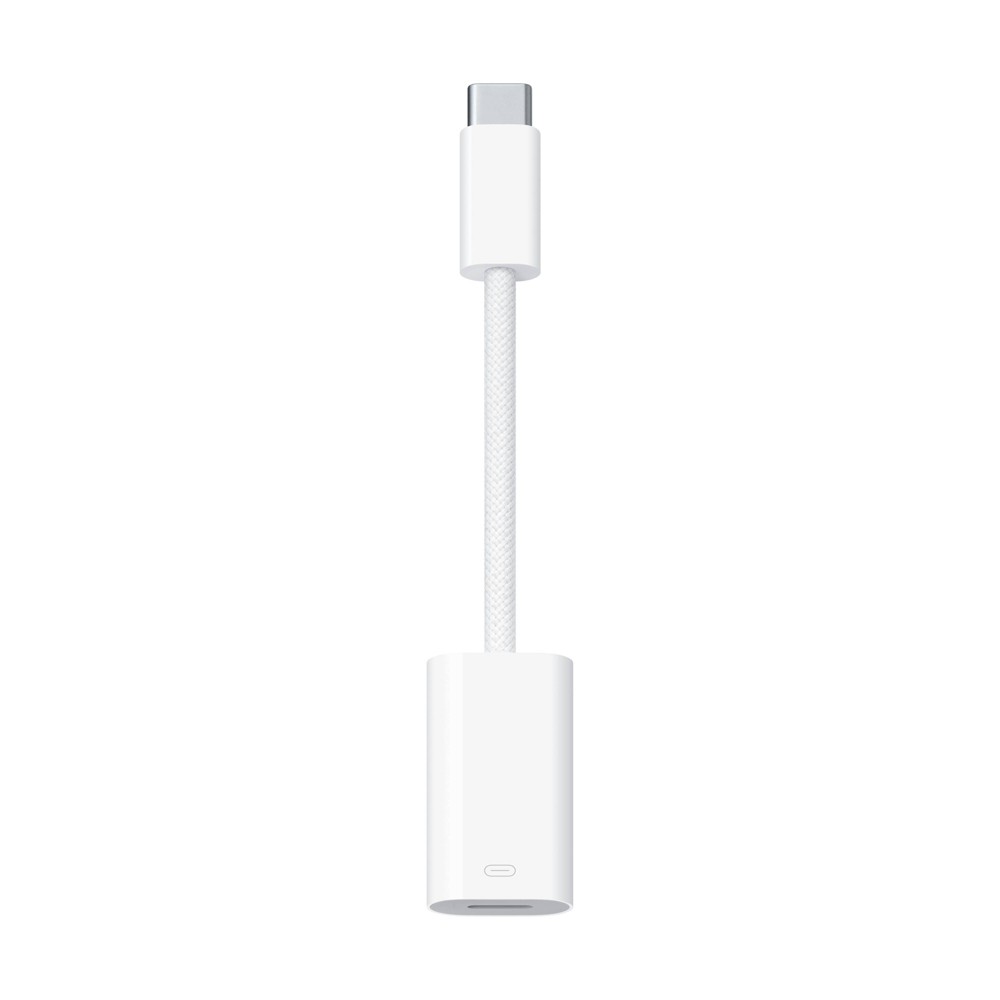 |
The USB-C to Lightning Adapter lets you connect your Lightning accessories to a USB-C–enabled iPhone or iPad to conveniently provide three key functions—charg
 |
79.99Buy!
$
$
BestBuy.com
Delivery: in USA
Report
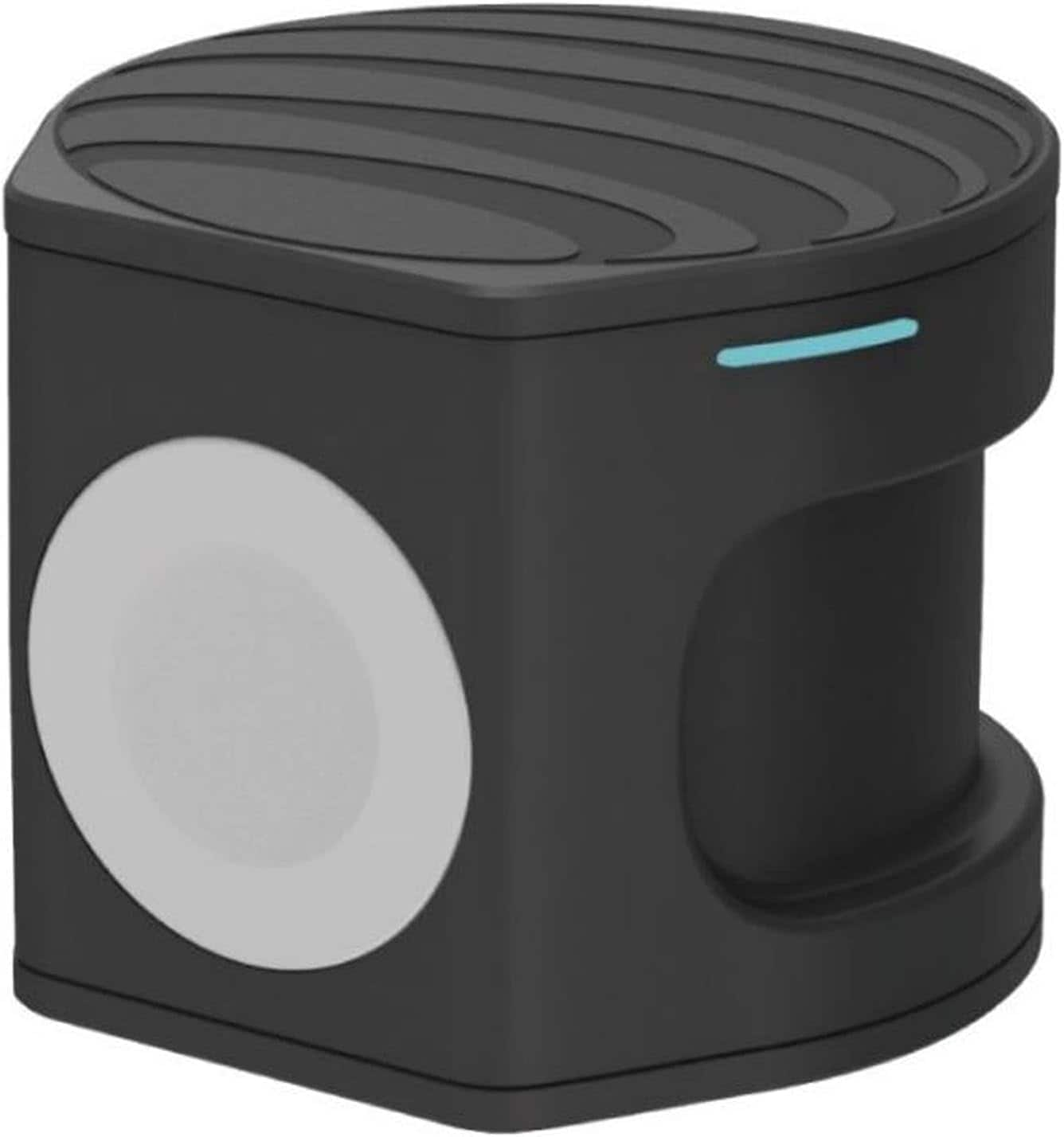
Compact wireless charger plus Apple Watch Powerbank. Two in one portable charger. Charge on the go, at the office or at home. Set your Qi-enabled wireless device on the wireless pad, charging begins o more→n contact. The non-slip surface provides a stable base and protects your device from scratches. Simply place the back of your Apple Watch to the module where magnets will cause it to snap into place automatically and charging will soon begin.
Important!
Compatibility with specific models Desktop PCs should be confirmed with the online store manager directly before purchase.
Compatibility with specific models Desktop PCs should be confirmed with the online store manager directly before purchase.