
Apple iMac 24" 2023 M3 IM24M304SLV
Keyboards14
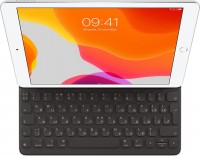

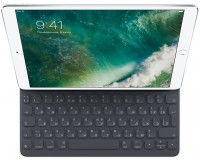


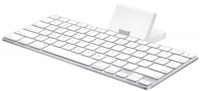



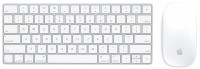


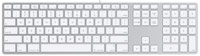
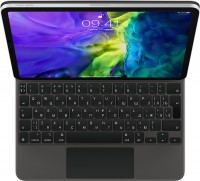
Mice4
Apple Magic Mouse 2 USB C (2024)
from $69.00
Apple Magic Trackpad 2 (2021)
from $169.99
Apple Magic Trackpad (1st gen)
from $149.99
Apple Magic Trackpad 2 USB-C (2024)
from $119.99
Cables (video, audio, USB)60
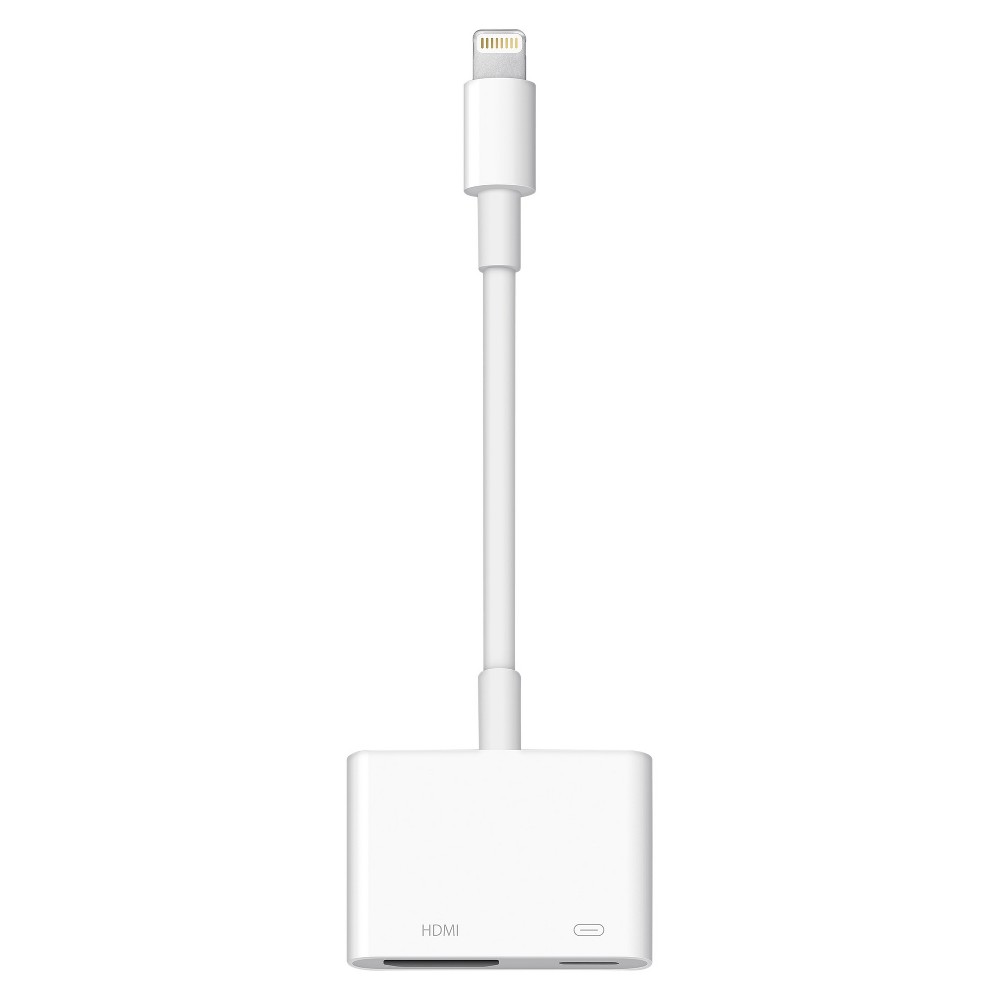 |
Use the Lightning Digital AV Adapter with your iPhone, iPad, or iPod with Lightning connector. The Lightning Digital AV Adapter supports mirroring of what is displayed on your device screen — includin more→g apps, presentations, websites, slideshows, and more — to your HDMI-equipped TV, display, projector, or other compatible display in up to 1080p HD. It also outputs video content — movies, TV shows, captured video — to your big screen in up to 1080p HD. Simply attach the Lightning Digital AV Adapter to the Lightning connector on your device and then to your TV or projector via an HDMI cable (sold separately). What’s in the Box Lightning Digital AV Adapter System Requirements Requires an HDMI cable…
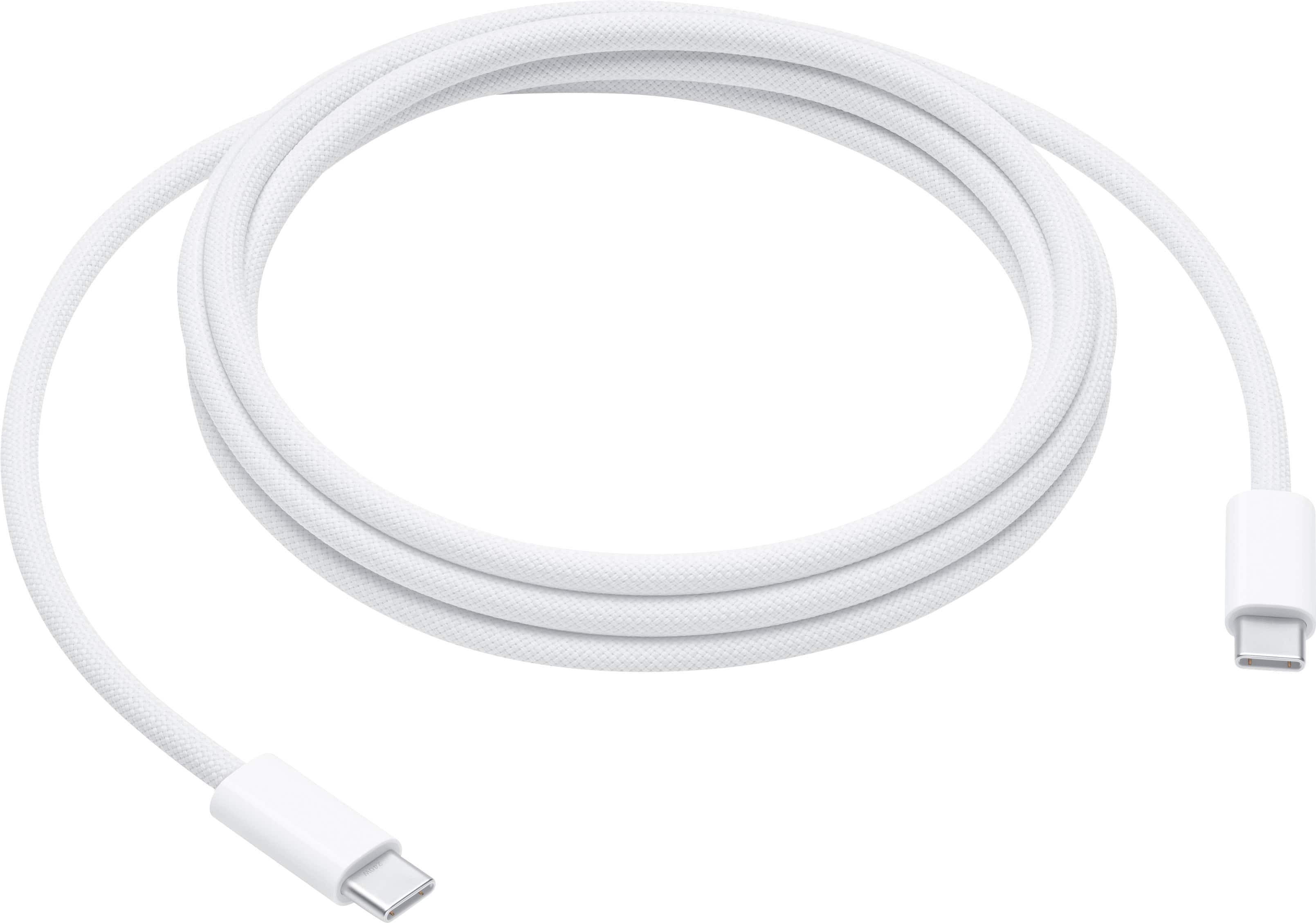 |
This 2-meter charge cable is made with a woven design — with USB-C connectors on both ends — and is ideal for charging, syncing, and transferring data between USB-C devices. It supports charging of up more→to 240 watts and transfers data at USB 2 rates. Pair the USB-C Charge Cable with a compatible USB-C power adapter to conveniently charge your devices from a wall outlet and take advantage of fast-charging capabilities. USB-C power adapters sold separately.
 |
39.00Buy!
$
$
Abt.com
Delivery: USA
Report
Transfer Photos and Video From Camera to Compatible Apple Products/ Supports Standard Photo Formats/ Supports SD and HD Video Formats/ White Finish
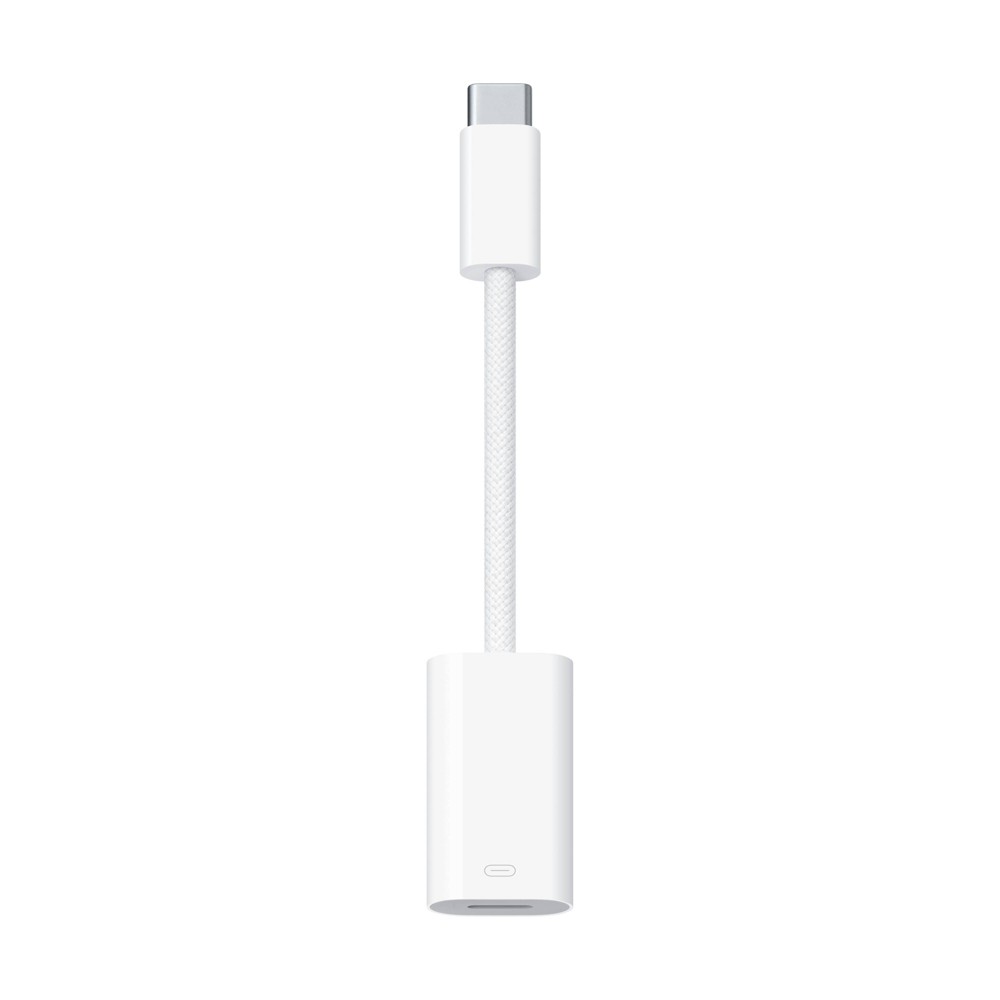 |
The USB-C to Lightning Adapter lets you connect your Lightning accessories to a USB-C–enabled iPhone or iPad to conveniently provide three key functions—charg
Important!
Compatibility with specific models Desktop PCs should be confirmed with the online store manager directly before purchase.
Compatibility with specific models Desktop PCs should be confirmed with the online store manager directly before purchase.