
HP 15-dw3000
 |



| This model is out of stock |
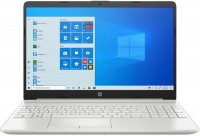
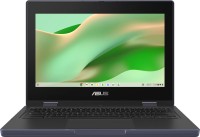
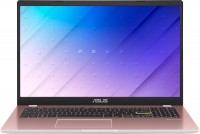
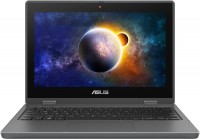
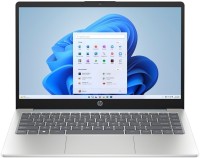
The numerous family of affordable multipurpose laptops from 2021 features 15.6-inch thin-bezel displays with FullHD resolution, based on high-quality IPS panels with wide viewing angles and decent color accuracy. The manufacturer positions them as models in the basic or mid-price category, targeted at solving a wide range of household and professional tasks. They can handle any office software suites, will be useful for studying, and can serve as a mobile hub for multimedia entertainment.
These laptops can become a personal communication platform for multi-user audio and video conferences in Microsoft Teams, Zoom, Google Meet, or Skype. All HP 15-dw3000 laptop models are crafted in sleek and elegant cases made of durable matte plastic. The lightweight (1.75 kg), moderate thickness, and commendable battery life (up to 9 hours in economy mode) allow you to take these laptops on trips.
A substantial level of performance is ensured by 2/4-core Intel Core i3/i5 11th generation processors (Tiger Lake core, 10 nm). The pre-installed DDR4 RAM is expandable up to 16 GB, which may be necessary for fully working with resource-intensive professional applications. There is an additional bay for a 2.5'' form factor SATA3 drive installation. Thanks to the dual-band Wi-Fi 5 adapter and GbE LAN controller, fast network traffic transmission is guaranteed.
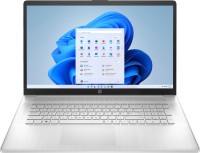


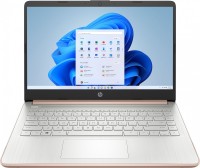
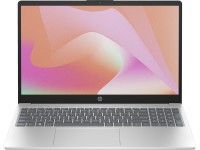
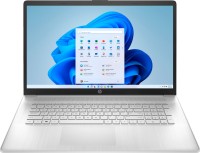
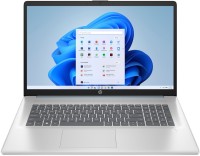

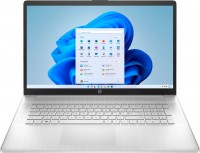

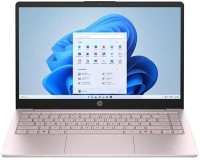
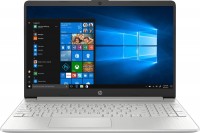
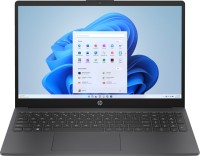


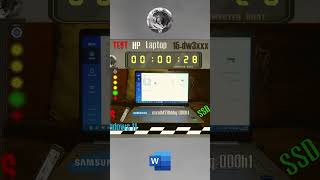





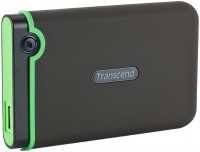



The device is lightweight, has an excellent appearance, a vibrant IPS screen 1920x1080, a speedy i5 processor; 2.4GHz; "Tiger Lake", RAM 2 x 4 GB; DDR4; 2666 MHz, NVIDIA GeForce MX350 graphics with 2 GB of video memory, Samsung SSD; M2; 512 GB; not "Evo", but with NVMe support. The entire keyboard is backlit (mode switch F5), they promise battery life up to 9 hours. Installing Windows 10 from a USB, with all preparatory steps completed (see comment), took me 10 minutes from pressing the power button to the desktop. Without preparation, during a regular Windows 10 installation from a flash drive, several inconveniences may arise: The touchpad (touch panel) will not be detected until the full installation of Windows 10 is complete. Prepare a USB mouse. The laptop has only two USB ports, one will hold the flash drive, the other the mouse. Not all USB storage devices are recognized in USB 3.0 ports. I recommend using Transcend USB 3.0 standard flash drives. During the Windows 10 installation, at the stage of selecting a location for installation, you will not see any partitions due to the absence of necessary drivers in Windows 10 for the SATA controller to function (solution in the comments). |

Helped a friend choose the dw-3015ua model, https://ftp.hp.com/pub/softpaq/sp108501-109000/sp1 Rapid HP Support. |

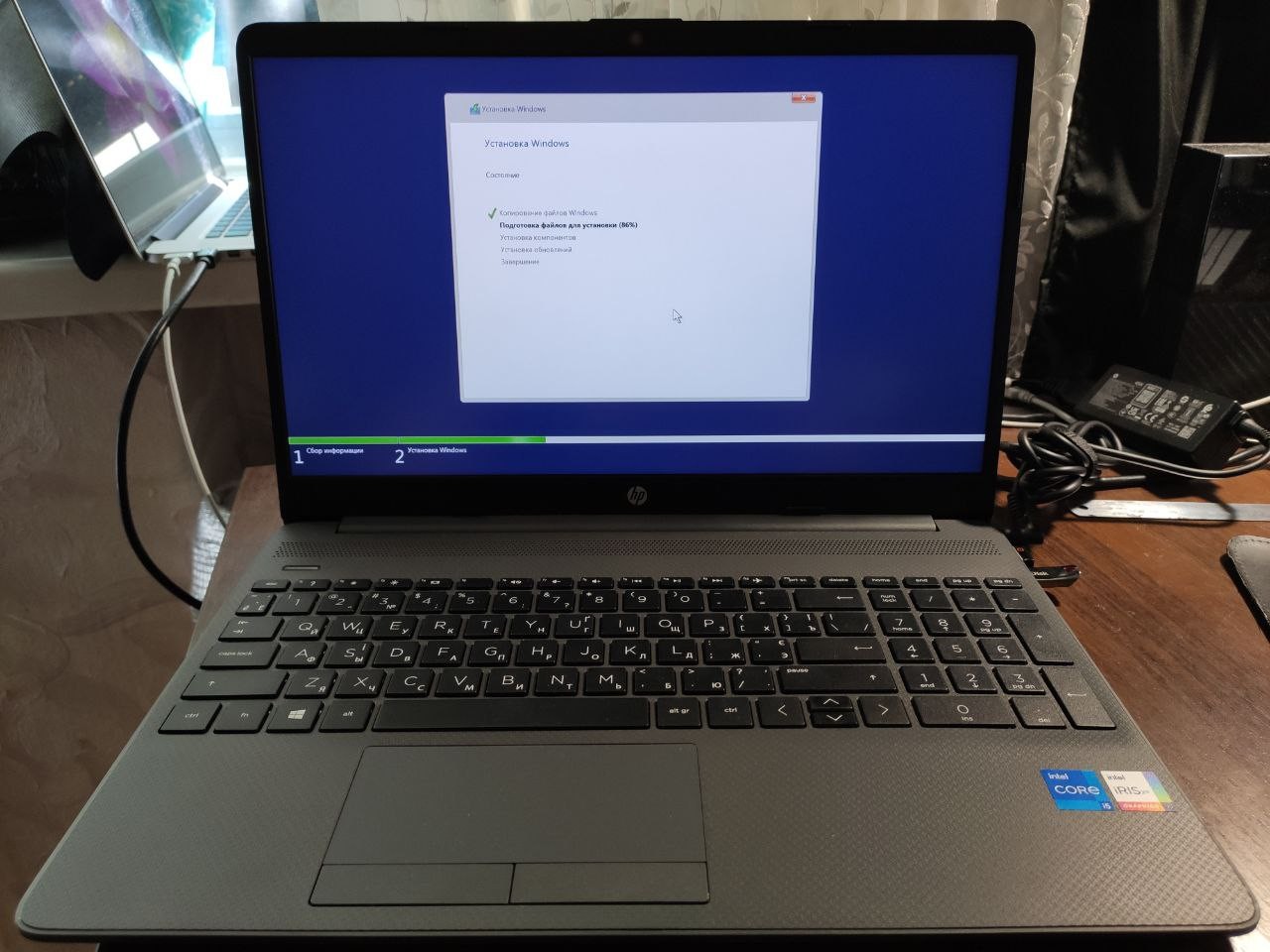
p-15-f2000-laptop-pc-series/35900344/model/35900346 Select "Driver - Storage"; "Intel Rapid Storage Technology Driver 18.0.0.1135 Rev.A". The driver has the signature sp108979.exe, download it. Direct link to download the driver: https://ftp.hp.com/pub/softpaq/sp108501-109000/sp108979.exe Extract the driver (for example using "WinRAR") into a separate folder, name it "sata". Create a bootable Windows 10 flash drive; 64 bit (20H2 or 20H2 v2). Copy the "sata" folder, with the unpacked driver, to the root of the ready installation flash drive. At the stage of selecting the partition for installation, an empty window "Where do you want to install Windows" will appear, click "Load", then "Browse", select our installation flash drive, double-click on it, the contents open, find our prepared "sata" folder, double-click on it, find the "F6" folder in it, select it with a single click and click "OK". In the next window, two "Intel RST" drivers appear that we need to install. After installing the drivers, "unallocated space" will appear. This is our SSD with a remaining useful capacity of about 470 GB, select it. After installing and activating the system, install updates, and the missing drivers will be pulled automatically.